




01. Edit your form online
Type text, add images, blackout confidential details, add comments, highlights and more.

Type text, add images, blackout confidential details, add comments, highlights and more.

Draw your signature, type it, upload its image, or use your mobile device as a signature pad.

Send it via email, link, or fax. You can also download it, export it or print it out.
"Form online" refers to the digital documents or templates that individuals or businesses can fill out and submit over the internet. These forms serve various purposes, including applications, permission slips, surveys, tax documentation, and contracts. The primary advantage of using forms online is the convenience and efficiency it offers, eliminating the need for paper forms and manual processing.
Online forms often incorporate interactive elements such as checkboxes, dropdown menus, and text fields, making it easy to collect and organize information. The digital nature of these forms allows for instant submission and processing, which is particularly beneficial for time-sensitive transactions. Online forms can also be linked to databases for automatic data entry, further streamlining operations.
Utilizing an online form begins with accessing the form on a website or through an electronic mail link. Once you open the form, you'll usually encounter several fields where you need to input your information. These fields must be filled out accurately to ensure proper processing of the form.
Most online forms offer guidance on what information to provide. It's common to see placeholders or examples in the fields that help illustrate the type of data needed. After filling in all required fields, users generally need to review their entries for completeness and accuracy before submitting the form electronically. Some forms might allow you to save your progress, enabling you to return to it later for completion.
Access the Form:
Fill Out Information:
Review and Verify:
Submit the Form:
Save Confirmation:
Online forms are extensively used in legal settings for contracts, agreements, and official records submissions. Legally binding forms must comply with applicable laws, such as the ESIGN Act in the United States, which ensures that digital signatures and electronic forms are recognized as equivalent to their paper counterparts.
Legal online forms typically include disclosures related to the user’s rights and obligations. These forms must keep sensitive data secure through encryption and secure access methods. Institutions and individuals involved in completing these forms should ensure they comply with all regulatory requirements and take necessary precautions to uphold confidentiality and integrity.
Understanding these terms can help you navigate the landscape of online forms more efficiently and ensure you are well-prepared when filling out or creating these documents.
Online forms find use in various scenarios:
When completing forms online, specific documents might need to be uploaded as part of the submission process. Commonly required items include:
Ensure you have digital copies of these documents ready in the format specified by the form, such as PDF or JPEG, to facilitate seamless upload and submission.
Various states may have distinct requirements and regulations about the use and submission of online forms. These could include specific privacy regulations, mandatory fields, or additional verification steps unique to the location.
It's important for users to verify state-specific rules to ensure compliance. This might involve checking local regulations or consulting with a legal professional to avoid potential conflicts or delays.
Failure to complete and submit required online forms accurately and on time can result in penalties. These may include:
Understanding these penalties underscores the importance of diligence and accuracy in handling online forms, promoting timely and precise submissions.
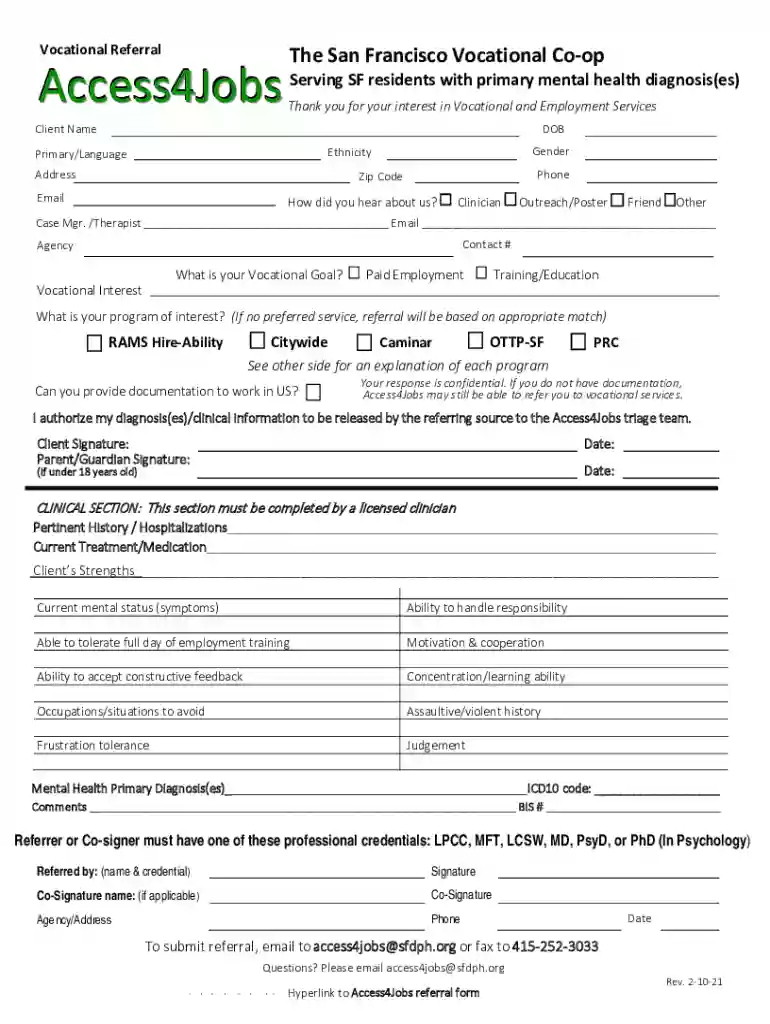
We've got more versions of the Vocational Referral Form form. Select the right Vocational Referral Form version from the list and start editing it straight away!
At DocHub, your data security is our priority. We follow HIPAA, SOC2, GDPR, and other standards, so you can work on your documents with confidence.
What services can we provide? We primarily provide vocational guidance and disability counseling for the participants of our agency.Read more
Contact: NIEHS, PO Box 12233, 104 T.W. Alexander Drive,. Research Triangle Park, NC 27709 Phone: 919-541-3212. Referrals. The Association of Occupational andRead more


