




01. Edit your pa1572 online
Type text, add images, blackout confidential details, add comments, highlights and more.

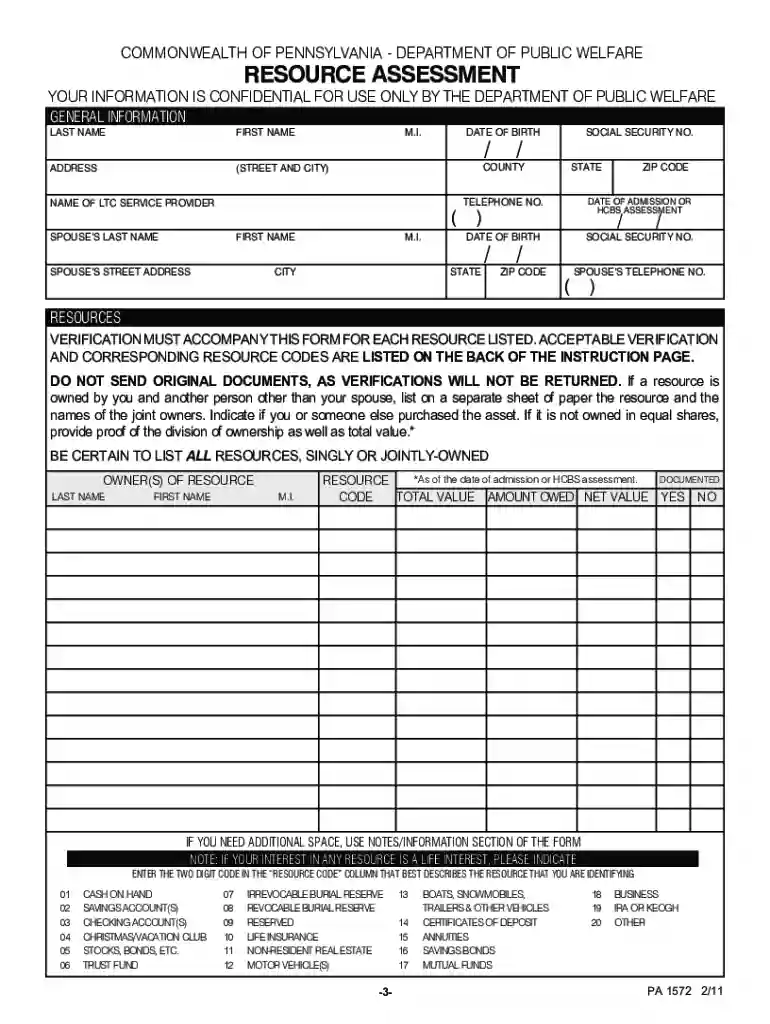
Type text, add images, blackout confidential details, add comments, highlights and more.

Draw your signature, type it, upload its image, or use your mobile device as a signature pad.

Send pa 1572 form via email, link, or fax. You can also download it, export it or print it out.

Start using our platform today to complete your PA 1572 Resource Assessment easily and for free!
We've got more versions of the pa1572 form. Select the right pa1572 version from the list and start editing it straight away!
| Versions | Form popularity | Fillable & printable |
|---|---|---|
| 2019 | 4.8 Satisfied (98 Votes) | |
| 2019 | 4.3 Satisfied (36 Votes) | |
| 2019 | 4.8 Satisfied (69 Votes) | |
| 2017 | 4.8 Satisfied (108 Votes) | |
| 2016 | 4.8 Satisfied (238 Votes) | |
| 2016 | 4.8 Satisfied (145 Votes) | |
| 2016 | 4.8 Satisfied (114 Votes) | |
| 2016 | 4.3 Satisfied (176 Votes) | |
| 2016 | 4.5 Satisfied (53 Votes) | |
| 2016 | 4.1 Satisfied (20 Votes) | |
| 2014 | 4.8 Satisfied (178 Votes) | |
| 2011 | 4.2 Satisfied (51 Votes) | |
| 2011 | 4.8 Satisfied (61 Votes) | |
| 2011 | 4.8 Satisfied (86 Votes) | |
| 2010 | 4.9 Satisfied (481 Votes) |
At DocHub, your data security is our priority. We follow HIPAA, SOC2, GDPR, and other standards, so you can work on your documents with confidence.
Training modules are broken down by core competency domains. These domains have been created by the Joint Task Force for Clinical Trial Competency.Read more
The purpose of this Resource Assessment Form is to determine how much of a married couples total resources may be protected or set aside for the communityRead more
NOTICE: This report was prepared as an account of work sponsored by an agency of the United States Government. Neither the United States Govern-.Read more


