Canada life surrender form 2026

Get Form
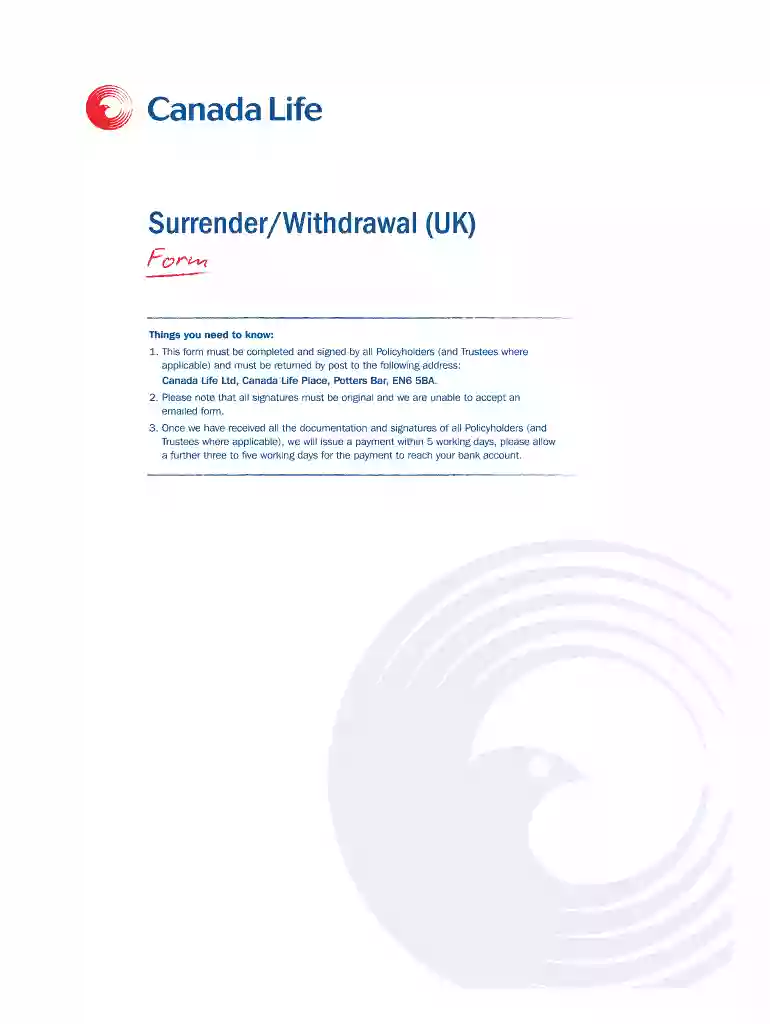
canada life surrender form Preview on Page 1

Here's how it works

01. Edit your canada life surrender form online
Type text, add images, blackout confidential details, add comments, highlights and more.

02. Sign it in a few clicks
Draw your signature, type it, upload its image, or use your mobile device as a signature pad.

03. Share your form with others
Send 18669958705 via email, link, or fax. You can also download it, export it or print it out.

How to use or fill out Canada Life Surrender Form with our platform

Form edit decoration
9.5
Ease of Setup
DocHub User Ratings on G2
9.0
Ease of Use
DocHub User Ratings on G2
  1. Click ‘Get Form’ to open the Canada Life Surrender Form in the editor.
  2. Begin by filling out Section 1, Personal Details. Enter your Policy Number(s), names of Policyholders/Trustees, daytime telephone number, and email address in block capitals.
  3. In Section 2, Surrender Options, carefully read through the options available. Select only one option that suits your needs and provide any necessary details such as amounts or fund names.
  4. Proceed to Section 3 for Payee Details. Fill in the account holder's name, account number (8 digits), sort code, and roll number if applicable.
  5. Finally, complete Section 4, Discharge & Declarations. Ensure all required signatures are provided by all policyholders and trustees before submitting the form.

Start using our platform today to fill out your Canada Life Surrender Form easily and for free!

See more canada life surrender form versions

We've got more versions of the canada life surrender form form. Select the right canada life surrender form version from the list and start editing it straight away!
Versions Form popularity Fillable & printable
2020 4.7 Satisfied (36 Votes)
2020 4.4 Satisfied (55 Votes)
2018 4.1 Satisfied (40 Votes)
2014 4.4 Satisfied (169 Votes)
be ready to get more

Complete this form in 5 minutes or less

Get form

Got questions?

We have answers to the most popular questions from our customers. If you can't find an answer to your question, please contact us.
Contact us
Make changes through your online account. You can add or change beneficiaries in your My Canada Life at Work account - Opens in a new window by: Going to Your profile in the top right. Selecting Beneficiaries and dependants
On Jan. 1, 2020 The Great-West Life Assurance Company, London Life Insurance Company, The Canada Life Assurance Company and two holding companies amalgamated. They are now one company The Canada Life Assurance Company. Each of the companies has a vibrant and proud history, having formed more than 125 years ago.
You can cancel your insurance coverage at any time by calling Canada Life at 1866 995-8705.
My Canada Life at Work is an online tool that makes it easy to access group benefits plans, submit claims and receive claim payments quickly, check coverage balances, and more.
0:04 0:59 And its done now to add a beneficiary Im just going to click on the add beneficiary button on theMoreAnd its done now to add a beneficiary Im just going to click on the add beneficiary button on the next page Im going to click on bank transfer. And then once I do this.

Security and compliance

At DocHub, your data security is our priority. We follow HIPAA, SOC2, GDPR, and other standards, so you can work on your documents with confidence.

Learn more
ccpa2
pci-dss
gdpr-compliance
hipaa
soc-compliance