
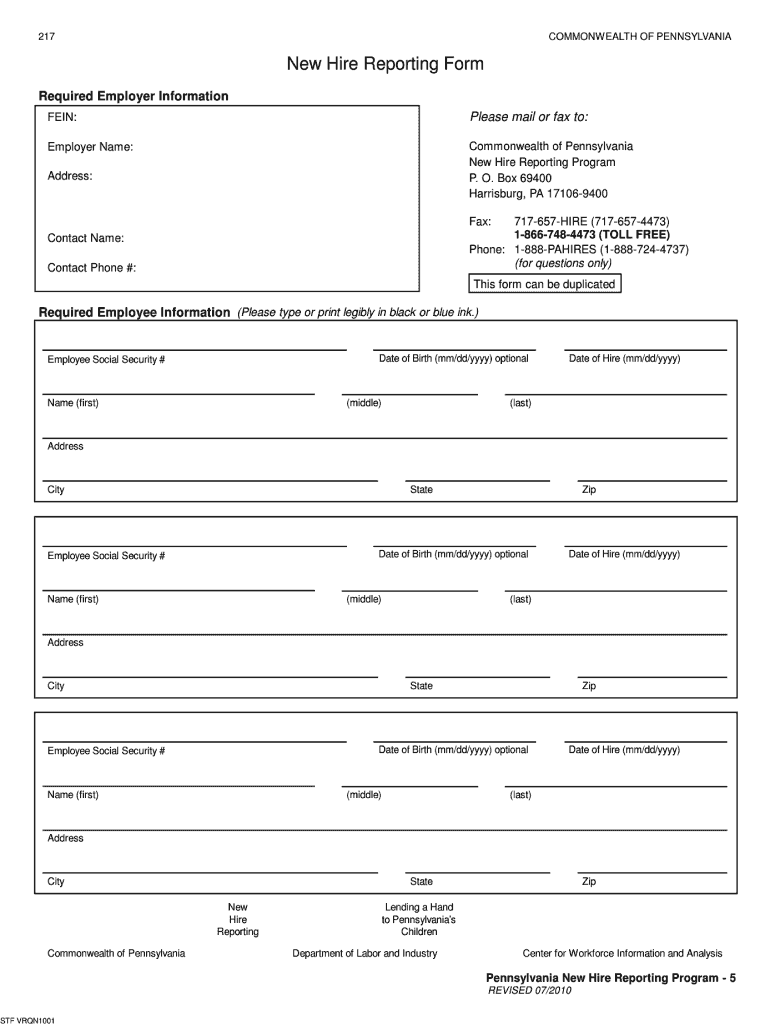




Here's how it works

01. Edit your pa new hire reporting online
Type text, add images, blackout confidential details, add comments, highlights and more.

02. Sign it in a few clicks
Draw your signature, type it, upload its image, or use your mobile device as a signature pad.

03. Share your form with others
Send new hire reporting pa via email, link, or fax. You can also download it, export it or print it out.
How to use or fill out pa new hire reporting with our platform

- Click ‘Get Form’ to open the pa new hire reporting form in the editor.
- Begin by entering the required employer information. Fill in your Federal Employer Identification Number (FEIN), employer name, and contact details including phone number and address.
- Next, move to the employee information section. For each new hire, input their first, middle, and last names clearly. Ensure you include their Social Security Number and date of hire.
- Complete the address fields for each employee, including city, state, and zip code. If applicable, you may also enter the optional date of birth.
- Review all entered information for accuracy before finalizing. You can easily edit any field directly within our editor.
- Once completed, save your document and choose to print or send it via fax to the provided Pennsylvania New Hire Reporting Program contact details.
Start using our platform today to streamline your new hire reporting process for free!
Fill out pa new hire reporting online
It's free
It's free
Security and compliance
At DocHub, your data security is our priority. We follow HIPAA, SOC2, GDPR, and other standards, so you can work on your documents with confidence.
Learn more


Related forms

" many people who interpret their dreams, have seldom moved
The document is the July 2001 issue of 'Electric Dreams,' a publication focused on dreams and dreaming practices. It fea ...
The monthly medical staff newsletter from Primary Childrens Medical Center - intermountainhealthcare
The monthly medical staff newsletter from Primary Childrens Medical Center - intermountainhealthcare
The October 2008 issue of ROUNDS, the monthly newsletter from Primary Children’s Medical Center, highlights key updates ...
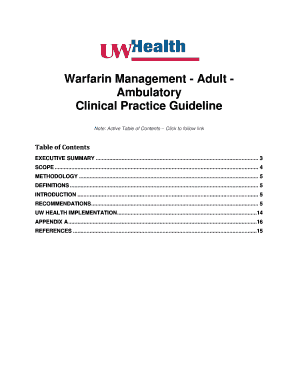
Warfarin Management - Adult Ambulatory
The document is a Clinical Practice Guideline for managing warfarin therapy in adult ambulatory patients. It provides ev ...

Emergency Medical Information Form
The document is an Emergency Medical Information Form designed to collect essential medical details about an individual, ...

Auditor's Report - BSE
The document is the annual report for Tulip Telecom Limited for the financial year ending September 30, 2012. It provide ...

Cancer Program - dev bch
The 2012 Community Report for Boulder Community Hospital's Cancer Program provides an overview of cancer care services, ...

September 18, 2012 - Sparta Community Hospital
The Sparta Community Hospital District Board Meeting held on September 18, 2012, covered various topics including the ap ...
2012 CONSENT FORM for SACRED STORIES, 14th Edition - news sjhlex
The document provides an overview of the implementation of the Allscripts Ambulatory Electronic Health Record (AEHR) sys ...


