
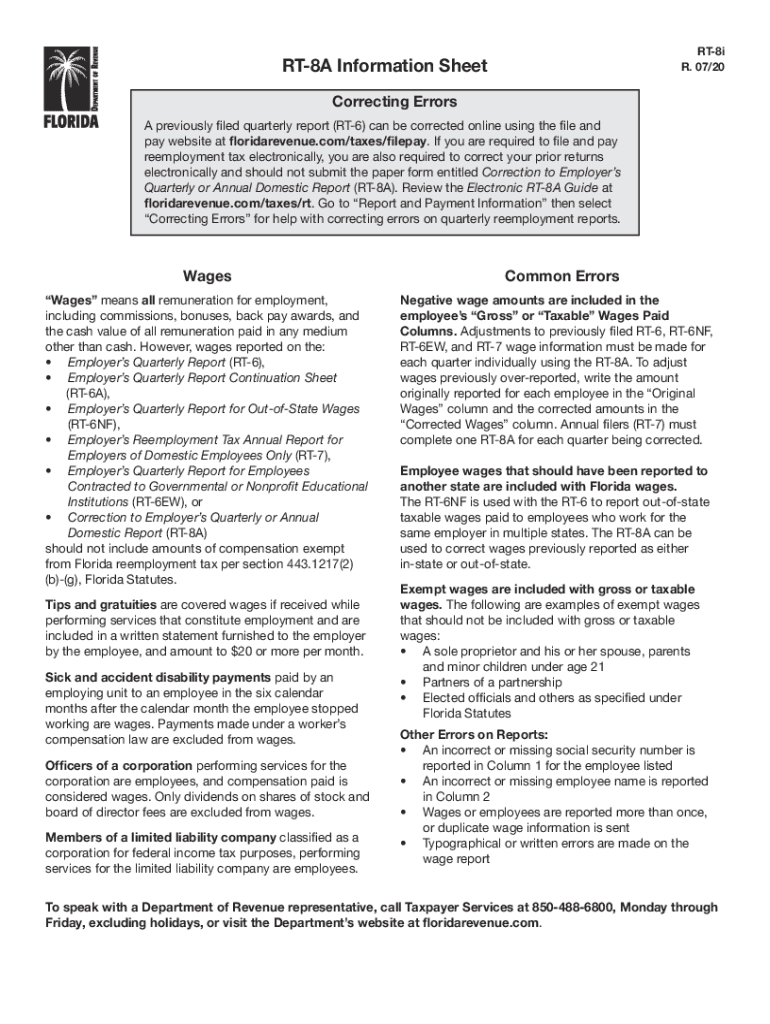




Here's how it works

01. Edit your form online
Type text, add images, blackout confidential details, add comments, highlights and more.

02. Sign it in a few clicks
Draw your signature, type it, upload its image, or use your mobile device as a signature pad.

03. Share your form with others
Send it via email, link, or fax. You can also download it, export it or print it out.
How to use or fill out rt 8a with our platform

- Click ‘Get Form’ to open the RT-8A in the editor.
- Begin by entering the employee's details in Column 1, ensuring that the social security number is accurate and complete.
- In Column 2, input the employee's name. Double-check for any typographical errors to avoid complications.
- For each employee, record the original wages in the 'Original Wages' column and any corrected amounts in the 'Corrected Wages' column.
- If you are correcting multiple quarters, ensure you complete a separate RT-8A for each quarter being adjusted.
- Review all entries for accuracy, particularly focusing on exempt wages that should not be included in gross or taxable wages.
Start using our platform today to streamline your RT-8A form completion for free!
Fill out rt 8a online
It's free
It's free
See more rt 8a versions
We've got more versions of the rt 8a form. Select the right rt 8a version from the list and start editing it straight away!
Security and compliance
At DocHub, your data security is our priority. We follow HIPAA, SOC2, GDPR, and other standards, so you can work on your documents with confidence.
Learn more


Related forms
Soccer Football Player Contract Template
The document is a legal Soccer Football Player Contract outlining the agreement between a player and a club regarding th ...
Mutual Confidentiality and Non Disclosure Agreement Template
The document is a Mutual Confidentiality and Non-Disclosure Agreement between two parties, aimed at protecting confident ...
Behavior For High School Students Contract Template
The Behavior Contract for High School Students is a formal agreement between students, their parents or guardians, and s ...
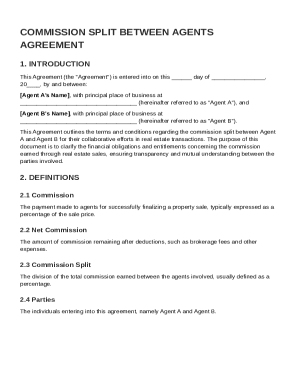
Commission Split Between Agents Agreement Template
The document is a Commission Split Agreement between two real estate agents, Agent A and Agent B. It outlines the terms ...
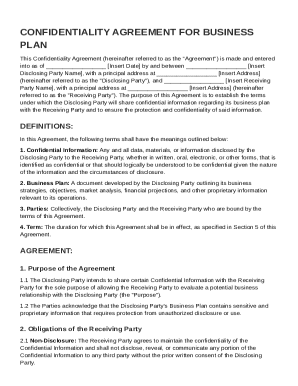
Confidentiality for Business Plan Agreement Template
This Confidentiality Agreement establishes the terms under which a Disclosing Party shares confidential information abou ...
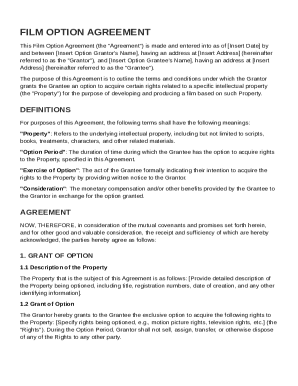
Film Option Contract Template
The Film Option Agreement outlines the terms under which a Grantor grants a Grantee the exclusive option to acquire righ ...
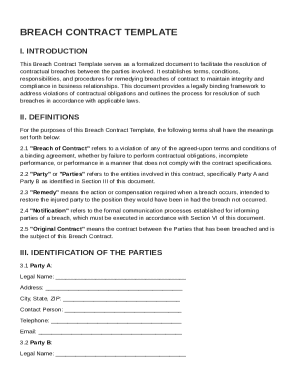
Breach Contract Template
The Breach Contract Template is a formal document designed to address and resolve breaches of contract between two parti ...
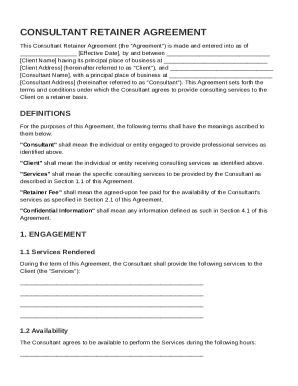
Consultant Retainer Agreement Template
The Consultant Retainer Agreement outlines the terms under which a Consultant provides services to a Client on a retaine ...