



Here's how it works



How to use or fill out Demolition Contractor Package - Wyoming with our platform

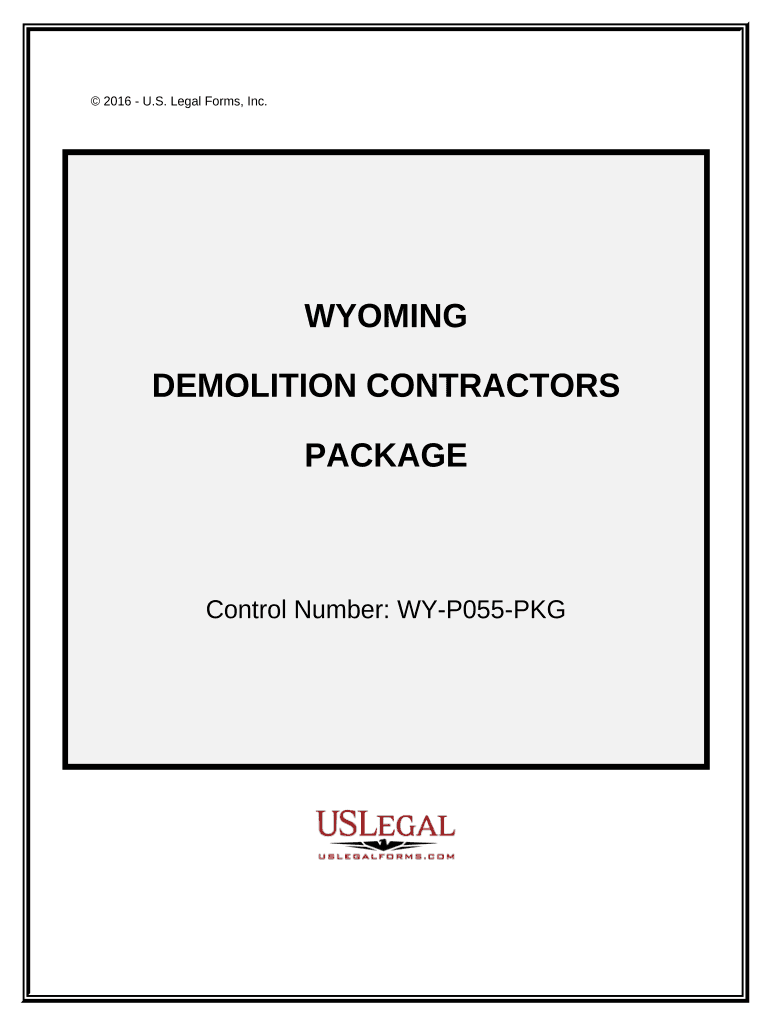
- Click ‘Get Form’ to open the Demolition Contractor Package in the editor.
- Begin with the 'Demolition Contract - Cost Plus or Fixed Fee' form. Fill in the contractor's details, project scope, and insurance information as required.
- Next, navigate to the 'Change Order Sheet'. Here, you can amend any original contract details by entering the necessary changes and dates.
- Complete the 'Certificate of Completion' by entering project completion dates and signatures from relevant parties.
- Utilize the 'Bid Log' to track outstanding bids. Input details such as due dates, bid prices, and statuses for each entry.
- Fill out the 'Summary of Estimate' to summarize tasks and expenses involved in your project for accurate pricing.
- Use the 'Worker Safety and Health Plan' form to outline safety protocols that comply with OSHA regulations.
- Finally, complete the 'Accident Report Form' if needed, ensuring all relevant incident details are recorded accurately.
Start using our platform today for free to streamline your document editing and signing process!
It's free
Got questions?
Can I fill out and sign my Demolition Contractor Package - Wyoming online?
Yes, and it’s really straightforward! DocHub is a web-based PDF editor with advanced document management capabilities that allow you promptly adjust your documents, complete empty fields and add new ones for others to fill out, and create electronic signatures in several ways. Add your Demolition Contractor Package - Wyoming, provide information as required, and decide how you want to eSign your template - by typing your name, drawing your signature, uploading its image, or utilizing a QR code.
Do I need to install software to modify my Demolition Contractor Package - Wyoming?
When you edit your Demolition Contractor Package - Wyoming with DocHub, you only require a stable internet connection and virtually any web browser installed on your device. No need to install any third-party applications or study guides. Simply open a tab with DocHub, drag and drop your file, and modify it on the spot.
Security and compliance
At DocHub, your data security is our priority. We follow HIPAA, SOC2, GDPR, and other standards, so you can work on your documents with confidence.
Learn more