Type text, add images, blackout confidential details, add comments, highlights and more.
02. Sign it in a few clicks
Draw your signature, type it, upload its image, or use your mobile device as a signature pad.
03. Share your form with others
Send appeal form application via email, link, or fax. You can also download it, export it or print it out.
How to use or fill out eviction declaration with our platform
Ease of Setup
DocHub User Ratings on G2
Ease of Use
DocHub User Ratings on G2
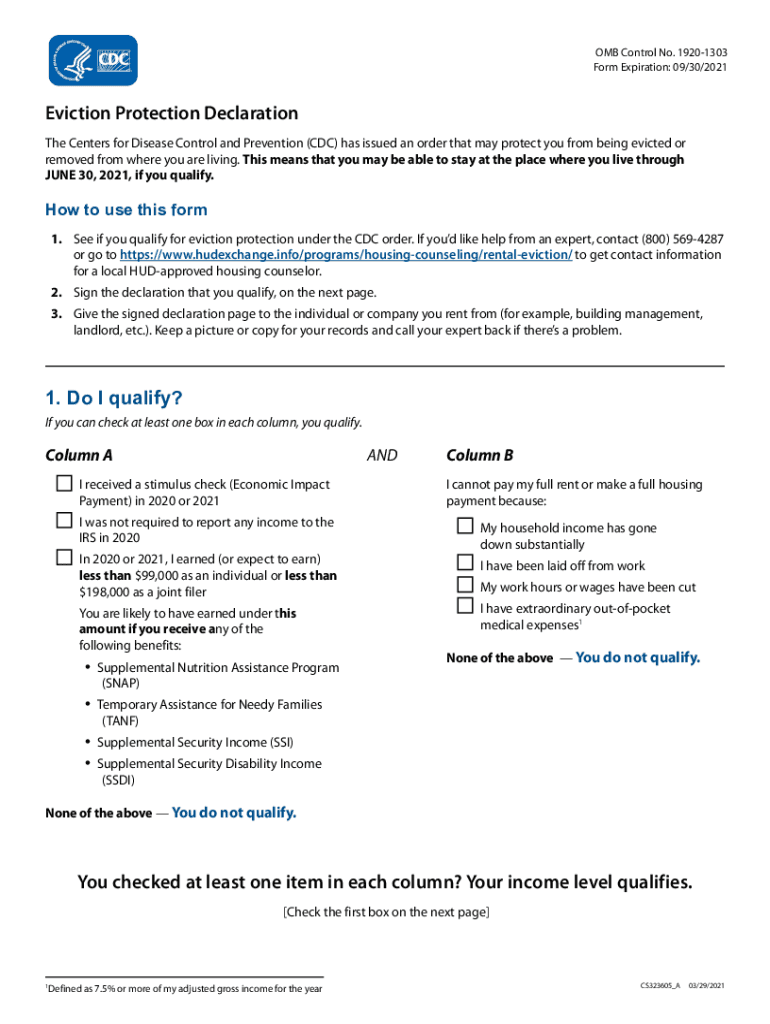
Click ‘Get Form’ to open the eviction declaration in the editor.
Begin by reviewing the qualification criteria. Ensure you can check at least one box in both Column A and Column B to confirm your eligibility for eviction protection.
Proceed to the declaration section. Here, check the boxes that affirm your statements regarding income level and efforts made towards rent payments.
Sign and date the declaration at the designated area, confirming that all information provided is true under penalty of perjury.
Once completed, download or save your signed document. Make sure to provide a copy to your landlord or property management while keeping a copy for your records.
Start using our platform today for free to complete your eviction declaration efficiently!
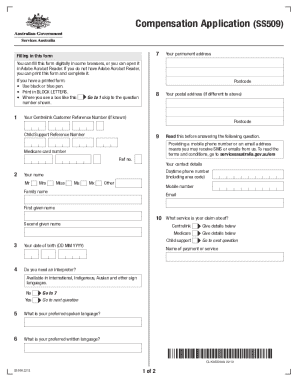
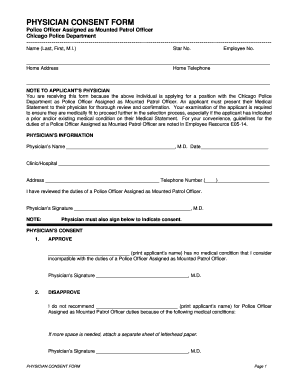
We've got more versions of the eviction declaration form. Select the right eviction declaration version from the list and start editing it straight away!
[Form] Declaration Under Penalty of Perjury for the Centers
by SOF COVID I either expect to earn no more than $99,000 in annual income for Calendar Year 2020-2021. (or no more than $198,000 if filing a joint tax return),Read more
CDC Agency Order: Temporary Halt in Residential Evictions to
The CDC Declaration Form must be filled out by each adult on the lease, rental agreement, or housing contract. This form should be given to the landlord in aRead more
Cookie consent notice
This site uses cookies to enhance site navigation and personalize your experience.
By using this site you agree to our use of cookies as described in our Privacy Notice.
You can modify your selections by visiting our Cookie and Advertising Notice.