




01. Edit your texas standardized credentialing application online
Type text, add images, blackout confidential details, add comments, highlights and more.

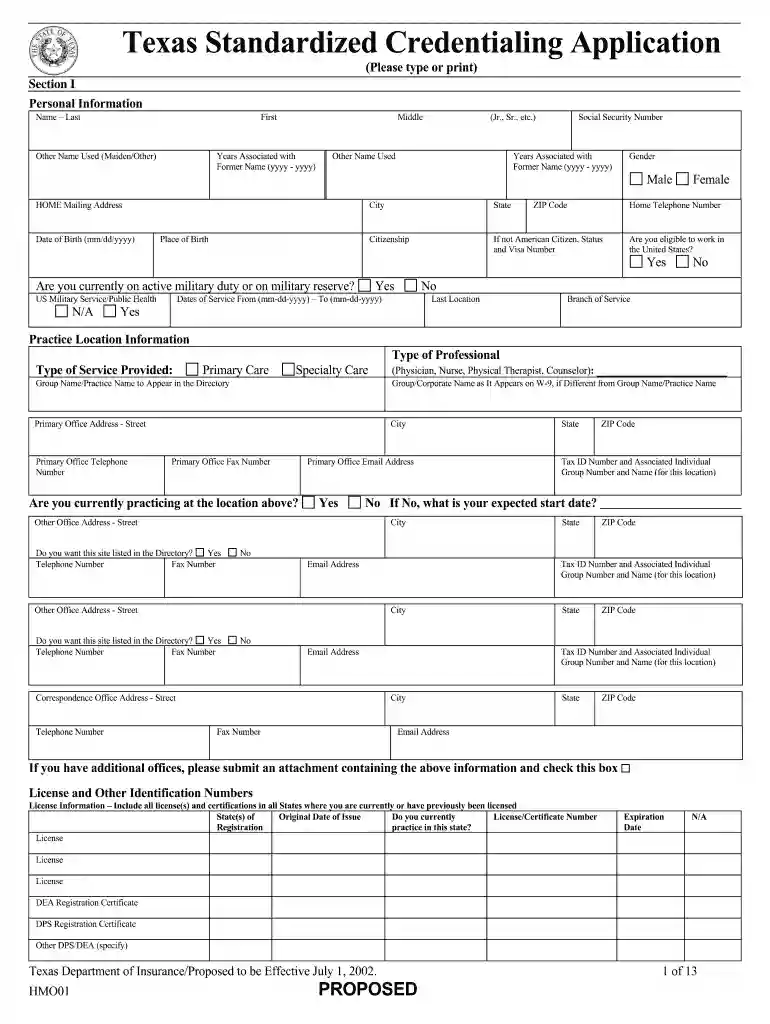
Type text, add images, blackout confidential details, add comments, highlights and more.

Draw your signature, type it, upload its image, or use your mobile device as a signature pad.

Send texas standardized credentialing application pdf via email, link, or fax. You can also download it, export it or print it out.

Start using our platform today to streamline your Texas credentialing process for free!
At DocHub, your data security is our priority. We follow HIPAA, SOC2, GDPR, and other standards, so you can work on your documents with confidence.
Using features integrated with Broadsoft UC-One, refer to the following two guides to have a better knowledge of. BroadSoft features.Read more
Apr 30, 2025 The application should be sent directly to the health benefit plan or workers compensation network for which you want to become a participating health careRead more
The goal of the staff of the Credentialing / Privileging and Provider Enrollment Department is to assist all providers in making a smooth and seamlessRead more


