




01. Edit your methods of discovery in civil cases online
Type text, add images, blackout confidential details, add comments, highlights and more.

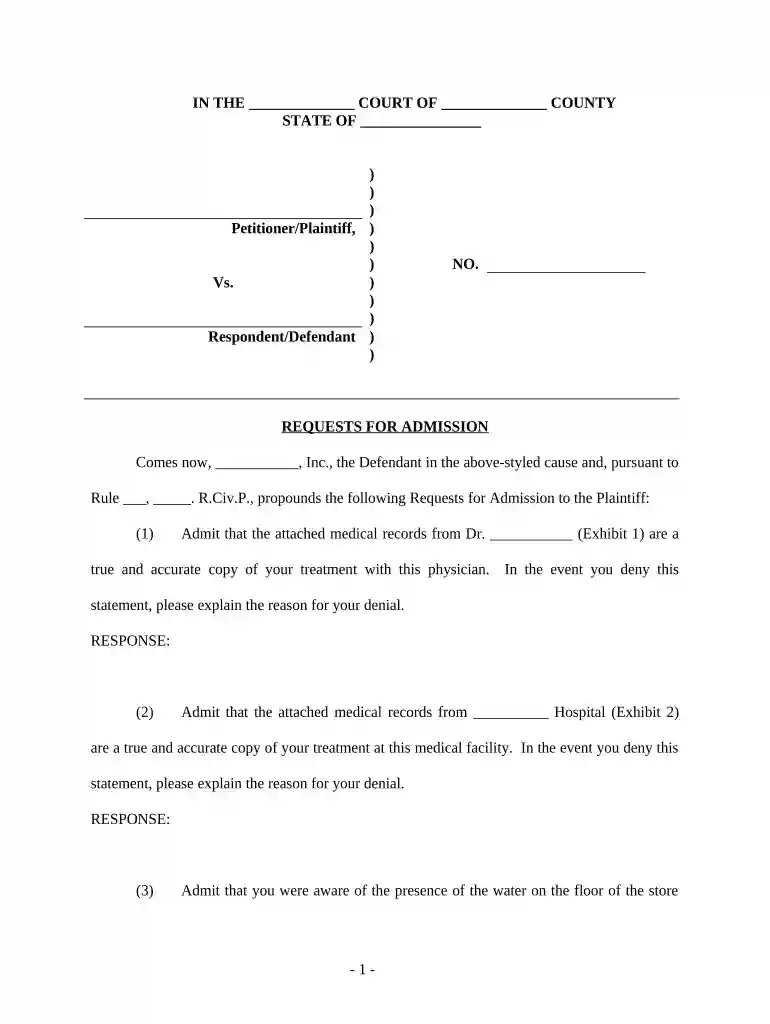
Type text, add images, blackout confidential details, add comments, highlights and more.

Draw your signature, type it, upload its image, or use your mobile device as a signature pad.

Send what is a request for admissions via email, link, or fax. You can also download it, export it or print it out.

Start using our platform today to streamline your Requests for Admissions process effortlessly!
At DocHub, your data security is our priority. We follow HIPAA, SOC2, GDPR, and other standards, so you can work on your documents with confidence.

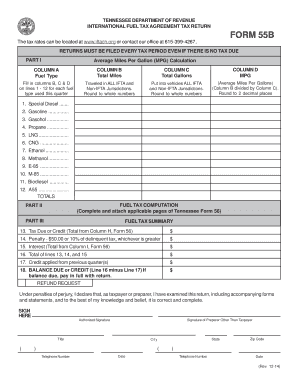


REQUESTS FOR ADMISSION. (a) Request for Admission. A party may serve upon any other party a written request for the admission, for purposes of the pendingRead more
The very purpose of the request is to ascertain whether the answering party is prepared to admit or regards the matter as presenting a genuine issue for trial.Read more


