




01. Edit your affidavit form online
Type text, add images, blackout confidential details, add comments, highlights and more.

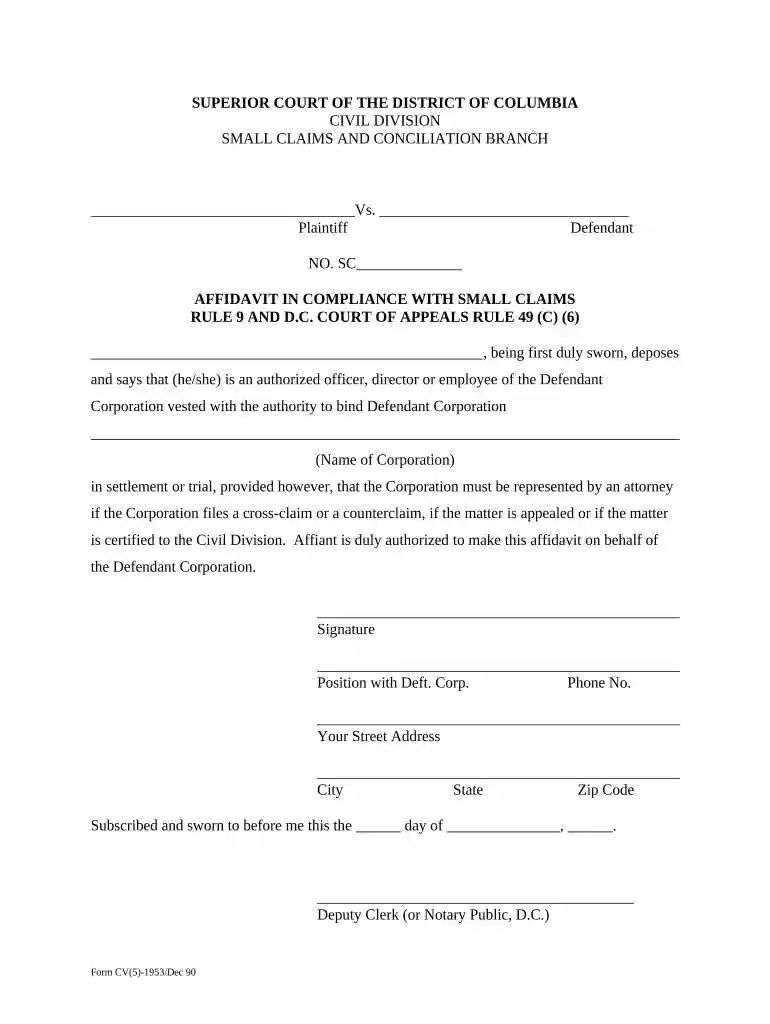
Type text, add images, blackout confidential details, add comments, highlights and more.

Draw your signature, type it, upload its image, or use your mobile device as a signature pad.

Send it via email, link, or fax. You can also download it, export it or print it out.

Start using our platform today for free to complete your dc affidavit form effortlessly!
You should use only reliable software solutions with strong data protection compliance to approve your documents electronically. DocHub is just the type of editor you need! It stores data on Amazon Web Servers and complies with all required security requirements and eSignature laws, so it’s a reliable way to eSign your dc affidavit form or other documents using this tool.
If you use Chrome, there are two straightforward methods to edit your dc affidavit form online. First, visit the DocHub website, add your file, and edit it using our toolbar. You may also install our Chrome extension and edit any document by dragging and dropping it in your browser window.
At DocHub, your data security is our priority. We follow HIPAA, SOC2, GDPR, and other standards, so you can work on your documents with confidence.

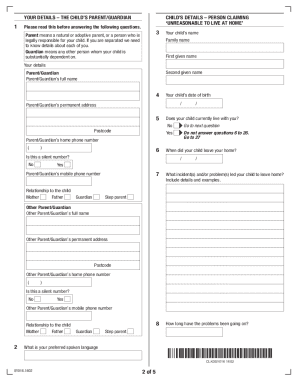



Affidavit. All applicants for a Employee/Independent Salesperson License must include an Affidavit sworn to before a notary public, by an Employee/SalespersonRead more
I agree to adhere to the requirements of the D.C. Code as it pertains to purchase card usage, to include the mandatory SBE set-aside requirement for allRead more
In demonstrating the adequacy of the search, the agency may rely upon reasonably detailed, nonconclusory affidavits submitted in good faith. For example, inRead more


