




Here's how it works

01. Edit your civil rights online
Type text, add images, blackout confidential details, add comments, highlights and more.

02. Sign it in a few clicks
Draw your signature, type it, upload its image, or use your mobile device as a signature pad.

03. Share your form with others
Send export declaration via email, link, or fax. You can also download it, export it or print it out.
How to use or fill out shipper export declaration with our platform

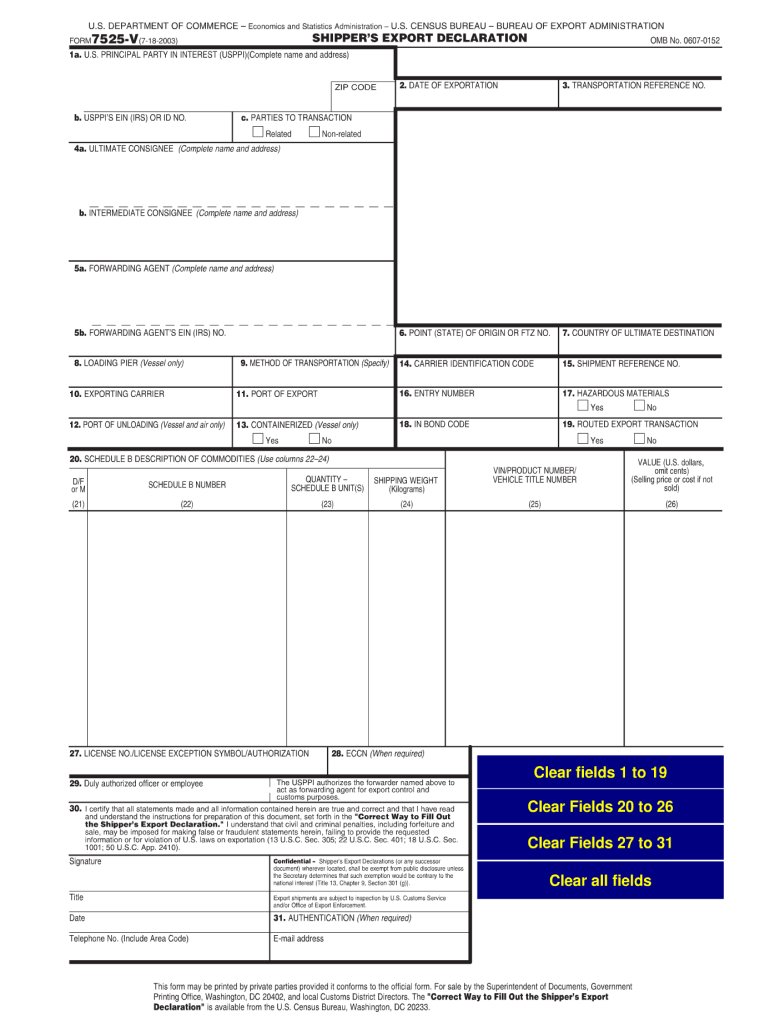
- Click ‘Get Form’ to open the shipper export declaration in the editor.
- Begin by filling out Section 1a with the complete name and address of the U.S. Principal Party in Interest (USPPI), including the ZIP code. In Section 1b, provide the USPPI’s EIN or ID number.
- In Section 2, enter the date of exportation. Follow this by completing Section 3 with your transportation reference number.
- For Section 4, list the ultimate consignee's complete name and address. If applicable, include an intermediate consignee in Section 5.
- Continue through Sections 6 to 20, ensuring you specify details such as country of ultimate destination, method of transportation, and a description of commodities using Schedule B.
- Finally, review all entries for accuracy before signing and dating at the bottom of the form to certify that all information is correct.
Start using our platform today for free to streamline your document editing and ensure compliance with export regulations!
Fill out shipper export declaration online
It's free
It's free
See more shipper export declaration versions
We've got more versions of the shipper export declaration form. Select the right shipper export declaration version from the list and start editing it straight away!
Got questions?
We have answers to the most popular questions from our customers. If you can't find an answer to your question, please contact us.
Contact us
What is a shipper export declaration?
A Shippers Export Declaration (SED) is a historical export document used to declare export information about goods leaving the United States, including the nature, value, and destination of the cargo.
What is an export declaration?
An export declaration is a form that is submitted by an exporter at the port of export. It provides information about the goods being shipped, including type, number, and value. This information is used by customs to control exports, in addition to compiling statistical information about a countrys foreign trade.
Who prepares the export declaration?
Exporter/Consignor
How to get an export declaration?
Most customs declarations are submitted electronically via the National Export System, or NES. If you do this yourself, register via gov.uk, where youll find a step-by-step guide to help you.
Do I need an export declaration?
When is an Export Declaration Required? An export declaration must be completed and submitted, prior to export, for commercial goods that are valued at CAD 2,000 or more destined to any country other than the U.S., Puerto Rico or the U.S. Islands.
Security and compliance
At DocHub, your data security is our priority. We follow HIPAA, SOC2, GDPR, and other standards, so you can work on your documents with confidence.
Learn more


Related forms
Qfr 300
The document is a mandatory response form from the U.S. Census Bureau for the Quarterly Financial Report (QFR) services ...
4n0x1 cfetp
The document is the Career Field Education and Training Plan (CFETP) for Aerospace Medical Service (AFSC 4N0X1X) issued ...
Tax income
The document provides information about the Financial Aid Office and its contact details across various locations. It ou ...
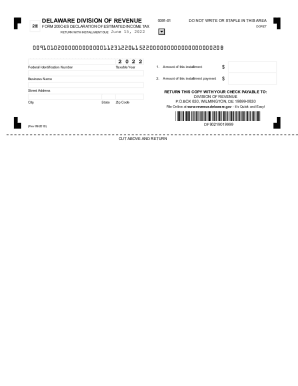
DELAWARE DECLARATION OF ESTIMATED FORM 400-ES FIDUCIARY INCOME TAX 3E ...
The document is a Delaware Division of Revenue form (200C-ES) for declaring estimated income tax payments due on June 15 ...
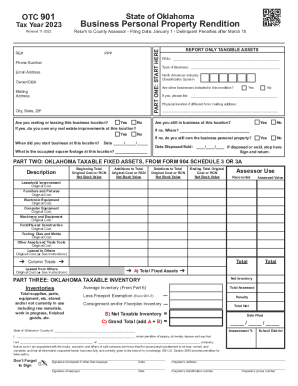
Oklahoma tax personal
The document outlines the requirements and procedures for filing the Business Personal Property Rendition in Oklahoma fo ...
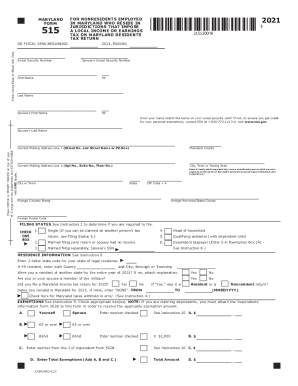
TY-2021-515. TAX YEAR 2021 515 INDIVIDUAL TAXPAYER FORM
The document is the Maryland Form 515 for the fiscal year 2021, designed for nonresidents employed in Maryland who resid ...
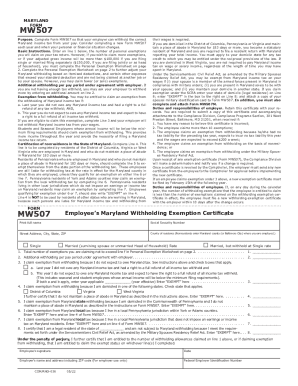
Mw507
The document is the Maryland Form MW507, which is used by employees to determine the correct amount of Maryland income t ...
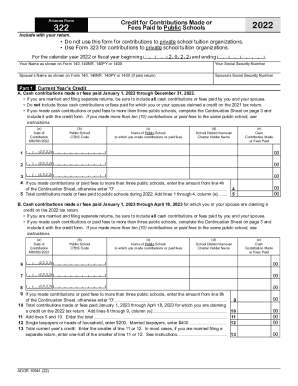
Do not use this form for contributions to private school tuition organizations
The document is Arizona Form 322 for the year 2022, which allows taxpayers to claim a credit for contributions made or f ...
People also ask
Is sed required?
The Shippers Export Declaration (SED) is generally required by the U.S. Census Bureau for shipping single commodities valued at more than $2,500 USD, or for commodities requiring a license or license exception.
What is the meaning of export declaration?
An export declaration is a document that must be completed and sent to your countrys Customs Administration when youre exporting. When properly completed, it serves as an official certificate confirming important information.Jun 17, 2025


