
Confirmation details Booking Templates
Streamline your booking process with Confirmation details Booking Templates. Easily adjust, complete, and distribute forms online with DocHub versatile forms management tools.

Create a new Confirmation details Booking Template
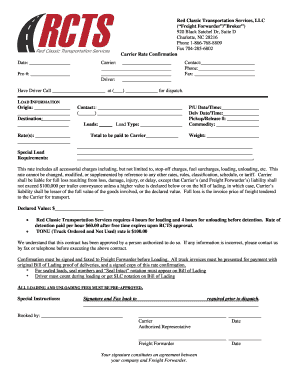
Rate confirmation template

Airbnb Receipt, Confirmation Code SMYWAN
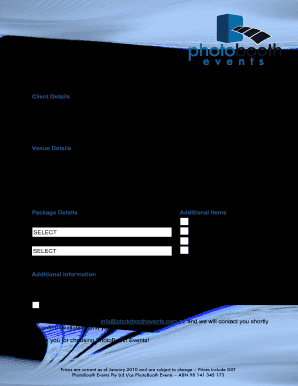
Photobooth events form
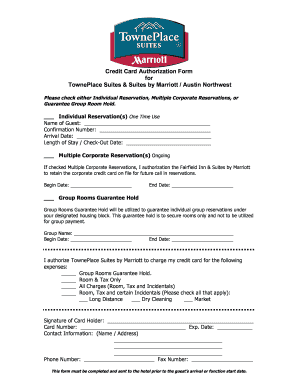
Intown suites credit card authorization
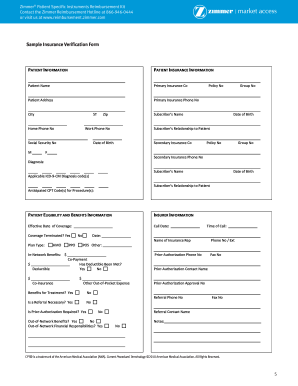
Insurance verification form
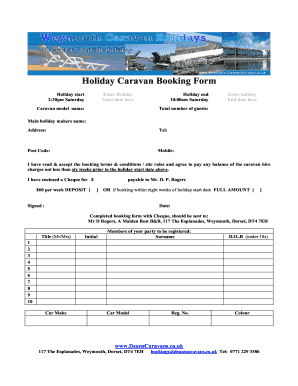
Caravan booking form template
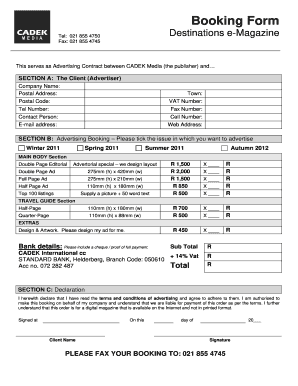
Order booking format
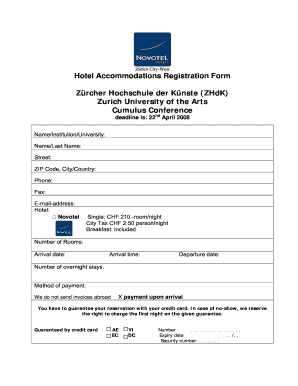
Hotel reservation form pdf
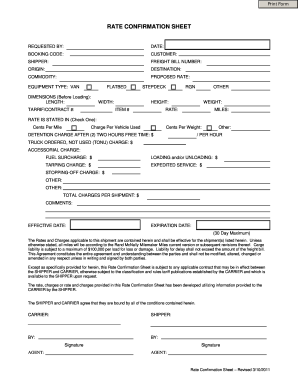
Blank rate confirmation pdf

Infosheet appointment login
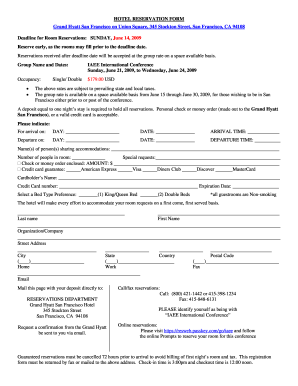
Example of reservation form in hotel with answer
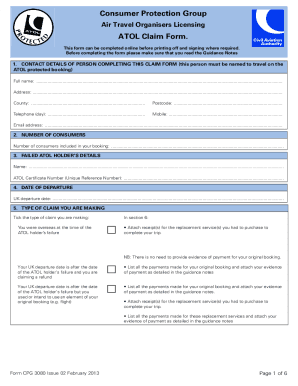
Atol form

Stall booking form template
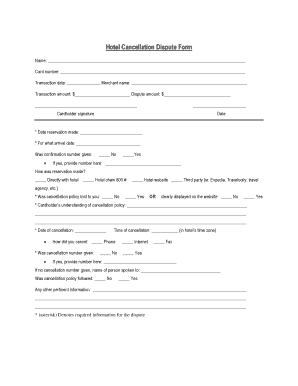
Cancellation form in hotel

Oath of professional teachers

Ncl transfer form
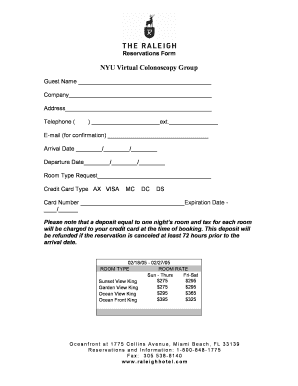
Reservation form
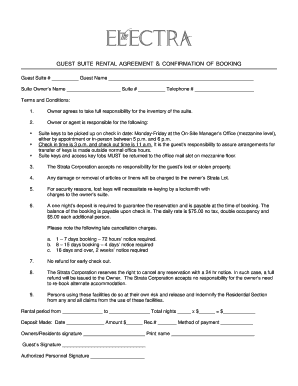
Guest suite rental agreement & confirmation of booking - The Electra
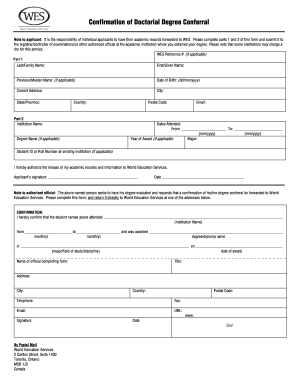
Wes doctoral conferral form canada
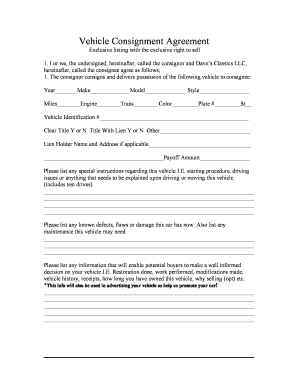
Vehicle Consignment Agreement - Dave's Classics
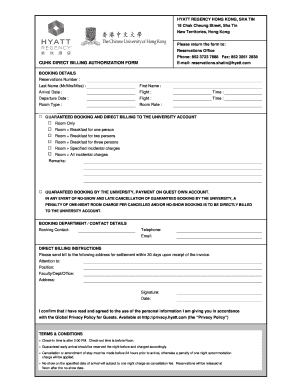
Direct bill form

Reservation slip
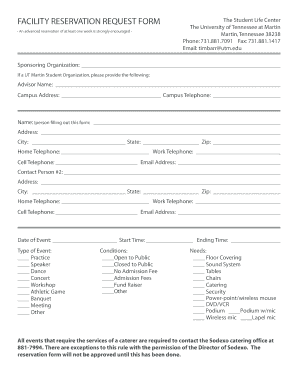
Reservation application form
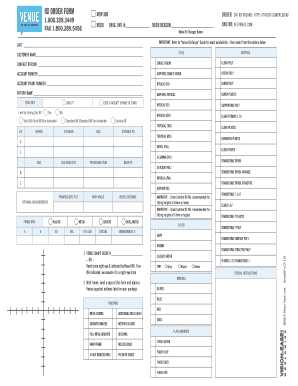
Venue order form
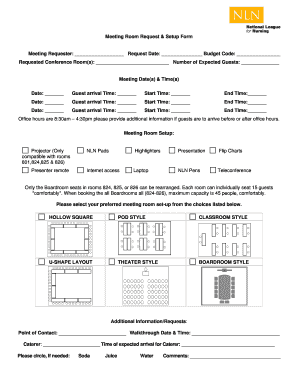
Meeting Room Request & Setup Form

Reservation form in merriot hotel
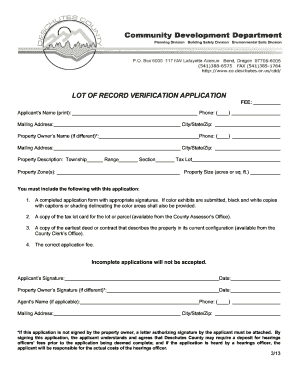
Lot record verification online

Weddong booking forns form
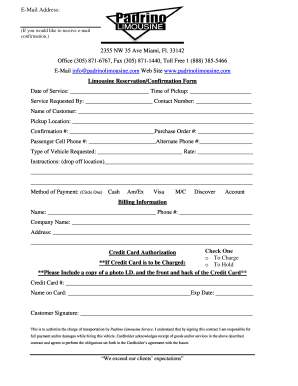
Limousine confirmation
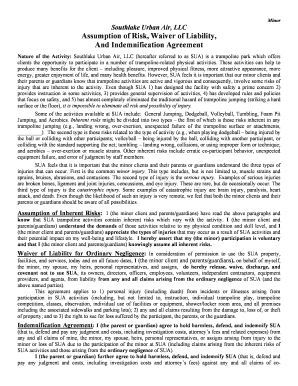
Urban air waiver
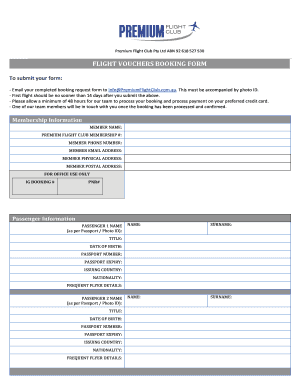
Flight vouchers booking form sample
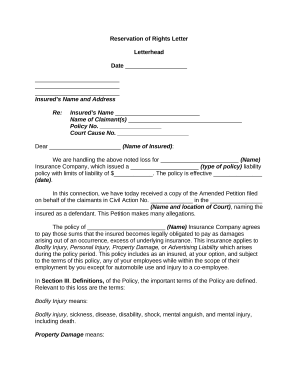
Reservation letter
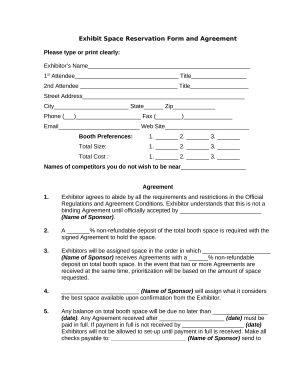
Reservation form
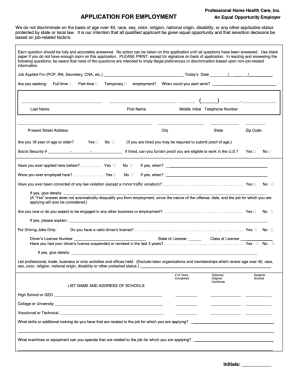
Home care application form
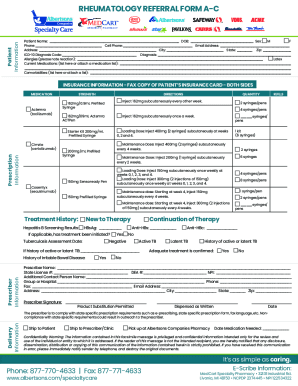
Rheumatology Referral Form Fax# Patient Information
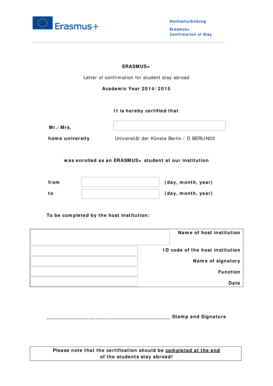
Letter of confirmation erasmus
-
1
- 2
Get and handle Confirmation details Booking Templates online
Accelerate your form management using our Confirmation details Booking Templates category with ready-made templates that suit your requirements. Get the form template, edit it, complete it, and share it with your contributors without breaking a sweat. Start working more effectively with your forms.
The best way to manage our Confirmation details Booking Templates:
- Open our Confirmation details Booking Templates and search for the form you require.
- Preview your document to ensure it’s what you want, and click Get Form to begin working on it.
- Change, include new text, or highlight important information with DocHub features.
- Fill out your form and save the adjustments.
- Download or share your form template with other people.
Discover all of the opportunities for your online file management with the Confirmation details Booking Templates. Get your free free DocHub profile today!
Video Guide on Confirmation details Booking Templates management

Commonly Asked Questions about Confirmation details Booking Templates
What is booking form description?
Booking forms are used by the most diverse industries since they allow you to book any service or product offer, and accept payments directly from the form. If scheduling is needed, then a booking form should be used.
How do you say your reservation is confirmed?
Email: Dear [Guest Name], We are pleased to inform you that your booking for [Experience Name] is confirmed. The team at [Your Company Name] is very excited to welcome [Corporation Name] and its employees on [Date]. If you have any questions or requests, please dont hesitate to docHub out to us.
What does a booking sheet look like?
What should be on a Booking Request Form? The information that should be on a booking form depends on what type of booking youre collecting information for. Some common fields to include are customers contact details (name, email, phone number), date and time of booking, and payment information.
How to make a booking confirmation?
Make sure to include the following: date and time of the tour or activity (or check-in and check-out dates, if applicable) payment confirmation. guest name (and their company name, if it is a corporate booking) location. any items the customer needs to bring. the cancellation policy. your company contact information.
Related Templates

Request absence school
The document is a request form for parents or guardians to prearrange an absence for their child at an elementary school ...

Facility Request Form - New Castle County Vo-Tech School District
The document is a Facility Request Form for the New Castle County Vocational-Technical School District, allowing organiz ...

Payment exemption form
The document is a Texas Direct Payment Exemption Certification form, which allows purchasers to claim exemption from sta ...
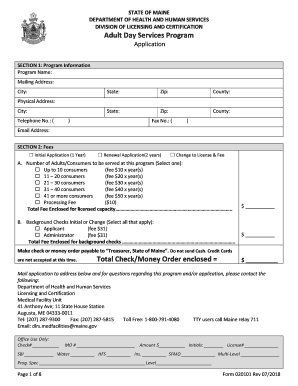
Adult services program
The document is an application form for the Adult Day Services Program from the State of Maine's Department of Health an ...

Logan City School District Harassment Complaint Form Harassment
The Logan City School District Discrimination/Harassment Complaint Form outlines the district's commitment to a harassme ...

Daas 8191
The document is a Special Assistance Re-enrollment Information Notice from the Department of Social Services (DSS) that ...
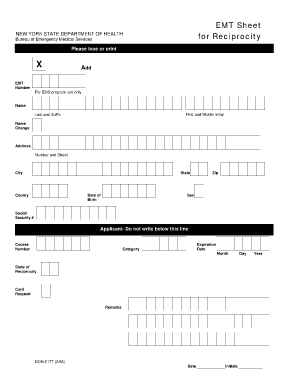
Sheet reciprocity health form
The document is an EMT Reciprocity Sheet from the New York State Department of Health, designed for applicants to provid ...
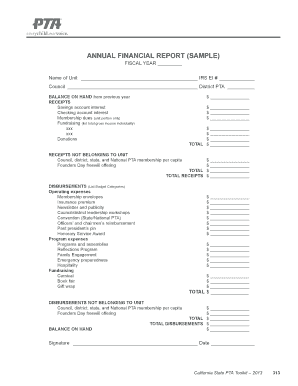
Pta financial sample
The document is a sample Annual Financial Report for a PTA unit, detailing the financial activities for a fiscal year. I ...