P and l Balance Sheet Templates - Page 2

Gain all the right capabilities when managing P and l Balance Sheet Templates and boost your efficiency. Edit and manage your financial statements online with a free DocHub account.

Get and manage P and l Balance Sheet Templates online

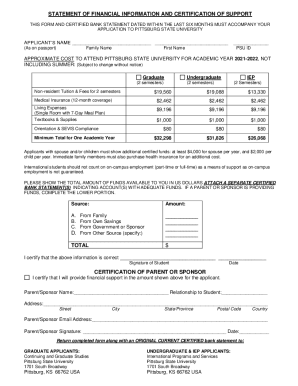
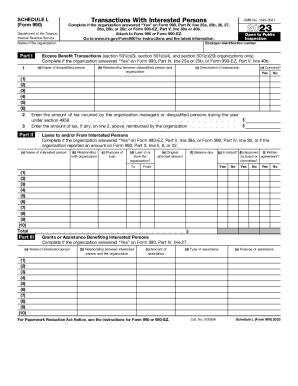
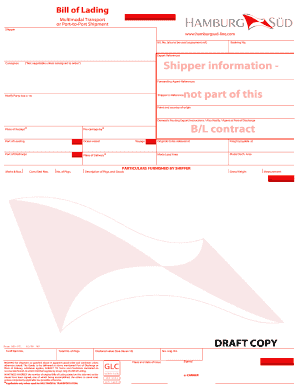
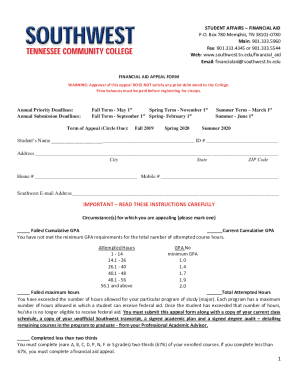
Boost your form operations with the P and l Balance Sheet Templates online library with ready-made form templates that meet your needs. Get the form, change it, fill it, and share it with your contributors without breaking a sweat. Start working more efficiently together with your forms.

The best way to manage our P and l Balance Sheet Templates:

  1. Open our P and l Balance Sheet Templates and search for the form you require.
  2. Preview your document to ensure it’s what you want, and click Get Form to start working on it.
  3. Edit, add new text, or point out important information with DocHub tools.
  4. Fill out your form and preserve the adjustments.
  5. Download or share your document with other recipients.

Discover all the possibilities for your online file administration using our P and l Balance Sheet Templates. Get a free free DocHub profile right now!


Video Guide on P and l Balance Sheet Templates management

video background

Commonly Asked Questions about P and l Balance Sheet Templates

Heres the basic process. Step 1: Choose a timeframe. Step 2: Gather your financial information. Step 3: Use a PL Statement template. Step 4: List your revenues. Step 5: List your cost of goods sold. Step 6: List your expenses. Step 7: List interest, taxes, depreciation, and amortization. Step 8: Calculate net income or loss.
Yes, there is a profit and loss template in Excel that you can use to create your own statement. The template includes formulas to calculate revenue, expenses, and net income. You can enter your own data to get started.
How To Create a Profit and Loss Statement Choose a reporting period. Gather financial statements and information. Add up revenue. List your COGS. Record your expenses. Figure your EBITDA. Calculate interest, taxes, depreciation, and amortization. Determine net income.
#2 Annual Profit and Loss Template (PL Template) This template is ideal for any size business and can easily be changed by adding or removing line items (rows) as necessary. It is also useful for performing year-over-year (YoY) analysis. Fill out the form above to download the free annual PL template Excel file.
Calculating profit in Excel can be done using a simple formula. Subtract the total expenses from the total revenue to obtain the profit. You can use the formula = Total Revenue - Total Expenses in an Excel cell to calculate the profit.
How to Create a Profit and Loss Statement in Excel Download, Open, and Save the Excel Template. Input Your Company and Statement Dates. Calculate Gross Profit. Input Sales Revenue to Calculate Gross Revenue. Input the Cost of Goods Sold (COGS) Calculate the Net Income. Input Your Business Expenses.
There are many statement templates in Word that will help you create the best statement for the organization you work for. You can either make spreadsheets or make a word document statement. Enter the values, subtract expenses from the revenue that you get. This way you can make the right statement you need to be made.
Step 1: Download the Excel budget template. The first thing you need to do is to download the budget template. Step 2: Enter your income in your budget template. To enter your income, go to the Income sheet. Step 3: Enter your expenses in your budget template. Step 4: Add extra columns to your budget template.