
Nda Signature Generator — Create Yours Online for Free


Need a document signed?

What does your signature say about you?
Every signature tells a story. The lines, the composition, and the strokes present your personality every time you leave your autograph on paper. This story is always unique, and it is yours to write. Use our electronic signature generator to tell your story.

Large letters:
Extroverted and confident

No underlined letters:
Proactive and result-oriented

Lucid and clear:
Intelligence and wit

Bold and strong lines:
Strong sense of individuality

Sharp-lined:
Impatient and assertive

Slanted writing:
Friendly and outgoing
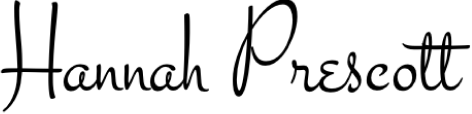
Scribbled:
Sharp intelligence and busy lifestyle

Illegible letters:
Impressionable and creative
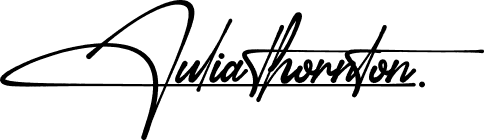
Underlined signature:
Proud and vain character
The signatures behind big success

Elon Musk
Tesla, SpaceX
Bold and futuristic, with a sharp slant to the right. Innovative and forward-thinking, always pushing boundaries and challenging the status quo.


Beyoncé
Singer, Entrepreneur
Elegant and cursive, with a dramatic flair. Confident and charismatic, with a strong sense of self-expression and creativity.
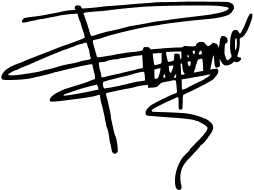

Howard Schultz
Starbucks
Strong and angular, with a distinctive "H" initial. Decisive and action-oriented, with a passion for building and leading successful teams.
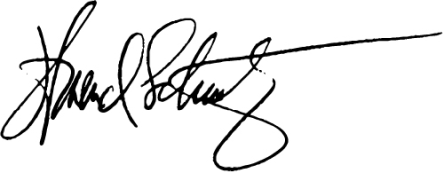

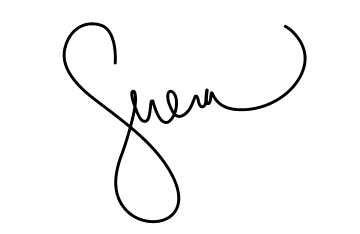
Serena Williams
Tennis Superstar
Bold and dynamic, with a strong slant to the right. Confident and determined, with a fierce competitive spirit and a commitment to excellence.

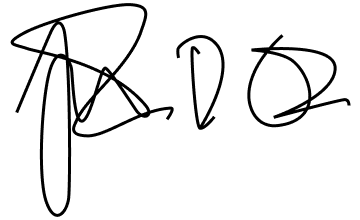
Tim Cook
Apple
Simple and understated, with a focus on clarity. Humble and down-to-earth, with a strong sense of integrity and a commitment to values-driven leadership.

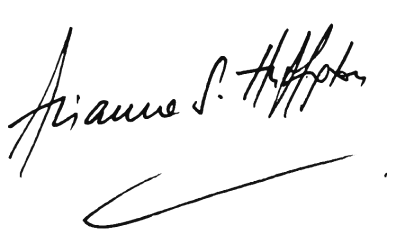
Arianna Huffington
HuffPost, Thrive Global
Elegant and cursive, with a flowing style. Sophisticated and empathetic, with a strong sense of purpose and a commitment to well-being.

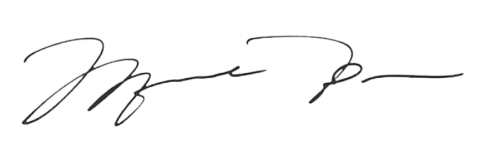
Michael Jordan
NBA Legend, Entrepreneur
Strong and bold, with a distinctive "MJ" initial. Inspired, competitive, and confident, which shows in broadness of the lines in both initial letters.

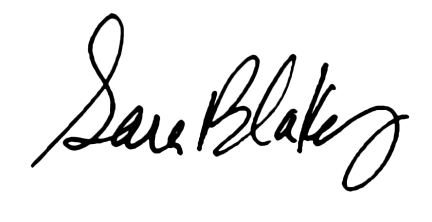
Sara Blakely
Spanx
Playful and creative, with a colorful flair. Innovative and entrepreneurial, with a strong sense of self-expression and a commitment to empowering others.

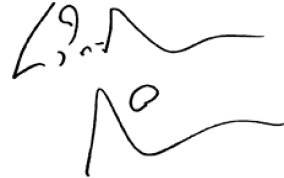
Lin-Manuel Miranda
Creator, Hamilton
Artistic and expressive, with a mix of print and cursive. Creative and imaginative, with a strong sense of storytelling and a commitment to using art to inspire and uplift.
Your quick guide to utilizing your Company Bylaws Signature Maker
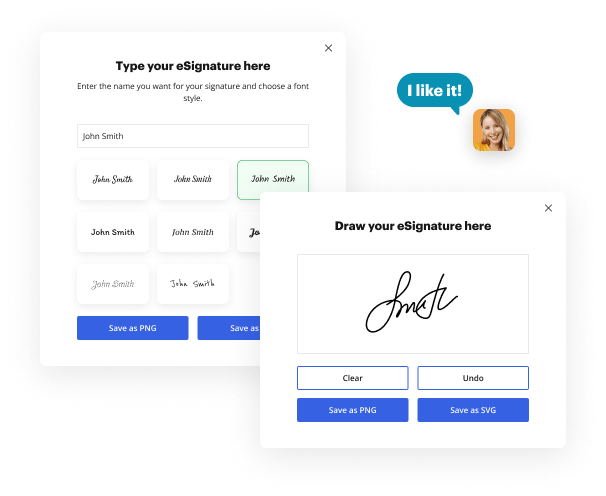
With Company Bylaws Signature Maker by DocHub, users can seamlessly add signatures to their important documents, saving time and minimizing the hassle of document-based processes. Whether you are a business expert or just someone who needs to sign documents consistently, having a digital signature can tremendously enhance your workflow. Here's a step-by-step instruction to use DocHub's electronic signature generator and document editor.
How to use Signature Maker in DocHub:
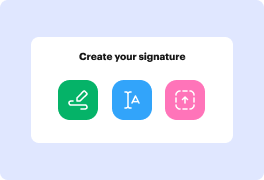
- Decide to draw or type your legally-valid eSignature.
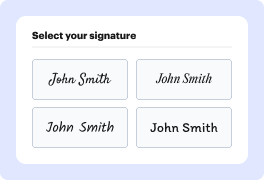
- Customize your signature design.
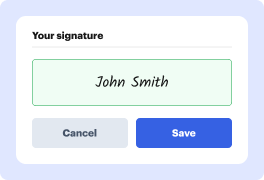
- Effortlessly download your eSign for future use.
- If you want to get more eSignature types, subscribe to DocHub for free.
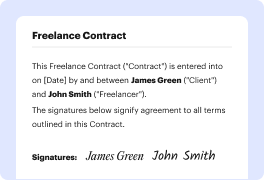
Now you can sign your Company Bylaws in a few clicks:
- Sign in to your DocHub account. If you're new to DocHub, create an account to start.
- Upload a new document or select one from your Documents folder.
- Utilize DocHub's instruments to make necessary edits, redact sensitive information, leave comments, and more.
- Click the ‘Sign’ tool from the top menu, find your saved default signature, and place it where you need it on a page
- When your edits are complete, save the document. You can store it in your DocHub records, download it to your PC, or transfer it to your preferred cloud.
- Quickly share your signed document by delivering it as an email attachment, an eSign request, or via fax.
DocHub's eSignature simplifies the process of signing and delivering documents, making it an indispensable tool for professionals. Start using DocHub today to generate a digital signature in seconds, streamline your document management tasks, and boost your efficiency!
Online signature generator benefits


Frequently Asked Questions about Nda Signature Creator
How do I make a nda signature with DocHub?
Does a signature for nda need a special look?
What handwriting styles does the creator include?
Can I download my signature with a transparent background?
Does it cost anything to create a signature?
Is an online signature valid on official paperwork?
Can I use this signature in my documents and email?
What other users say about DocHub's eSignature




