Type text, add images, blackout confidential details, add comments, highlights and more.
02. Sign it in a few clicks
Draw your signature, type it, upload its image, or use your mobile device as a signature pad.
03. Share your form with others
Send il apportioned plates via email, link, or fax. You can also download it, export it or print it out.
How to use or fill out Illinois IRP Application 2011 Form with DocHub
Ease of Setup
DocHub User Ratings on G2
Ease of Use
DocHub User Ratings on G2
Click ‘Get Form’ to open the Illinois IRP Application 2011 form in our editor.
Begin by filling out the 'Applicant Information' section. Enter your name, firm number, and physical address clearly. Ensure all fields are completed accurately.
In the 'Type of Operation' section, select the appropriate box that describes your operation type, such as 'Haul for Hire' or 'Private Carrier'.
Proceed to the 'Vehicle Information' section. For each vehicle, provide details like VIN, make, model, and weight. If you have multiple vehicles, ensure you add additional pages as needed.
Complete the declaration at the end of the form by signing and dating it. This confirms that all information provided is accurate and complies with regulations.
Start using our platform today to fill out your Illinois IRP Application for free!
Fill out illinois irp application 2011 form online It's free
Illinois irp application 2011 form pdfIllinois irp application 2011 form downloadIllinois irp application 2011 form onlineIllinois irp application 2011 form freeIllinois dmv forms pdf free downloadIL sos formsVSD 190 printable formWhere can I get a VSD 190 form
Security and compliance
At DocHub, your data security is our priority. We follow HIPAA, SOC2, GDPR, and other standards, so you can work on your documents with confidence.
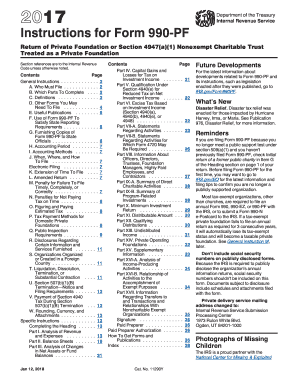
Apr 27, 2009 The new. Form 990 includes a core form that must be completed by most tax-exempt organizations. It also includes schedules that are completedRead more
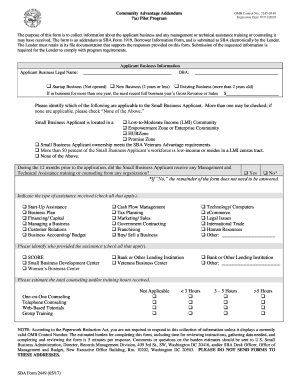
Respondents should be aware that notwithstanding any other provision of law, no person shall be subject to a penalty for failing to comply with a collection ofRead more
Cookie consent notice
This site uses cookies to enhance site navigation and personalize your experience.
By using this site you agree to our use of cookies as described in our Privacy Notice.
You can modify your selections by visiting our Cookie and Advertising Notice.