




Here's how it works

01. Edit your rabbit pedigree template word online
Type text, add images, blackout confidential details, add comments, highlights and more.

02. Sign it in a few clicks
Draw your signature, type it, upload its image, or use your mobile device as a signature pad.

03. Share your form with others
Send pedigree rabbit via email, link, or fax. You can also download it, export it or print it out.
How to use or fill out rabbit pedigree template form with our platform

- Click ‘Get Form’ to open the rabbit pedigree template in the editor.
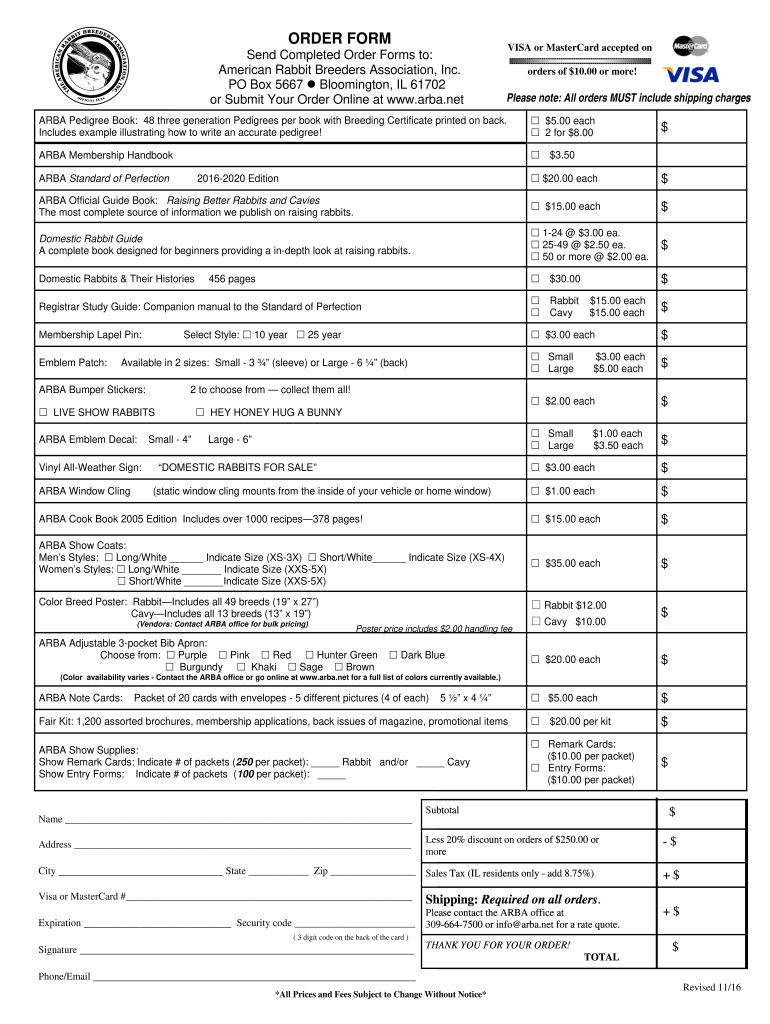
- Begin by entering your name and contact information in the designated fields. This ensures that all correspondence regarding your order is accurate.
- Next, select the items you wish to order from the list provided. Each item has a checkbox; simply tick the box next to each item you want and enter the quantity in the space provided.
- Fill in your payment details, including credit card number, expiration date, and security code. Ensure that all information is correct to avoid processing issues.
- Review your order summary at the bottom of the form. Make sure all selected items and quantities are correct before finalizing your submission.
- Finally, sign the form electronically using our platform’s signature feature and submit your order for processing.
Start filling out your rabbit pedigree template form today for free on our platform!
Fill out rabbit pedigree template form online
It's free
It's free
See more rabbit pedigree template form versions
We've got more versions of the rabbit pedigree template form form. Select the right rabbit pedigree template form version from the list and start editing it straight away!
Got questions?
We have answers to the most popular questions from our customers. If you can't find an answer to your question, please contact us.
Contact us
How to create a rabbit pedigree?
Create your own pedigree diagram Add individuals to your pedigree diagram. Go with as many as you can or as many as are relevant. Connect individuals using lines of marriage and descent. Add dates. Use symbols to show which family members have or dont have a specific trait.
How to make a pedigree chart template?
A pedigree becomes most important when you have a rabbit that you want to get registered or granded. Rabbits must be registered to be granded, but they cannot be registered without a complete 3 generation pedigree that has all the required information (listed in point #2).
How to make a pedigree on Canva?
How to make a family tree Launch Canva. Open Canva on your desktop or mobile and search for Family Tree to start a whiteboard design. Choose a family tree template. Trace your roots. Use whiteboard tools and elements. Share and ideate.
What are the requirements for a rabbit pedigree?
-Rabbit/Cavy being registered must have a complete three generation pedigree. -Imported animals are not allowed on the pedigree unless name, ear number, variety, and weight of said animal are listed. The word import alone is not acceptable.
How to create a pedigree?
0:00 2:34 So she has two sisters well draw a horizontal line across the top. And then a vertical line to eachMoreSo she has two sisters well draw a horizontal line across the top. And then a vertical line to each sister. So one sister is 30 years old we draw shes alive and well.
Security and compliance
At DocHub, your data security is our priority. We follow HIPAA, SOC2, GDPR, and other standards, so you can work on your documents with confidence.
Learn more


People also ask
What makes a bunny pedigreed?
Saying a rabbit is pedigreed simply indicates that you have a record of its ancestors going back for 3 or more generations. In its simplest form a pedigree is just a family tree. A 3-generation pedigree identifies the rabbit, its parents, grandparents, and great-grandparents.


