




01. Edit your acms dss ca gov online
Type text, add images, blackout confidential details, add comments, highlights and more.

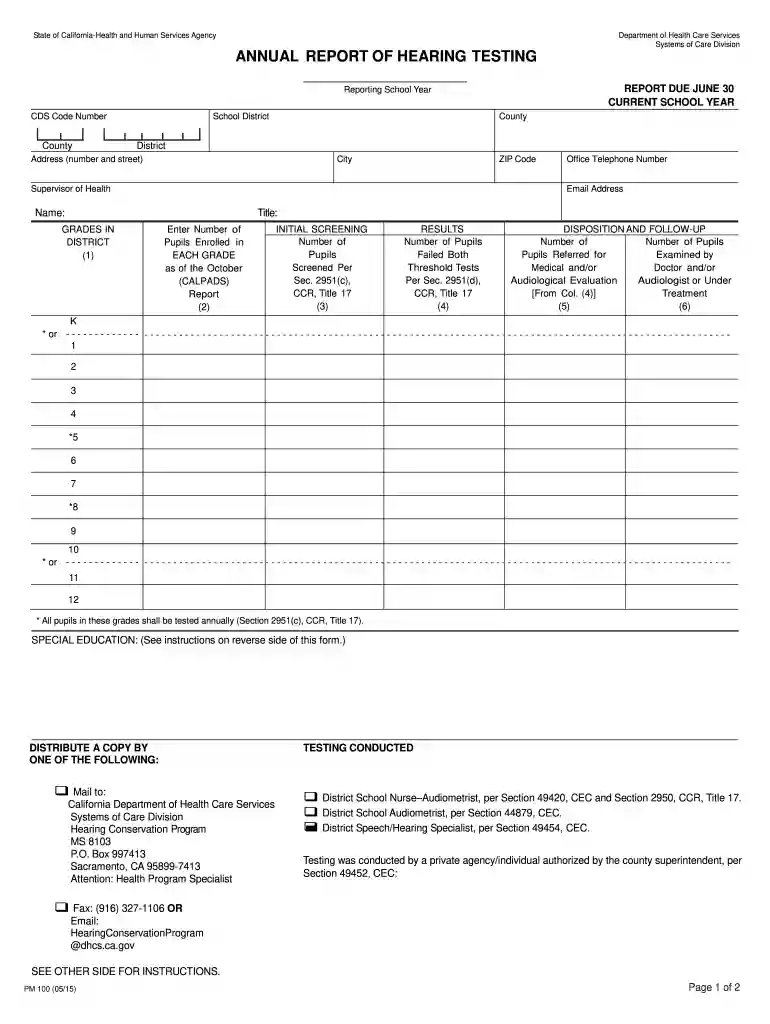
Type text, add images, blackout confidential details, add comments, highlights and more.

Draw your signature, type it, upload its image, or use your mobile device as a signature pad.

Send acms dss ca gov login via email, link, or fax. You can also download it, export it or print it out.

Start using our platform today for free to streamline your document editing and submission process!
We've got more versions of the acms dss ca gov form. Select the right acms dss ca gov version from the list and start editing it straight away!
At DocHub, your data security is our priority. We follow HIPAA, SOC2, GDPR, and other standards, so you can work on your documents with confidence.
May 8, 2025 Local radio stations and digital networks of independents are keeping human-driven, anti-algorithm expression alive.
Mar 26, 2026 Use the following tools to locate any published hearings or reports related to your bill: A. Search the UCLA Library Catalog using the name ofRead more
Request a hearing online, how to request a hearing or an expedited hearing by phone, call the State Hearings Division toll free (800) 743-8525.Read more


