




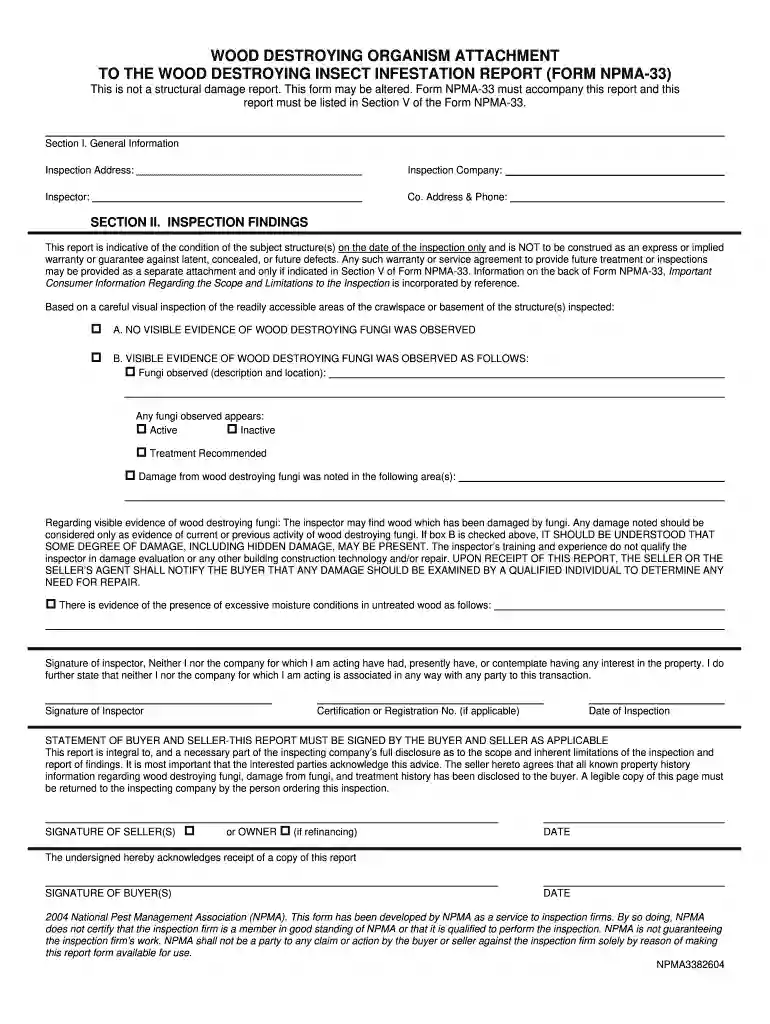
01. Edit your free npma 33 form download online
Type text, add images, blackout confidential details, add comments, highlights and more.

Type text, add images, blackout confidential details, add comments, highlights and more.

Draw your signature, type it, upload its image, or use your mobile device as a signature pad.

Send 2004 npma npma 33 via email, link, or fax. You can also download it, export it or print it out.

Start using our platform today for free to streamline your NPMA form completion!
We've got more versions of the free npma 33 form download form. Select the right free npma 33 form download version from the list and start editing it straight away!
At DocHub, your data security is our priority. We follow HIPAA, SOC2, GDPR, and other standards, so you can work on your documents with confidence.
Neither the inspecting company nor the inspector has had, presently has, or contemplates having any interest in the property inspected. Form NPMA-33 (7/01/19) Read more
Overview. Polyethylene terephthalate (PET) is a widely used plastic that persists in aquatic environments due to its chemical stability.Read more
infestation, damage, repair, and treatment history has been disclosed to the buyer. Form NPMA-33(9/01/04) 2004 National Pest ManagementRead more


