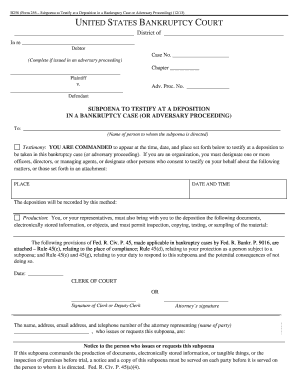
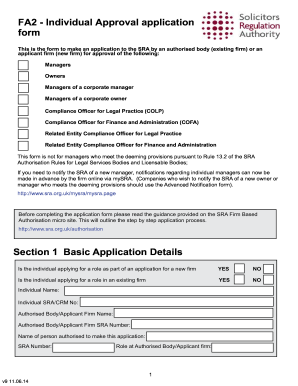
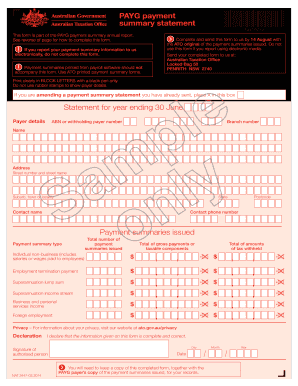
Type text, add images, blackout confidential details, add comments, highlights and more.
02. Sign it in a few clicks
Draw your signature, type it, upload its image, or use your mobile device as a signature pad.
03. Share your form with others
Send it via email, link, or fax. You can also download it, export it or print it out.
How to use or fill out OFFICE OF PROTHONOTARY with our platform
Ease of Setup
DocHub User Ratings on G2
Ease of Use
DocHub User Ratings on G2
Click ‘Get Form’ to open the OFFICE OF PROTHONOTARY document in the editor.
Begin by filling out the 'Praecipe to Enter Judgment' section. Clearly state who the judgment is against and specify the exact dollar amount.
Upload a certified copy of docket entries, ensuring that the amount is certified at the end if it’s in-state, or provide an exemplification if it’s out-of-state. Include an original seal and signature along with an additional copy for the defendant(s).
Prepare one extra copy of all documents for your records, which should be time-stamped.
Complete the 'Certification of Address' for both plaintiff and defendant.
Include a 236 notice for each defendant as per PA. RCP 236 requirements.
Attach addressed and stamped envelopes for each defendant, as well as for yourself or your office.
Finally, include a check in the amount of $22.00 made out to the Prothonotary.
Start using our platform today to streamline your document editing and submission process!
Prothonotary Office PhiladelphiaPhiladelphia Prothonotary Office Phone numberGwinnett County Court case search by nameGwinnett County Superior CourtGwinnett County Probate CourtGwinnett County Magistrate Court case searchGwinnett County Courts Case search portalGwinnett County civil case search
Security and compliance
At DocHub, your data security is our priority. We follow HIPAA, SOC2, GDPR, and other standards, so you can work on your documents with confidence.
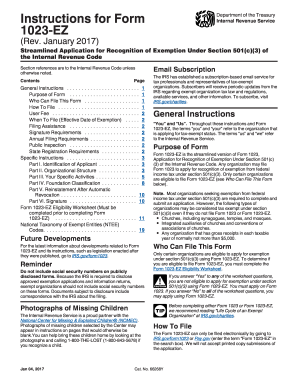
Instructions for Form 1023-EZ (Rev. January 2017). Instructions for Form 1023-EZ, Streamlined Application for Recognition of Exemption Under Section 501(c)(3) of the Internal Revenue Code - irs
Instructions for Form 1023-EZ (Rev. January 2017). Instructions for Form 1023-EZ, Streamlined Application for Recognition of Exemption Under Section 501(c)(3) of the Internal Revenue Code - irs
The document provides detailed instructions for completing Form 1023-EZ, a streamlined application for organizations see ...
210 Pa. Code r. 3301 - Office of the Prothonotary | State Regulations
The Prothonotary shall maintain offices in the cities of Philadelphia, Pittsburgh and Harrisburg. All matters within the jurisdiction of the court may be
Office of the Prothonotary and Office of Hearing Examiners
The Office of the Prothonotary receives for filing the documents in the Department of States cases. If you have a licensing case with the Department of
Cookie consent notice
This site uses cookies to enhance site navigation and personalize your experience.
By using this site you agree to our use of cookies as described in our Privacy Notice.
You can modify your selections by visiting our Cookie and Advertising Notice.