




01. Edit your name reservation alabama online
Type text, add images, blackout confidential details, add comments, highlights and more.

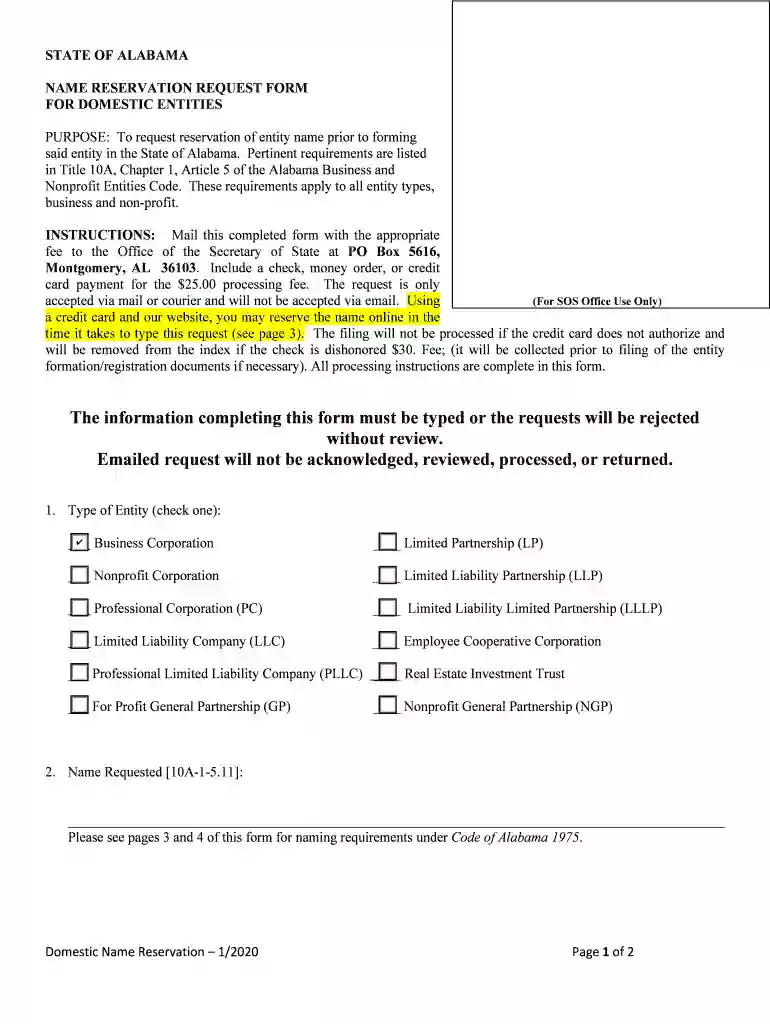
Type text, add images, blackout confidential details, add comments, highlights and more.

Draw your signature, type it, upload its image, or use your mobile device as a signature pad.

Send alabama business name reservation via email, link, or fax. You can also download it, export it or print it out.

Start using our platform today to streamline your Alabama Name Reservation process for free!
We've got more versions of the name reservation alabama form. Select the right name reservation alabama version from the list and start editing it straight away!
At DocHub, your data security is our priority. We follow HIPAA, SOC2, GDPR, and other standards, so you can work on your documents with confidence.
Students, registered student organizations and university groups and departments must submit request at least 10 days prior to the start of the event.Read more
Shoal Creek Mine is an underground mine owned by Drummond Company located near the central portion of the Warrior Coal Basin in Adger, Alabama.Read more
*Include a check, money order, or credit card payment for the $25.00 processing fee. *The request is only accepted via mail or courier and will not be acceptedRead more


