







Definition & Meaning
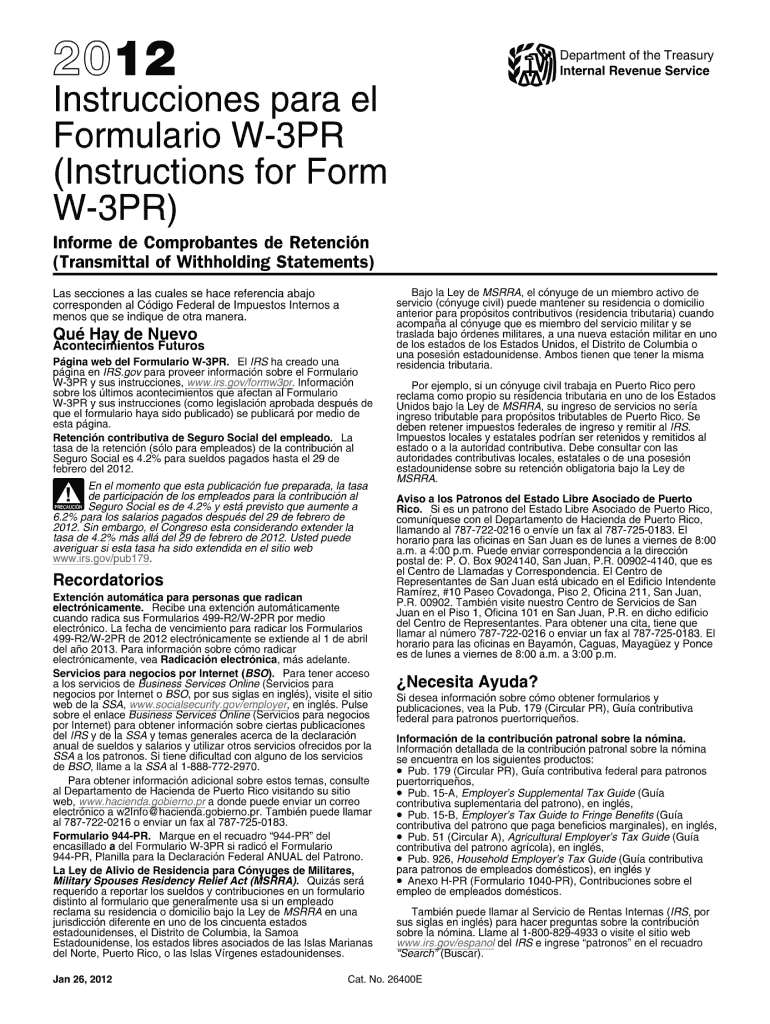
Form W-3PR is a Transmittal of Wage and Tax Statements specifically used in Puerto Rico. It accompanies forms 499R-2/W-2PR, which are submitted to the Social Security Administration (SSA). The W-3PR consolidates information from these forms into a single summary, ensuring accurate reporting of employee wages and tax withholdings. In essence, it serves as a formal acknowledgment of taxes withheld and reported by employers, especially for the Additional Medicare Tax, during the tax years 2011 and 2012.
Who Typically Uses the W-3PR 2 Form
Employers in Puerto Rico are the primary users of Form W-3PR. It is mandatory for those who have employees and must report wage and withholding information to the SSA. These employers encompass a range of business entities, including corporations, partnerships, and sole proprietors. The form is crucial for businesses that operate under U.S. federal tax laws while being geographically stationed in Puerto Rico.


How to Obtain the W-3PR 2 Form
To obtain the W-3PR 2 form, employers can access it through several official channels.
- IRS Website: The IRS provides downloadable versions of the form directly from their website.
- SSA Office: Forms can also be requested from local SSA offices in Puerto Rico.
- Tax Software: Many tax software programs like TurboTax and QuickBooks include access to past forms, including the W-3PR for the years 2011 and 2012.
Additional Considerations
- Mail Requests: Employers may contact the IRS to mail a physical copy of the form.
- Professional Services: Accounting firms may also provide these forms as part of their service packages for a fee.
Steps to Complete the W-3PR 2 Form
Completing the W-3PR form requires careful attention to detail to ensure compliance with tax laws.
- Gather Employee Information: Compile each employee's wage and tax withholding data from Forms 499R-2/W-2PR.
- Fill Out Employer Information: Enter your Employer Identification Number (EIN), business name, and address.
- Total Calculations: Summarize total wages, tax withholdings, and any adjustments needed for the specified tax year.
- Double-Check Entries: Verify all figures and details to prevent discrepancies that could result in penalties.
- Attach Required Documents: Ensure all employee W-2PR forms are included with the W-3PR submission.
- Submit to SSA: Send the completed form to the SSA using one of the approved submission methods.
Required Documents
Employers must prepare and organize various documents before filling out the W-3PR.
- Employee W-2PR Forms: Individual wage and tax statements for all employees.
- Employer Identification Number (EIN): A unique number assigned to every employer.
- Tax Withholding Records: Documentation detailing the taxes withheld from employees' wages.
Filing Deadlines / Important Dates
Adhering to the correct filing timeline is crucial.
- Annual Deadline: The W-3PR must be filed with the SSA by January 31 following the reporting year.
- Extensions: In certain circumstances, employers may request an extension, but this must be filed before the original deadline.
Late Filing Consequences
- Missing the deadline can result in penalties from the IRS, which may include fines based on the duration of the delay.
Form Submission Methods
Multiple options are available for submitting the W-3PR form:
- Online Submission: Utilize the SSA's Business Services Online portal for electronic submissions, increasing convenience and reducing errors.
- Mail: Traditional mailing remains an option for those without internet access. Ensure mailing addresses are correctly labeled.
- In-Person: Certain SSA offices may accept forms directly, though this varies by location.
Penalties for Non-Compliance
Failing to comply with W-3PR requirements can result in financial repercussions.
- Monetary Fines: These escalate based on the degree of lateness, with specific penalty structures for small businesses versus larger organizations.
- Additional Scrutiny: Non-compliance may trigger audits or additional reviews from IRS or SSA.
Employers need to prioritize form accuracy and timely submission to avoid these potential issues.




