




01. Edit your ranzcp psychotherapy case online
Type text, add images, blackout confidential details, add comments, highlights and more.

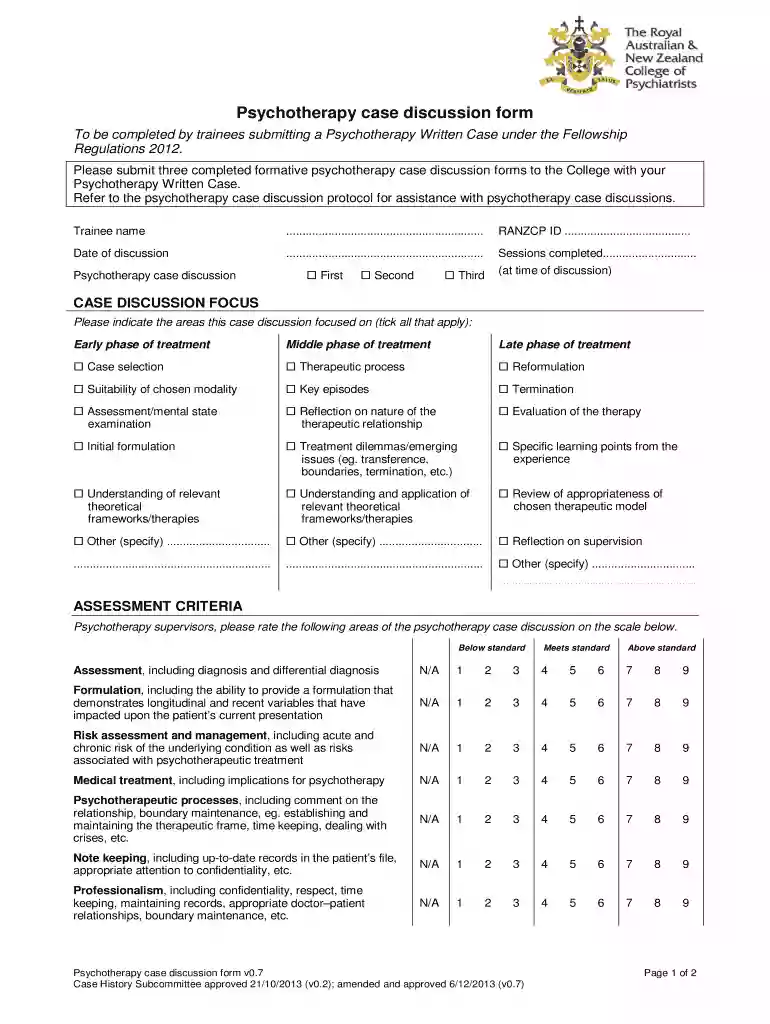
Type text, add images, blackout confidential details, add comments, highlights and more.

Draw your signature, type it, upload its image, or use your mobile device as a signature pad.

Send it via email, link, or fax. You can also download it, export it or print it out.

Start using our platform today to streamline your document editing and enhance your workflow!
We've got more versions of the ranzcp psychotherapy case form. Select the right ranzcp psychotherapy case version from the list and start editing it straight away!
Sure, a typed name is accepted as a valid electronic signature when you add it to your paperwork utilizing a compliant solution like DocHub. Simply upload your Psychotherapy case discussion form - ranzcp to our editor, click Sign in the top tool pane → Create your signature → Type your name in the appropriate tab, and select how it will look on your document.
As a comprehensive document modifying service, DocHub is available on mobile phones. Open DocHub in your choice of mobile internet browser and employ our smart mobile-friendly toolset to complete your Psychotherapy case discussion form - ranzcp.
At DocHub, your data security is our priority. We follow HIPAA, SOC2, GDPR, and other standards, so you can work on your documents with confidence.
There is increasing recognition of Three Case based Discussions (CbDs) are RANZCP Abstracts 9 Psychotherapy, and of course a few horses. We willRead more
by K Northwood 2023 Passing the Psychotherapy Written Case (PWC) is a mandatory requirement of the Royal Australian and New Zealand College of Psychiatrists (RANZCP) trainingRead more


