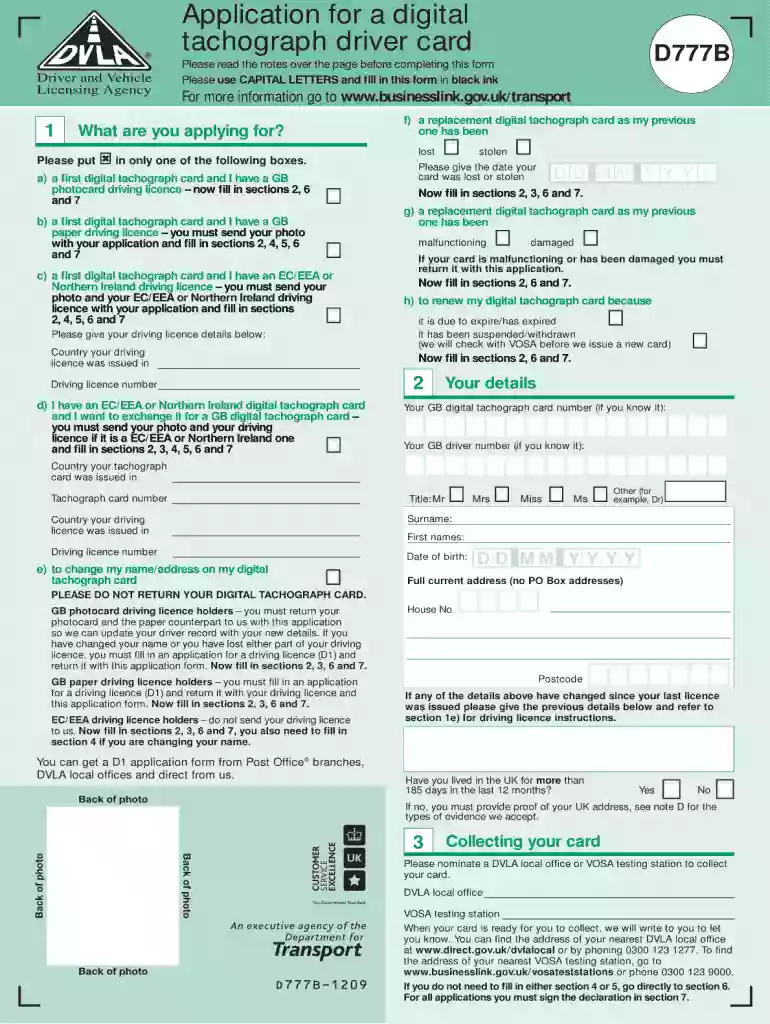
Application completion form dvla 2026

Get Form
free printable d1 form Preview on Page 1

Here's how it works

01. Edit your free printable d1 form online
Type text, add images, blackout confidential details, add comments, highlights and more.

02. Sign it in a few clicks
Draw your signature, type it, upload its image, or use your mobile device as a signature pad.

03. Share your form with others
Send dvla application completion form via email, link, or fax. You can also download it, export it or print it out.

How to use or fill out application completion form dvla with our platform

Form edit decoration
9.5
Ease of Setup
DocHub User Ratings on G2
9.0
Ease of Use
DocHub User Ratings on G2
  1. Click ‘Get Form’ to open the application completion form dvla in the editor.
  2. Begin by entering your personal details in the designated fields, including your name, address, and date of birth. Ensure that all information is accurate to avoid processing delays.
  3. Next, navigate to the vehicle information section. Here, you will need to provide details about your vehicle such as make, model, and registration number. Double-check these entries for correctness.
  4. Proceed to the declaration section where you must confirm that all provided information is true. Use our platform’s signature feature to sign electronically if required.
  5. Finally, review all sections of the form for completeness and accuracy before submitting. Utilize our editing tools to make any necessary adjustments easily.

Start using our platform today for free and streamline your application process!

See more application completion form dvla versions

We've got more versions of the application completion form dvla form. Select the right application completion form dvla version from the list and start editing it straight away!
Versions Form popularity Fillable & printable
2021 4.8 Satisfied (151 Votes)
2020 4.3 Satisfied (95 Votes)
2018 4.3 Satisfied (82 Votes)
2014 4.3 Satisfied (103 Votes)
2013 4.4 Satisfied (177 Votes)
2009 4.4 Satisfied (259 Votes)
be ready to get more

Complete this form in 5 minutes or less

Get form

Got questions?

We have answers to the most popular questions from our customers. If you can't find an answer to your question, please contact us.
Contact us

Of course, electronically drawing your signature is acceptable, but only if you utilize a tool that complies with industry laws and regulations. Consider DocHub, which ensures eSignature validity under ESIGN and UETA requirements. All you need to eSign your application completion form dvla is an account with DocHub and an internet connection. Once you open your file in our editor, click Sign and select the Draw tool.

If you use Chrome, there are two straightforward ways to edit your dvla d1 form online online. First, visit the DocHub site, add your document, and edit it utilizing our toolbar. You can also install our Chrome extension and edit any document by dragging and dropping it in your web browser window.

If you do not have a photocard licence, you must provide a photo and proof of your identity. For confidentiality reasons, it is not possible to release driver numbers or personal details via email replies. The D2 application form only relates to driving lorries, buses and minibuses.
The D2 form is the licence application form you complete to get the provisional entitlement to drive the vehicle of your choice as a learner.
There is no faster way to get a drivers license the first time other than to actually walk into a DMV in a state that you live in, actually get the test requirements and be able to show ID, and then be able to sit down and take the tests when they are scheduled. If you can do that, then thats the fastest way.

Security and compliance

At DocHub, your data security is our priority. We follow HIPAA, SOC2, GDPR, and other standards, so you can work on your documents with confidence.

Learn more

People also ask

Book a test online This is faster than booking by phone because the phone lines are very busy at the moment. You can book a test up to 24 weeks in the future. There is no waiting list or cancellation list. This service is available from 6am to 11:40pm.
After you apply DVLA will send you a confirmation email once youve applied. Your licence should arrive within one week if you apply online. It may take longer if DVLA need to make additional checks.
Applying online is the cheapest and fastest way to apply for your provisional licence, and the method we would recommend. If you opt to apply online you will need a valid UK passport which is no more than five years old.

download dvla d1 form