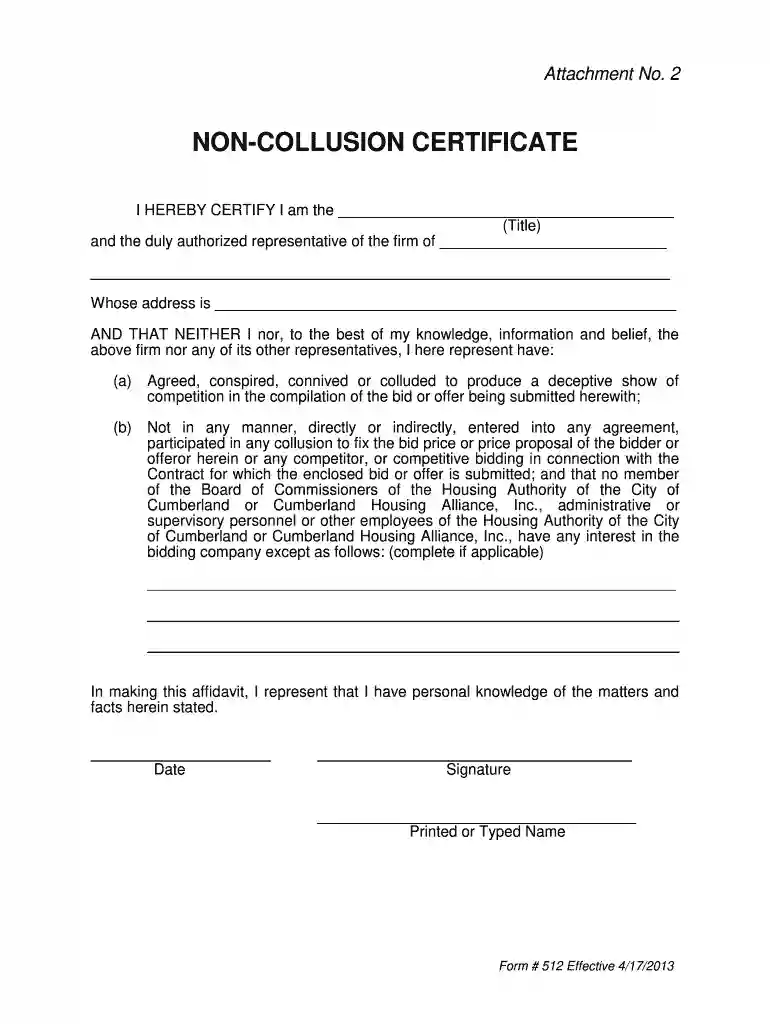
anti collusion certificate Preview on Page 1

Attachment No 2 Non Collusion Certificate bFormb 512 2026

Here's how it works

  • 01. Edit your anti collusion certificate online

    Type text, add images, blackout confidential details, add comments, highlights and more.

  • 02. Sign it in a few clicks

    Draw your signature, type it, upload its image, or use your mobile device as a signature pad.

  • 03. Share your form with others

    Send it via email, link, or fax. You can also download it, export it or print it out.

How to use or fill out Attachment No 2 Non Collusion Certificate Form 512

Form edit decoration
9.5
Ease of Setup
DocHub User Ratings on G2
9.0
Ease of Use
DocHub User Ratings on G2
  1. Click ‘Get Form’ to open it in the editor.
  2. Begin by entering your title in the designated field, ensuring it accurately reflects your position within the firm.
  3. Next, fill in the name of your firm along with its complete address. This information is crucial for identifying your organization.
  4. In the certification section, confirm that neither you nor your firm has engaged in any collusion regarding the bid. You may need to check each statement carefully and ensure accuracy.
  5. If applicable, disclose any interests held by members of the Board of Commissioners or employees related to your bidding company in the provided space.
  6. Finally, date the document and provide your signature along with your printed or typed name to validate the certificate.

Start using our platform today for free to streamline your document editing and signing process!

See more anti collusion certificate versions

We've got more versions of the anti collusion certificate form. Select the right anti collusion certificate version from the list and start editing it straight away!

VersionsForm popularityFillable & printable
20164.8 Satisfied (200 Votes)
20134.2 Satisfied (34 Votes)

be ready to get more

Complete this form in 5 minutes or less

Security and compliance

At DocHub, your data security is our priority. We follow HIPAA, SOC2, GDPR, and other standards, so you can work on your documents with confidence.

If you believe that this page should be taken down, please follow our DMCA take down process here