




Here's how it works

01. Edit your soc 341a online
Type text, add images, blackout confidential details, add comments, highlights and more.

02. Sign it in a few clicks
Draw your signature, type it, upload its image, or use your mobile device as a signature pad.

03. Share your form with others
Send soc form via email, link, or fax. You can also download it, export it or print it out.
How to use or fill out soc 341 2006 form with our platform

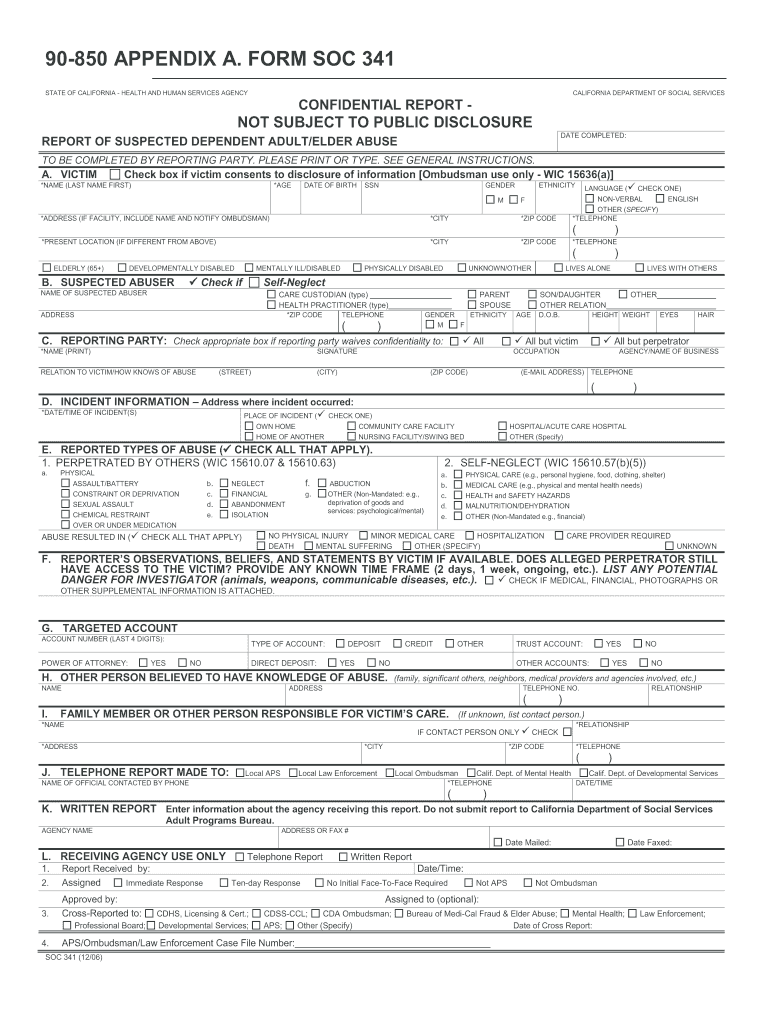
- Click ‘Get Form’ to open the SOC 341 2006 form in the editor.
- Begin with Section A, where you will input the victim's details. Fill in their name, age, date of birth, and contact information. Ensure all fields marked with an asterisk (*) are completed.
- Proceed to Section B to provide information about the suspected abuser. Include their name, address, and relationship to the victim. Check any relevant boxes regarding their condition.
- In Section C, enter your details as the reporting party. Indicate if you waive confidentiality and provide your signature.
- Move on to Section D for incident information. Document the date and time of the incident and select the location from the provided options.
- Complete Section E by checking all types of abuse that apply. This section is crucial for accurately reporting the situation.
- Finally, review all sections for accuracy before submitting your report through our platform.
Start using our platform today to fill out your SOC 341 2006 form easily and efficiently!
Fill out soc 341 2006 form online
It's free
It's free
See more soc 341 2006 form versions
We've got more versions of the soc 341 2006 form form. Select the right soc 341 2006 form version from the list and start editing it straight away!
Security and compliance
At DocHub, your data security is our priority. We follow HIPAA, SOC2, GDPR, and other standards, so you can work on your documents with confidence.
Learn more


Related forms
Fingerprinting Background Check Consent Form - cobbk12
The document is a Fingerprinting/Background Check Consent Form for the Cobb County School District, authorizing the dist ...

Consent For Fingerprint Check - Internal Revenue Service
The document is a Fingerprinting/Background Check Consent Form for the Cobb County School District, authorizing the dist ...
Fact Sheet: Wisconsin's "Unborn Child Protection Act
The document outlines the requirements and procedures for the At Risk Pregnancy (ARP) Medical Information/Verification f ...
Michigan mechanic trainee permit
The document is an application form for a Motor Vehicle Mechanic Trainee Permit issued by the Michigan Department of Sta ...

MIL-HDBK-61A 6 2 Engineering Change Proposal (ECP)
The document is an Engineering Change Proposal (ECP) form, OMB 0704-0188, used by the Department of Defense to collect i ...
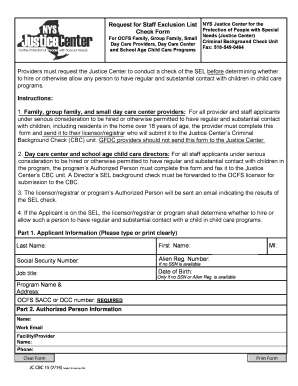
Request for Staff Exclusion List Check Form Providers must request
The document outlines the process for requesting a staff exclusion list check from the NYS Justice Center for child care ...
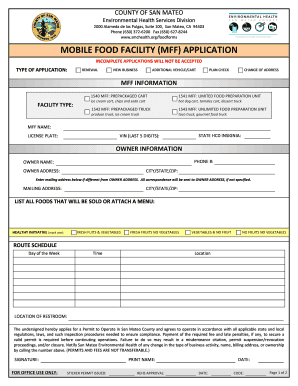
Mobile Food Permit Application Packet - San Mateo Health System - smchealth
The document is an application form for Mobile Food Facilities (MFF) in San Mateo County, detailing the requirements for ...
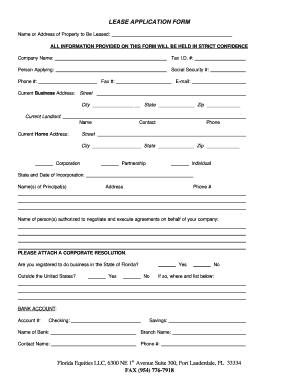
Tenant application form doc california
The document is a Lease Application Form that collects essential information from individuals or companies seeking to le ...