




01. Edit your form online
Type text, add images, blackout confidential details, add comments, highlights and more.

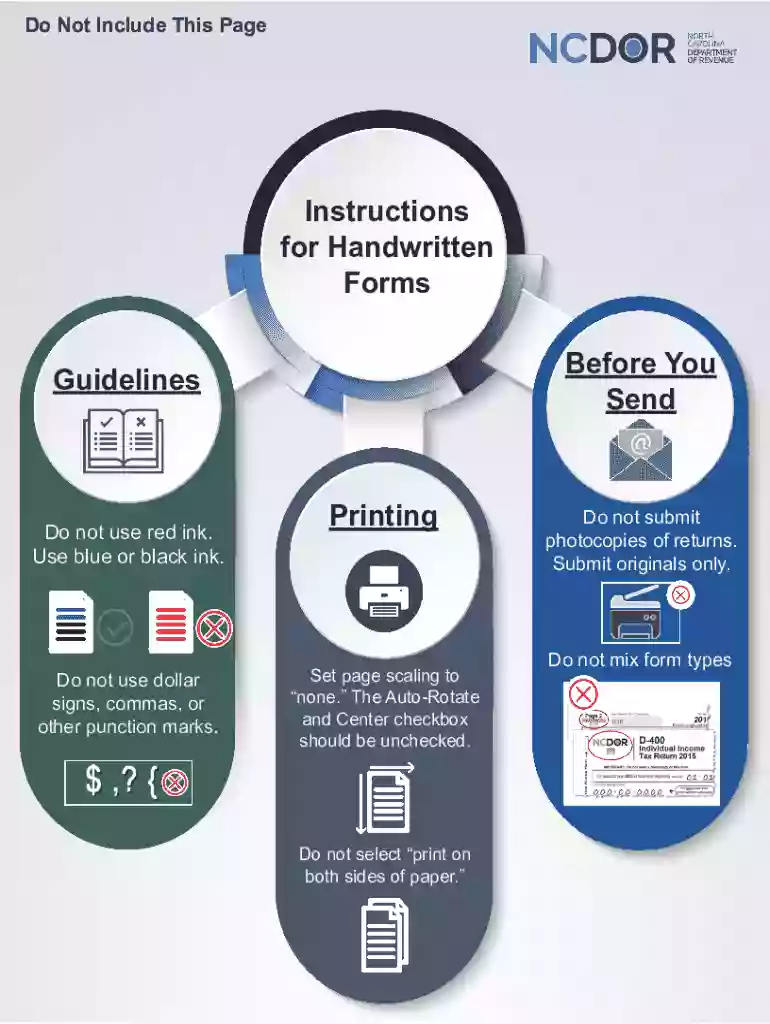
Type text, add images, blackout confidential details, add comments, highlights and more.

Draw your signature, type it, upload its image, or use your mobile device as a signature pad.

Send it via email, link, or fax. You can also download it, export it or print it out.
DocHub's "The Auto-Rotate" option is designed to automatically adjust the orientation of documents for enhanced readability and efficiency when editing and reviewing. This feature helps ensure that documents appear correctly in both print and digital formats, eliminating the need for manual rotation.
To leverage "The Auto-Rotate," simply upload your document to DocHub. The system will automatically detect the correct orientation, making necessary adjustments to enhance user experience. This is particularly useful when dealing with scanned files that may initially appear upside down or sideways.
"The Auto-Rotate" is integrated seamlessly into DocHub's document processing workflow. When a document is uploaded or imported, the feature checks for any pages that require rotation and automatically adjusts them.
This feature benefits a wide range of users:
Utilizing "The Auto-Rotate" is compliant with U.S. standards for document management. It ensures that all rotated documents maintain integrity and readability, crucial for legal and professional use.
DocHub’s "The Auto-Rotate" feature is compatible with various platforms and services, including deep integration with Google Workspace, enhancing its utility across different environments.
Consider a scenario where a teacher uploads a bulk of scanned exams. "The Auto-Rotate" ensures all pages are right-side-up, improving readability for grading.
For corporate reports that include various graphics and charts, automatic rotation ensures each page is presented correctly, maintaining professionalism in presentations and reviews.
DocHub’s "The Auto-Rotate" feature substantially improves document handling, offering seamless and automatic adjustment of document orientation. This not only saves time but also enhances the accuracy and efficiency of document management and collaboration across industries.
We've got more versions of the The Auto-Rotate form. Select the right The Auto-Rotate version from the list and start editing it straight away!
At DocHub, your data security is our priority. We follow HIPAA, SOC2, GDPR, and other standards, so you can work on your documents with confidence.


Apr 11, 2025 Delayed Auto Shift or autorepeat refers to the behavior of most falling block puzzle games, including Tetris, when the player holds the left or right key.Read more
Feb 28, 2022 Check your devices System settings and see if you can turn off the devices system auto rotate; then test using Portrait or Landscape and tellRead more
Some printers may not be automatically configured to print both orientations. The user may have to configure the printer to auto-rotate the pages. byRead more


