
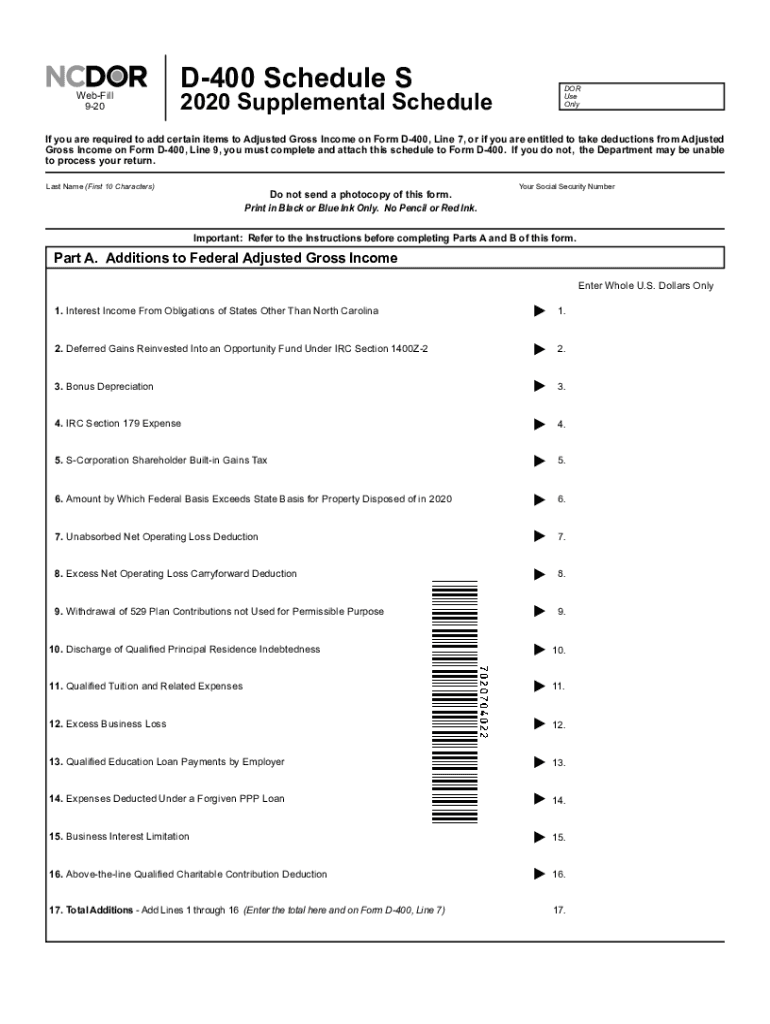




Here's how it works

01. Edit your d 400 schedule s online
Type text, add images, blackout confidential details, add comments, highlights and more.

02. Sign it in a few clicks
Draw your signature, type it, upload its image, or use your mobile device as a signature pad.

03. Share your form with others
Send d400 schedule s via email, link, or fax. You can also download it, export it or print it out.
How to use or fill out d400 schedule s with our platform

- Click ‘Get Form’ to open the D-400 Schedule S in the editor.
- Begin by entering your last name and Social Security Number at the top of the form. Ensure you print in black or blue ink only.
- In Part A, carefully list any additions to your Federal Adjusted Gross Income. Fill in each applicable line from 1 to 16, ensuring accuracy as these will affect your total on Form D-400, Line 7.
- Proceed to Part B for deductions. Only include items that are part of your federal adjusted gross income. Complete lines 18 through 34, adding totals where indicated.
- Review all entries for completeness and accuracy before finalizing your document. Use our platform’s features to save and share your completed form effortlessly.
Start using our platform today for free to streamline your D-400 Schedule S completion!
Fill out d400 schedule s online
It's free
It's free
See more d400 schedule s versions
We've got more versions of the d400 schedule s form. Select the right d400 schedule s version from the list and start editing it straight away!
Security and compliance
At DocHub, your data security is our priority. We follow HIPAA, SOC2, GDPR, and other standards, so you can work on your documents with confidence.
Learn more


Related forms

Nebraska Subcontractor Agreement Template
The Nebraska Subcontractor Agreement outlines the terms and conditions between a Contractor and a Subcontractor for the ...
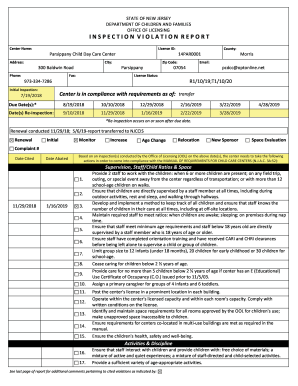
300 Baldwin Road
The document is an Inspection Violation Report from the New Jersey Department of Children and Families, detailing compli ...
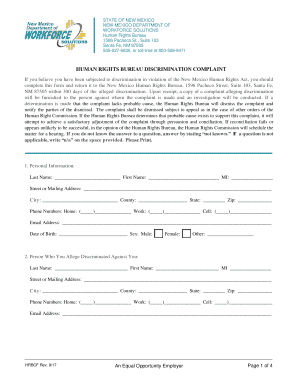
Human Rights Bureau
The document is a discrimination complaint form from the New Mexico Human Rights Bureau, outlining the process for indiv ...
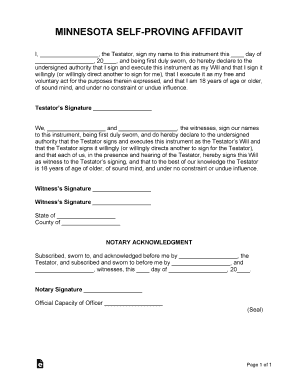
Minnesota Self-Proving Affidavit Form
The document is a Minnesota Self-Proving Affidavit, which serves as a legal declaration by the Testator affirming the ex ...
Take charge card form
The document is a Family Planning Waiver Application form for women aged 19-44, detailing the application process for fa ...
0033-f-a docx
The document provides detailed instructions for applying to become a Notary Public in New York State, including applicat ...
Dmvnv com mc45
The document is a Fuel Tax Refund Request Form (MC45) from the Motor Carrier Division of Nevada, designed for businesses ...
PC-211 - Connecticut Probate Courts
The document is an Affidavit for Filing a Will in the State of Connecticut, specifically for cases where the will is not ...