
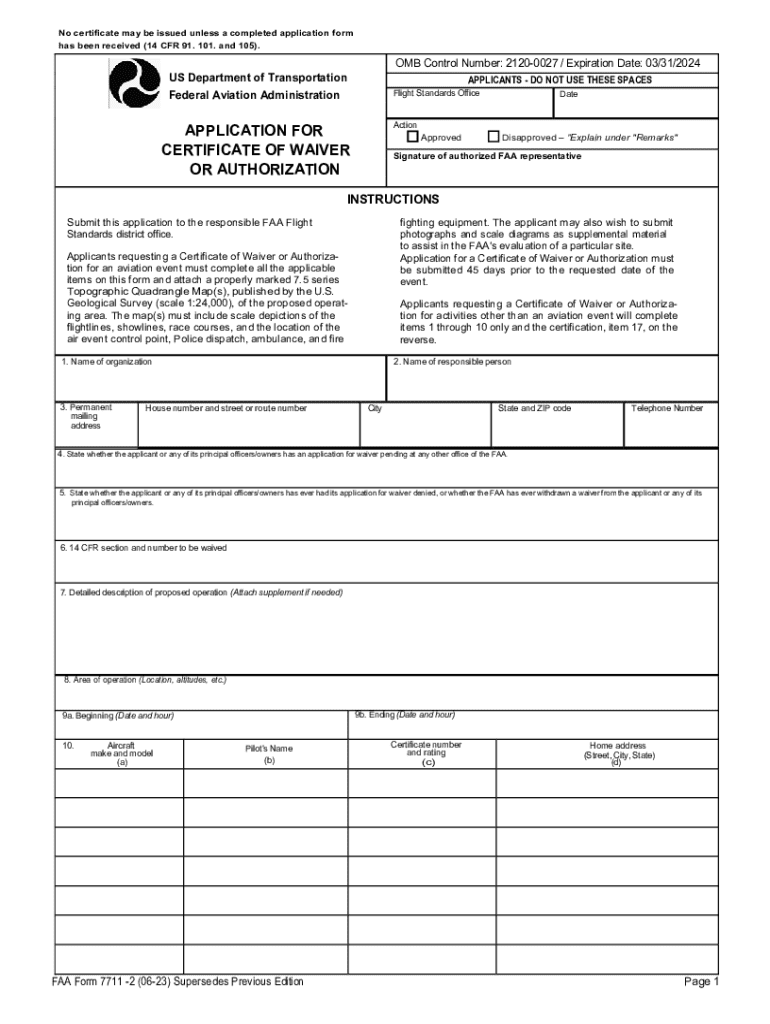







Understanding Form Online: Definition and Meaning
In the context of document management, "form online" refers to the digital creation, editing, and submission process of forms through an internet-based platform. Unlike traditional paper forms, online forms allow for real-time collaboration, editing, and submission without the need for printing or mailing. This digital transformation streamlines processes by enabling users to fill, sign, and submit forms from any location with internet access. Forms can include a range of fields such as text boxes, checkboxes, and signature fields, making them versatile for various applications like applications, surveys, or registration forms. The transition to online forms not only saves time but also ensures accuracy and efficiency in data collection and processing.
Steps to Complete a Form Online
Completing a form online involves several straightforward steps.
-
Access the Form: Begin by locating and accessing the form through a trusted platform like DocHub which allows for seamless document handling.
-
Familiarize with the Fields: Review the different fields required, including mandatory sections marked with asterisks or bold fonts.
-
Input Information: Click on each field and type, select, or upload the necessary information, ensuring accuracy as you progress through each section of the form.
-
Add Signatures: Use the signature tool to either draw, type, or upload your signature. If multiple signatures are required, the form may allow assignment of sections to different parties.
-
Review and Edit: Before finalizing, utilize the review features to double-check the filled information. Make any necessary amendments using the editing tools available.
-
Submit: Once satisfied, use the submission button to send the form to the designated recipient, optionally setting any privacy or security settings like password protection.
Following these steps ensures a comprehensive approach to completing forms, enhancing accuracy and efficiency.
Why Should You Form Online
Switching to online forms is advantageous for several reasons:
-
Efficiency: Online forms reduce processing time by eliminating the need for physical documents to be mailed or manually entered into systems.
-
Accuracy: Digital forms often include input validation, reducing errors and ensuring that all required fields are completed correctly.
-
Accessibility: Forms can be accessed and submitted from any location, providing flexibility to users who are working remotely or managing documents on-the-go.
-
Environmental Impact: By minimizing paper usage, online forms contribute to environmental conservation efforts.
-
Integration: Forms may easily integrate with other digital services that manage data, further enhancing organizational workflow.
By utilizing online forms, businesses and individuals alike can enjoy streamlined processes, improve data accuracy, and support sustainability initiatives.
Key Elements of the Form Online
Forms online encompass several crucial components that facilitate their functionality:
-
Interactive Fields: These include text boxes, checkboxes, dropdown menus, and signature fields, allowing for dynamic data entry.
-
Submit and Save Options: Features to save progress or submit completed forms for immediate action or record-keeping.
-
Security Protocols: Encryption and authentication to safeguard user data during submission and storage.
-
Customization Options: Flexibility to tailor forms to specific needs or company branding, often including the insertion of logos or images.
Each element contributes to the form’s utility, enhancing its role in efficient document management and authority compliance.
Legal Use of the Form Online
Legal considerations play a vital role in online forms, including the adherence to digital signature laws like the ESIGN Act. This act gives electronic signatures the same legal standing as handwritten ones in the U.S., ensuring that documents signed online are legally binding. Understanding the regulatory landscape is essential for organizations to ensure compliance and avoid potential legal pitfalls. The correct use of authentication and audit trails further reinforces the legality of digital forms, providing a detailed record of access and changes throughout the form’s lifecycle. These legal frameworks ensure that online forms can be trusted by businesses and individuals alike for crucial transactions and agreements.
Software Compatibility for Form Online
DocHub ensures compatibility with a variety of operating systems and software, supporting seamless interaction across platforms:
-
Google Workspace Integration: Direct connections to Google Drive and Gmail facilitate easy import and export of forms and supporting documents.
-
Compatibility with Other Cloud Services: Support for Dropbox and OneDrive, among others, allowing for diverse data handling.
-
Cross-Browser Support: Functionality across different web browsers ensures accessibility without dedicated software installations.
-
Mobile Optimization: Form functionality on mobile devices enables document management on the go, ensuring productivity regardless of location.
Through a broad range of software compatibility options, online forms provide versatility and streamline integration with existing workflows.
Document Submission Methods: Online vs. Traditional
Traditional form submission methods involve mailing or physically delivering documents; online submissions offer a more streamlined alternative:
-
Efficiency in Processing: Immediate delivery and processing without postal delays.
-
Cost Reduction: Eliminates expenses associated with postage and physical document storage.
-
Tracking and Audit Trails: Enhanced tracking of document status and comprehensive audit logs for compliance and record-keeping.
-
Adjustments and Updates: Ability to save drafts and make modifications before final submission, not possible with paper forms.
Understanding the comparison between digital and traditional submission methods highlights the transformational impact of online forms on modern administrative processes.
Application Process and Approval Time for Form Online
The ability to submit forms online introduces time-saving benefits in application processing and approval:
-
Immediate Reception: Forms submitted online are received instantly by the recipient, eliminating wait times inherent in traditional mail.
-
Automated Sorting and Routing: Systems can automatically direct forms to the appropriate department, streamlining internal processes and preventing misplacement.
-
Reduction of Approval Delays: Digital workflows often incorporate checks and balances ensuring faster approval processes through automation.
Real-time updates on the status of applications enhance transparency and allow users to track the processing cycle, ensuring proactive document management.
State-Specific Rules for Form Online
When completing forms online where state-specific regulations apply, it is essential to ensure compliance with varying rules across jurisdictions:
-
Local Privacy Laws: Understanding how local regulations might impact the handling and processing of sensitive information.
-
State Tax Regulations: For forms involving fiscal details, knowledge of state-specific tax codes can be necessary.
-
Permit and License Documentation: Certain forms may require adherence to localized permissions and qualifications.
Online form platforms usually provide guidance or templates that adhere to state-specific compliance requirements, ensuring that documents meet all necessary legal standards.
By following these detailed blocks, users receive in-depth coverage of forms online, offering thorough insights and guidelines to optimize their experience and ensure compliance with relevant legal and procedural frameworks.




