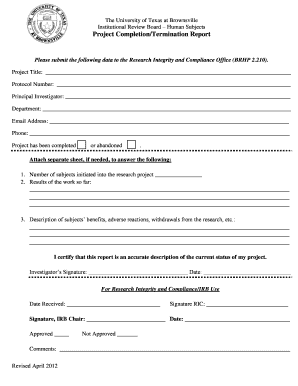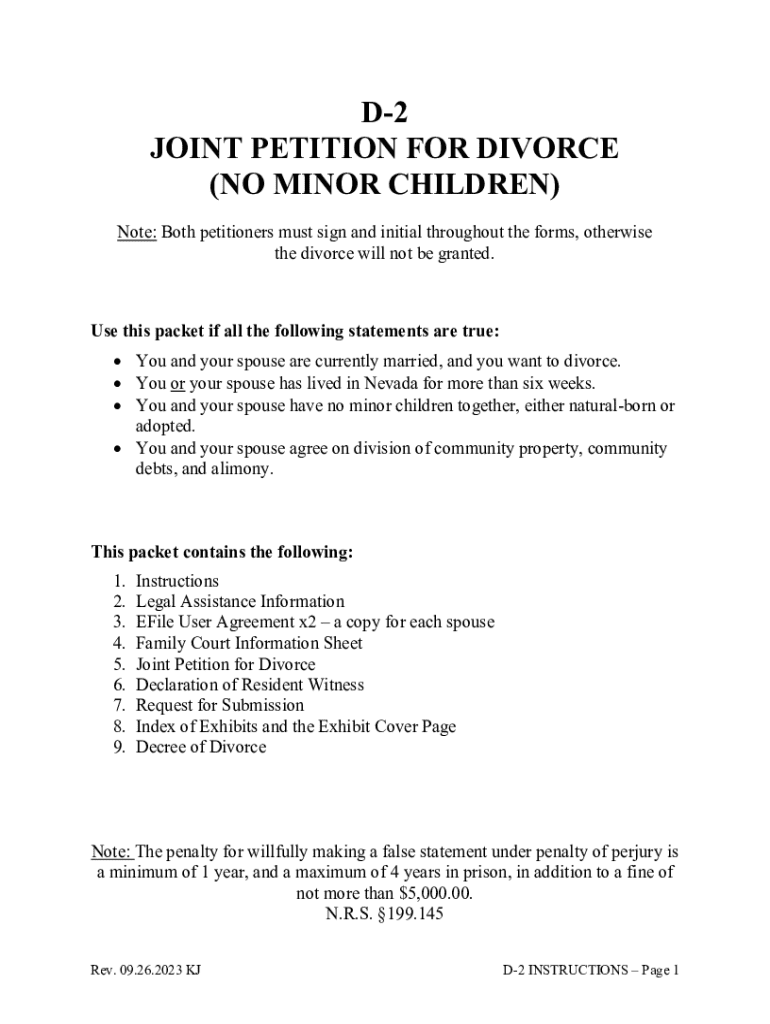







Definition & Meaning
"Form online" refers to digital forms accessible and fillable via the internet. These forms can include applications, surveys, contracts, or documents requiring information input or signatures. They're an integral part of digital document workflows, allowing users to complete, submit, and manage forms without needing physical copies. For platforms like DocHub, offering comprehensive tools for editing, signing, and managing documents, online forms streamline document-based interactions across various sectors such as legal, educational, or corporate environments.
How to Use the Form Online
Using an online form typically involves several straightforward steps. First, access the form from a reliable platform like DocHub, which supports various file formats, ensuring compatibility with your existing documents. After opening the form, you can enter data into provided fields, which can include text boxes, checkboxes, or dropdown lists. Tools for adding additional fields or annotations allow users to customize the form as needed. Once completed, these forms can be submitted electronically, shared with other parties for review or signing, or stored securely in cloud services for easy retrieval.
Customization Options
- Add or remove fields: Adjust the form to fit your needs.
- Signature inclusion: Utilize digital signature tools for authentication.
- Annotations: Insert notes or comments for clarity.
How to Obtain the Form Online
Forms can be easily obtained online through platforms like DocHub, which allows users to import documents from cloud services such as Google Drive, Dropbox, or OneDrive. Users can also upload forms directly from their computers. This process eliminates the need for manual form searches or downloads, providing instant access to necessary documents in a digital format. Additionally, users can start a new form from scratch, utilizing blank templates available within the platform.
Steps to Complete the Form Online
- Access the Form: Navigate to DocHub and locate the desired form from uploaded documents or cloud storage.
- Input Information: Use the provided fields to enter required data. Ensure all mandatory fields are completed to avoid submission errors.
- Customize: Add additional fields, images, or annotations if necessary, using intuitive editing tools.
- Review: Double-check the entered information for accuracy and completeness.
- Sign: Use DocHub’s electronic signature capabilities to authenticate the form, whether by drawing, typing, or uploading your signature.
- Submit or Share: Send the completed form to recipients directly via email, or save it back to your cloud storage for future reference.
Why Should You Form Online
Filling out forms online offers several benefits over traditional paper methods. It enhances efficiency by reducing the time spent on physical mailing and manual data entry. Additionally, it's environmentally friendly, as it minimizes paper usage. Online forms support remote work by allowing document management from any location and device, which is crucial for teams or individuals operating in multiple jurisdictions.
Advantages
- Time-Saving: Immediate access and submission capabilities.
- Accuracy: Eliminate manual errors with computerized data input.
- Security: Robust encryption ensures sensitive information is protected.
- Convenience: Access and manage forms anywhere, anytime.
Who Typically Uses the Form Online
Online forms are utilized by a diverse range of users, including:
- Businesses: For contracts, agreements, and employee onboarding.
- Legal Professionals: To handle client documentation and court forms efficiently.
- Educational Institutions: For enrollment applications and student data collection.
- Healthcare Providers: To gather patient information and consent forms swiftly.
- Government Agencies: Engaging in mass data collection or public submissions.


Important Terms Related to Form Online
Understanding related terminology ensures better navigation and utilization of online forms. Relevant terms include:
- Digital Signature: An electronic way to authenticate the signer’s identity.
- Form Field: Designated areas within the form for data entry.
- Encryption: A method to protect sensitive information by converting it into a secure format.
- Cloud Integration: Ability to store and access forms through cloud services like Google Drive or Dropbox.
Legal Use of the Form Online
Legally, online forms, particularly when accompanied by digital signatures, are recognized under laws such as the ESIGN Act in the United States. This act establishes the legality of electronic signatures, ensuring they have the same legal standing as traditional handwritten signatures. It is essential for users to ensure their digital transactions comply with local regulations and industry standards, maintaining the integrity and authenticity of forms processed online.
Compliance Measures
- Utilize platforms compliant with industry standards and regulations.
- Ensure forms include necessary consent or disclaimer sections.
- Maintain a digital audit trail for legality and accountability.