






Definition and Meaning
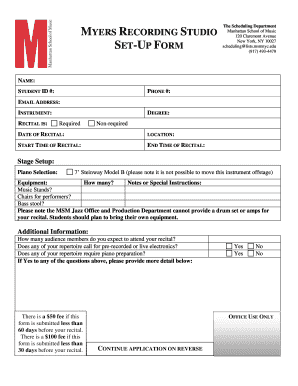
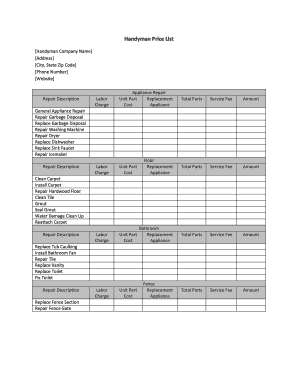
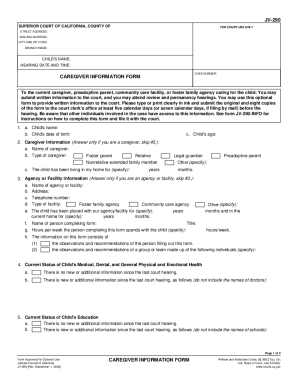
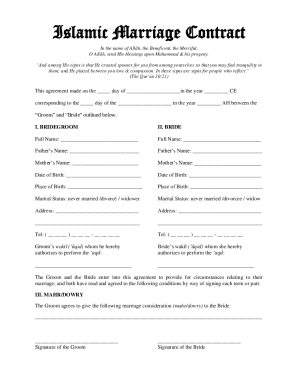
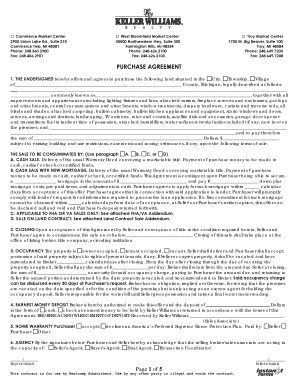
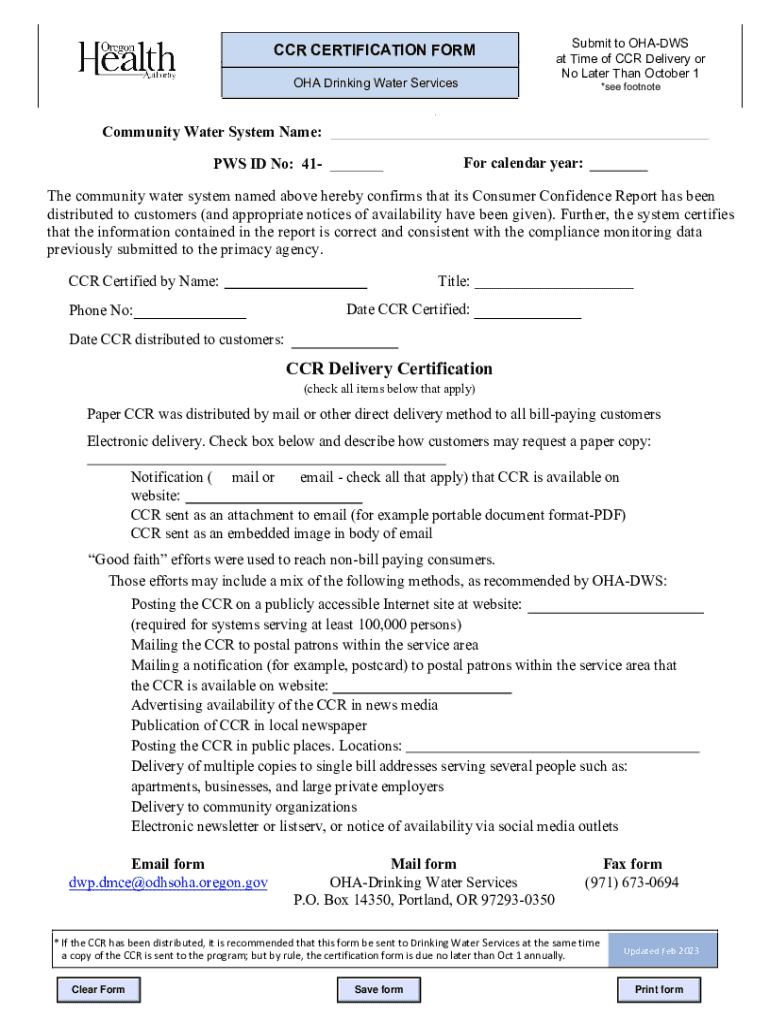
The term "form online" refers to digital forms that can be accessed, completed, submitted, and processed over the internet. These forms are used across various industries and serve different purposes, such as tax filings, applications, and surveys. Unlike traditional paper forms, online forms offer convenience, speed, and efficiency. They eliminate the need for physical paperwork, allowing users to input data directly into electronic fields. This digital format ensures that information is standardized, which simplifies processing and reduces the possibility of errors.
How to Use the Form Online
Using an online form involves several steps to ensure accurate and efficient completion. First, access the form via the website or platform hosting it, such as DocHub. Once the form is open, carefully read all instructions and required fields. Begin by inputting information into the designated fields, such as text boxes, drop-down menus, and checkboxes. Many platforms allow you to upload supporting documents if required. After entering the information, review it for accuracy. Once satisfied, submit the form through the platform. Most services provide a confirmation message or email to verify submission.
Steps to Complete the Form Online
- Access the Form: Navigate to the website offering the form and click on the appropriate link to open it.
- Read Instructions: Before filling out the form, review all instructions provided to understand the requirements.
- Enter Information: Fill in all mandatory fields with accurate data. Use text boxes for written entries and select options from drop-down menus where applicable.
- Upload Documents: Attach any necessary documents, like identification or proofs, by uploading them in the specified format.
- Review Entries: Double-check all entries for correctness to avoid discrepancies or rejection.
- Submit the Form: Click the 'submit' button and ensure a confirmation message appears, which indicates successful submission.
- Receive Confirmation: Await a confirmation email or message to verify that the process is complete.
Why You Should Form Online
Utilizing online forms streamlines the data collection and submission process. This method saves time and reduces mistakes compared to traditional paper forms. Online forms can be accessed anytime and from anywhere with an internet connection, offering flexibility not available with physical forms. They also support automated data entry systems, which further reduce human error and improve data integrity. Additionally, online forms are environmentally friendly, as they minimize paper usage and the need for physical storage.
Key Elements of the Form Online
- Interactive Fields: These are crucial for inputting data, including text boxes, checkboxes, and radio buttons.
- Navigation Controls: Buttons such as 'Next,' 'Previous,' and 'Submit' help users move through the form efficiently.
- Instructional Text: Guides and tips embedded within the form provide clarity and assist in accurate data entry.
- Validation Checks: Real-time alerts ensure that mandatory fields are completed and that there are no errors in data entry before submission.
- Data Encryption: Essential for safeguarding sensitive user information during the transmission and storage phases.
Important Terms Related to Form Online
- Digital Signature: A method to verify the authenticity and integrity of a digital document.
- OAuth 2.0: An authentication protocol that allows users to approve one application interacting with another on their behalf without revealing their password.
- Encryption: The process of converting information or data into a code to prevent unauthorized access.
- Cloud Storage: A model of data storage where digital data is stored in logical pools, said to be on "the cloud."
- Interactive PDF: A PDF format that allows user interaction, such as form filling and data entry within the document.
Legal Use of the Form Online
Online forms must adhere to various legal standards and regulations to ensure legitimacy and compliance. In the U.S., electronic forms, especially those requiring signatures, must comply with the ESIGN Act, which grants electronic signatures the same legal status as handwritten ones. For certain applications, such as government or tax-related forms, additional compliance may be required with specific federal or state laws. Forms may also require disclaimers outlining the terms of use and data privacy agreements to inform users of how their information will be used and protected.
Who Typically Uses the Form Online
Online forms are used across different sectors and by various entities, including:
- Individuals: For personal applications, registrations, surveys, or tax filings.
- Businesses: For client onboarding, feedback forms, and employee data collection.
- Educational Institutions: For student applications, surveys, and feedback collection.
- Government Agencies: For submissions of applications, registrations, and public inquiries.
- Nonprofits: To gather volunteer information or collect donations through customized forms.


Examples of Using the Form Online
One common example is the IRS's electronic filing system for tax returns, allowing taxpayers to submit their returns digitally. In the corporate sector, HR departments often leverage online forms for job applications, where candidates submit their resumes and personal details. Educational institutions use online forms for academic program applications, allowing students to complete their application and submit documents electronically. Additionally, businesses use customer feedback forms to collect and analyze feedback from clients quickly and efficiently through online channels.