




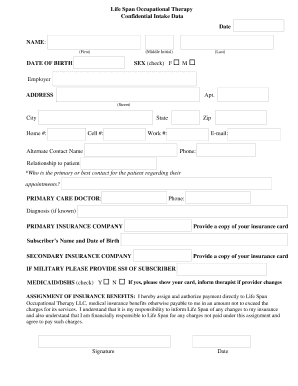
01. Edit your form online
Type text, add images, blackout confidential details, add comments, highlights and more.

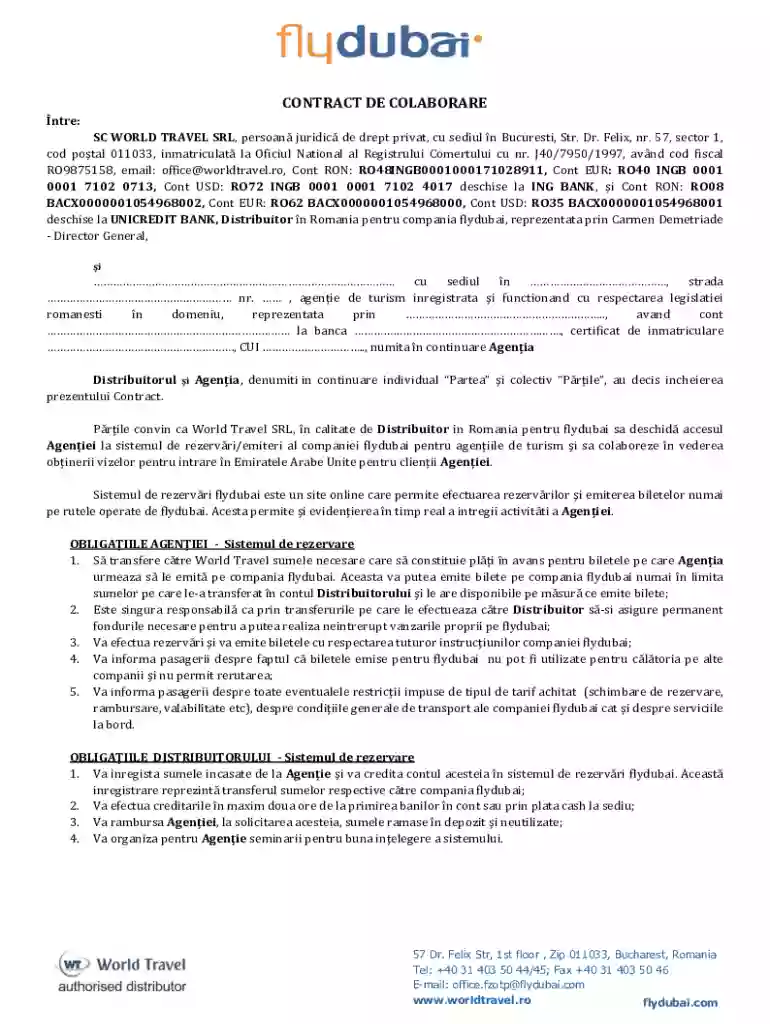
Type text, add images, blackout confidential details, add comments, highlights and more.

Draw your signature, type it, upload its image, or use your mobile device as a signature pad.

Send it via email, link, or fax. You can also download it, export it or print it out.
In the digital landscape, "form online" refers to electronic documents designed for digital completion and submission. These forms can be anything from tax documents, registration forms, application submissions, to agreements. Online forms streamline processes by eliminating the need for paper-based submissions, ensuring efficiency and accessibility. Users can complete these forms using various devices such as computers, tablets, and smartphones, making it easier to input data, share, and store documents.
The utilization of online forms is vast and spans numerous sectors where data collection requires efficiency, accuracy, and convenience.
Securing a form online involves several straightforward methods depending on the source of the document. A variety of forms can be accessed:
Official Websites: Most government, educational institutions, and organizations host official forms on their websites. Users can typically find these forms under sections like "Forms" or "Resources."
Email Requests: Request forms directly from the relevant authorities. Upon request, they might email you the required form.
Portals and Applications: Certain platforms offer portals where users can download various forms after logging in. These portals are prevalent in business settings, where customized forms are necessary.
Completing an online form is designed to be user-friendly. Follow these typical steps:
Access the Form: Use a browser to open the form directly on the platform or download it.
Fill in the Required Details: Enter necessary information into designated fields such as name, address, social security number, or other specific data.
Review and Edit: Carefully review your entries to ensure accuracy. Most platforms allow edits before submission.
Signature: For forms requiring a signature, utilize electronic signature tools provided by the platform.
Submit or Save: Once completed, submit it via the platform or save a copy for your records. Some platforms send confirmation upon successful submission.
Effective online forms generally consist of several common elements that ensure completeness and functionality:
These components facilitate user navigation and efficiency when gathering particular information.
Many online forms are legally binding. Ensuring legal compliance when using these documents entails:
The electronic application for a professional license must comply with state regulations. This includes providing accurate personal details, supporting documents, and an official e-signature.
The debate between digital and paper versions often hinges on:
Online forms often integrate with various software to streamline data processing:
While almost every business can benefit from using online forms, certain industries and business models stand to gain even more:
These sectors experience substantial advantages in operational efficiency and customer satisfaction by adopting online forms.
We've got more versions of the Romania Travel Agency Collaboration Contract form. Select the right Romania Travel Agency Collaboration Contract version from the list and start editing it straight away!
At DocHub, your data security is our priority. We follow HIPAA, SOC2, GDPR, and other standards, so you can work on your documents with confidence.




Sep 11, 2025 In December 2022, the leaders of Azerbaijan, Georgia, Romania and Hungary signed an agreement on the construction of an electric cable runningRead more
Jun 12, 2026 Business Customs. Romanian business customs reflect the Western business model as Romania is both a U.S. and E.U. friendly country.Read more


