01. Edit your form online
Type text, add images, blackout confidential details, add comments, highlights and more.

Type text, add images, blackout confidential details, add comments, highlights and more.

Draw your signature, type it, upload its image, or use your mobile device as a signature pad.

Send it via email, link, or fax. You can also download it, export it or print it out.
Exploring the concept of "form online" involves understanding the digital adaptation of traditional paper forms into a web-based format. These forms enable users to enter and submit information via internet-connected devices, eliminating the need for physical paperwork. This transformation allows for increased efficiency and convenience in document handling. Digital forms can be found in various contexts such as tax filings, legal applications, and business transactions. By adopting online forms, organizations can streamline operations, reduce manual errors, and enhance user experience.
Using a form online typically involves a step-by-step process that starts with accessing the form through a web portal. Users must input the required information into designated fields, which may include text boxes, dropdown menus, or checkboxes. Online forms often come with guidance to assist users in accurately filling out each section. After completing the form, users can review their entries and make necessary corrections before submission. The final step is generally submitting the form electronically, which may involve clicking a "Submit" button or similar action. Some platforms provide confirmation receipts or reference numbers after successful submission to ensure record-keeping and tracking.
To obtain a form online, users need access to the internet and the website hosting the form. This could be a governmental portal, a specific service provider's website, or a dedicated platform like DocHub. Users may be required to sign into an account or provide certain credentials to access forms, especially if personal or sensitive information is involved. Some forms are easily downloadable in formats like PDF or DOC, allowing users to save them offline if necessary. It's important for users to ensure they're accessing the most current version of the form to avoid any compliance issues.
Completing an online form involves several critical steps to ensure accuracy and completeness:
Users may also benefit from tools that auto-save their progress or allow digital signing to expedite the completion process.
Online forms are utilized by a diverse range of users, each seeking efficiency in tasks that traditionally required paper forms. Common users include:
The convenience of online forms appeals broadly, influencing widespread adoption across industries and sectors.


Understanding online forms involves familiarity with several technical terms and concepts:
These terms are key to understanding the security, functionality, and technical aspects of online forms.
The legal use of online forms extends to many domains, provided they meet requisite legal standards and regulations. For example, electronic signatures, governed by the ESIGN Act, are legally binding when submitted through compliant platforms. Legal documents must maintain data integrity and provide a verifiable audit trail. Users are advised to be vigilant about the authenticity of both the form provider and the platform to avoid fraudulent activity. In cases involving personal data, adherence to privacy laws, such as the GDPR or CCPA, is crucial to legally capture and store information.
Key elements of an online form ensure its functionality, usability, and effectiveness:
By incorporating these elements, online forms can provide a secure, user-friendly, and efficient means of digital interaction.
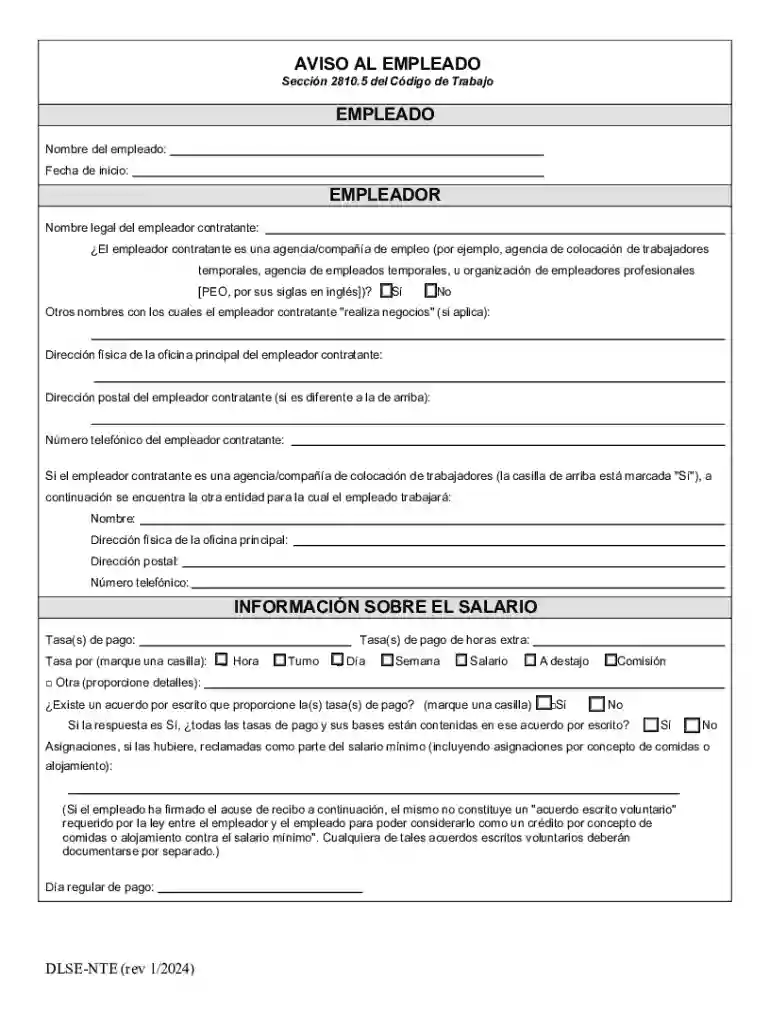
We've got more versions of the California Employee Notice Form form. Select the right California Employee Notice Form version from the list and start editing it straight away!
At DocHub, your data security is our priority. We follow HIPAA, SOC2, GDPR, and other standards, so you can work on your documents with confidence.