01. Edit your form online
Type text, add images, blackout confidential details, add comments, highlights and more.

Type text, add images, blackout confidential details, add comments, highlights and more.

Draw your signature, type it, upload its image, or use your mobile device as a signature pad.

Send it via email, link, or fax. You can also download it, export it or print it out.
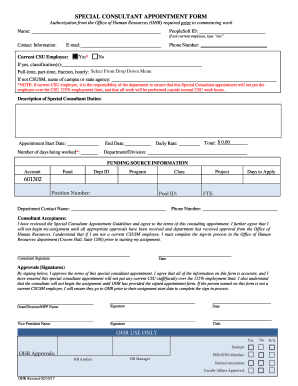
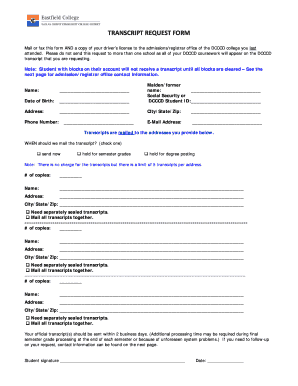
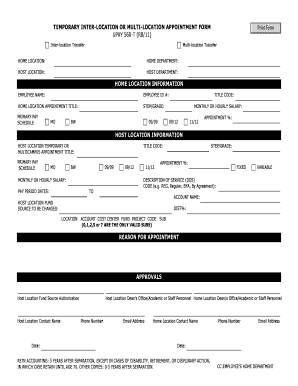
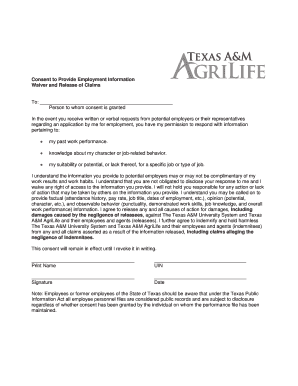
Forms online, also referred to as digital forms, are electronic documents that users can fill out and submit over the internet without the need for physical paperwork. These forms can be used across various sectors, including business, education, and government. By offering a structured method for data collection, forms online streamline processes like application submissions, surveys, and information requests. They often feature digital fields for inputting text, selecting from drop-down menus, and checking boxes, enhancing user interaction and data accuracy.
Filling out a form online typically involves several straightforward steps that vary depending on the platform or system being used. Here's a general guide:
Access the Form: Visit the website hosting the form. Links might be sent via email, or embedded on a webpage.
Fill in Personal Information: Start by entering personal details in the designated fields.
Complete Specific Sections: Address all the required sections relevant to the purpose of the form.
Ensure Accuracy: Double-check entries for typos or incorrect information.
Submit the Form: Click the submit button to send the information to the recipient.
Receive Confirmation: Most platforms will provide a confirmation message or email, indicating successful submission.
Using online forms offers several benefits over traditional paper forms, primarily due to enhanced efficiency and convenience.
Understanding certain terms can enhance the efficient use of online forms.
Online forms can be used to complete a variety of legal processes, provided they comply with regulations like the ESIGN Act in the United States, which gives electronic signatures the same legal standing as handwritten ones.
State regulations can influence the way forms are used and submitted online. It's important to understand these differences for compliance purposes.
While both digital and paper versions serve the same purpose, their features and benefits widely differ:
Online forms often integrate with software solutions like QuickBooks or DocHub, enabling seamless data management.
Real-world examples showcase the versatility of online forms across different industries.
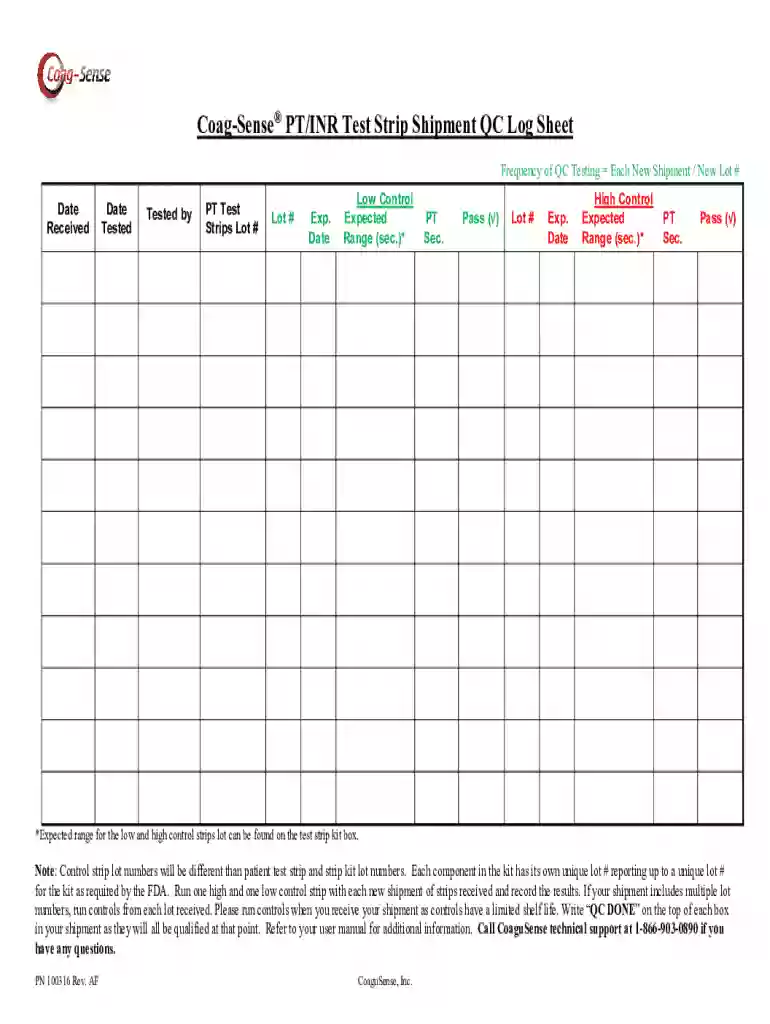
We've got more versions of the Coag-Sense PT INR Test Strip Shipment QC Log Sheet form. Select the right Coag-Sense PT INR Test Strip Shipment QC Log Sheet version from the list and start editing it straight away!
At DocHub, your data security is our priority. We follow HIPAA, SOC2, GDPR, and other standards, so you can work on your documents with confidence.