Definition & Meaning
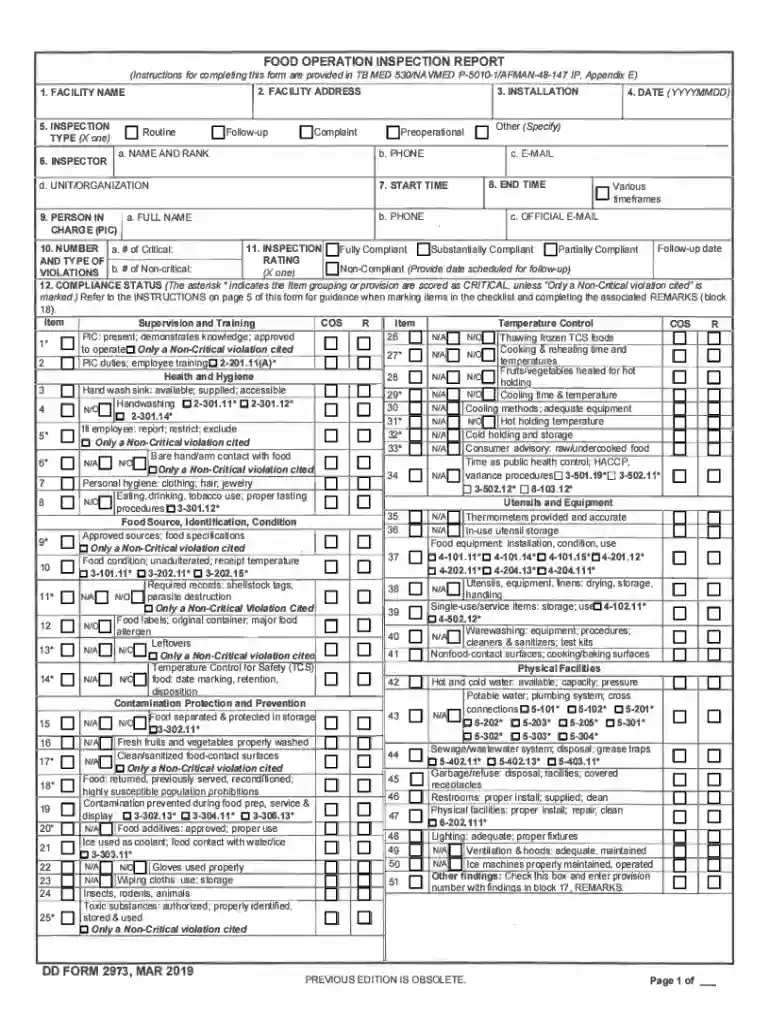
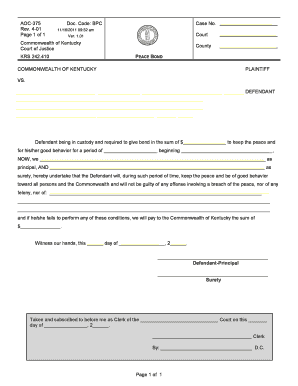
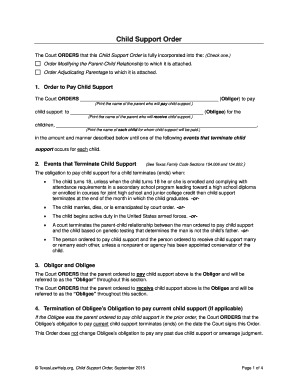
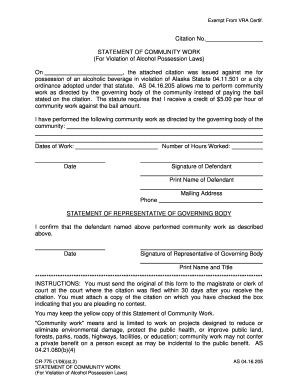
Understanding the concept of "form online" is crucial for navigating today's digital landscape. Essentially, a form online refers to digital documents that users can complete and submit via the internet. These forms cater to various purposes, from tax filings and job applications to customer feedback and survey responses. Online forms streamline data collection and processing, allowing for immediate submission, which saves time and resources for both individuals and organizations.
Importance and Utility
- Convenience: Online forms provide users with the flexibility to fill out documents anytime and anywhere, removing the constraints of traditional paper forms.
- Efficiency: They automate data collection and entry, reducing errors and processing times.
- Accessibility: Ensures that documents are available to a broader audience, including those with physical disabilities, by incorporating features like text-to-speech and adjustable text sizes.
How to Use the Form Online
Filling out a form online usually involves a step-by-step process tailored to collect specific information. While the exact methodology can vary depending on the organization or purpose of the form, several common steps are typically involved:
- Access the Form: Navigate to the website hosting the form, such as a government, educational, or business site.
- Filling in Information: Enter required data into predefined fields, including text boxes, checkboxes, or dropdown menus. Instructions are generally provided to ensure clarity.
- Review: It's essential to carefully review all entries for accuracy before submission.
- Submit: Click a submit button to send the data electronically. An acknowledgment or confirmation page often verifies successful submission.
Practical Tips
- Ensure a stable internet connection to avoid disruptions.
- Use a device with a larger screen, like a computer or tablet, for ease of use.
- Save progress regularly if the form allows to prevent data loss.
Steps to Complete the Form Online
Completing an online form involves meticulous attention to detail to ensure successful submission. Here's a typical workflow:
Step-by-Step Guide
- Login or Account Setup: Some forms require users to create an account or log in before access.
- Instructions Readthrough: Carefully read all instructions to understand required information and supporting documents.
- Input Data: Enter information into each section as prompted. Mandatory fields are often marked with an asterisk (*).
- Attach Documents: If applicable, upload required documents, which may include identification, financial records, etc.
- Validation: Some platforms perform automatic checks for common errors or omissions.
- Final Review: Double-check entered details and uploaded documents.
- Submission: Click the submission button, often followed by a confirmation email or message.
Common Challenges
- Incorrectly filling mandatory fields that lead to submission failure.
- Not meeting file type or size requirements for document uploads.
Creating Fillable Forms
Creating fillable forms for online use is an essential skill for any organization that collects data. DocHub simplifies this process by allowing users to convert existing documents or create new, interactive templates from scratch.
Key Features
- Interactive Fields: Add text boxes, checkboxes, and dropdown menus to guide users through the information input process.
- Custom Assignment: Assign specific fields to recipients if multiple parties are involved.
- Validation: Ensure all necessary fields are completed before the form can be submitted.
Practical Applications
- Customizing forms for diverse industries such as human resources, healthcare, or education.
- Gathering structured data from surveys, applications, or orders.
Legal Use of the Form Online
The legal implications of using forms online are significant, particularly regarding data protection and valid agreements. Online forms often involve personal and sensitive information, so understanding relevant laws is essential.
Compliance with U.S. Regulations
- ESIGN Act: Ensures that electronic records and signatures carry the same legal weight as paper documents.
- Privacy Laws: Compliance with regulations such as the California Consumer Privacy Act (CCPA) is crucial for protecting user data.
Best Practices
- Clearly disclose how user data will be used and stored.
- Ensure forms are encrypted and secure to protect against unauthorized access.
Required Documents
Before completing a form online, you'll need to prepare various documents depending on the form's purpose. These documents provide the necessary information to populate the form accurately.
Typical Examples
- Identification: Drivers license or passport for identity verification.
- Financial Records: Bank statements or tax returns for financial-related forms.
- Legal Documents: Such as lease agreements for housing applications.
Preparation Tips
- Scan physical documents into PDF format for easy upload.
- Verify document requirements before beginning the form to ensure compliance.
Software Compatibility
Using the right software is essential for accessing and filling forms online efficiently. DocHub provides seamless integration with several platforms, enhancing the user experience.
Supported Platforms
- Google Workspace: Direct import and export to Google Drive and Gmail.
- Cloud Services: Compatible with Dropbox and OneDrive for document handling.
Integration Benefits
- Eliminates the need for repeated downloads or uploads.
- Maintains document formatting and integrity across platforms.
Examples of Using the Form Online
Real-world examples illustrate the versatility and value of online forms across various sectors. Understanding these can enhance the applicability and implementation of forms in different contexts.
Diverse Applications
- Government Services: Filing taxes, renewing licenses.
- Employment: Job applications, employee onboarding documents.
- Education: Enrollment forms, consent forms for trips.
Case Study
Consider a small business using online forms to streamline customer feedback collection. By implementing forms online, the business efficiently gathers insights, improving response time and customer satisfaction.
This comprehensive coverage ensures that users understand every facet of using and managing forms online effectively, from legal requirements to step-by-step completion guides.