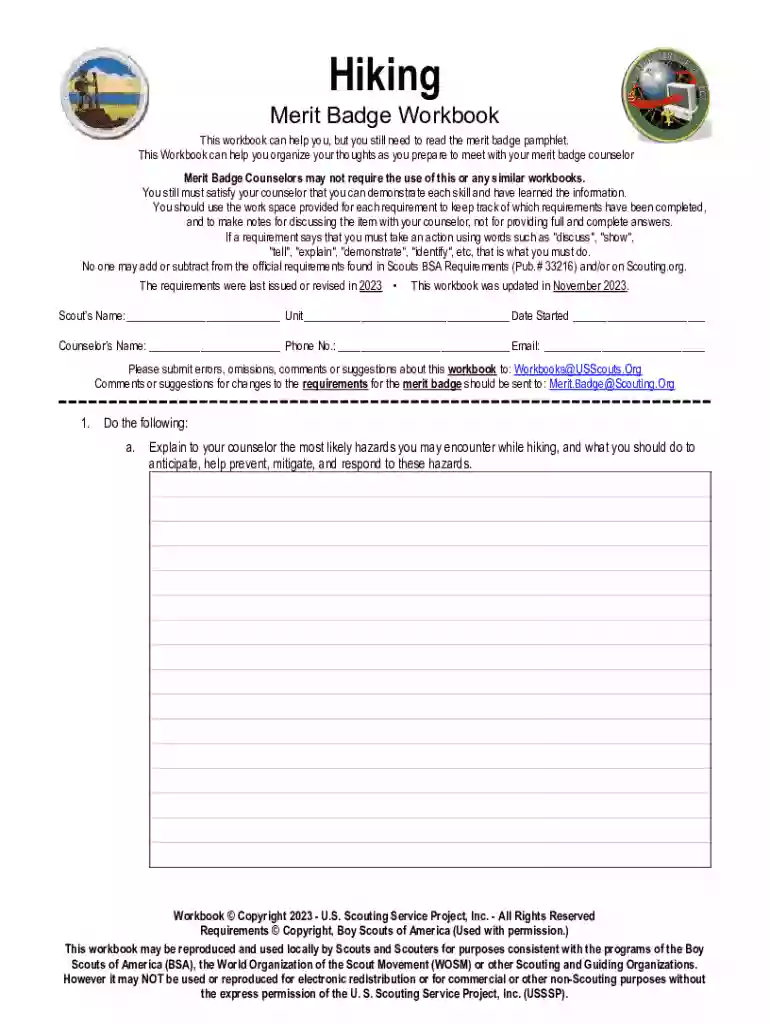
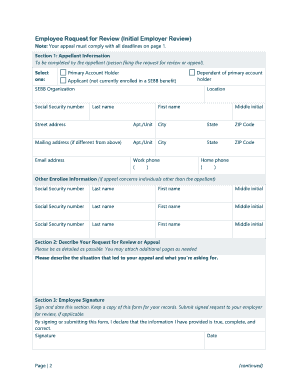
Hiking docx Preview on Page 1

Hiking docx 2026

Here's how it works

  • 01. Edit your form online

    Type text, add images, blackout confidential details, add comments, highlights and more.

  • 02. Sign it in a few clicks

    Draw your signature, type it, upload its image, or use your mobile device as a signature pad.

  • 03. Share your form with others

    Send it via email, link, or fax. You can also download it, export it or print it out.

How to use or fill out Hiking docx with our platform

Form edit decoration
9.5
Ease of Setup
DocHub User Ratings on G2
9.0
Ease of Use
DocHub User Ratings on G2
  1. Click ‘Get Form’ to open the Hiking docx in the editor.
  2. Begin by entering your Scout's name, unit, and date started at the top of the document. This personal information is essential for tracking your progress.
  3. Move on to section 1a. Here, explain potential hiking hazards and how to mitigate them. Use the provided space to jot down your thoughts.
  4. In section 1b, demonstrate your knowledge of first aid by filling in details for each injury or illness listed. This will help you prepare for discussions with your counselor.
  5. Continue through sections 2 and 3, where you will outline good hiking practices and develop a conditioning plan. Make sure to utilize the ample space provided for notes.
  6. For requirements involving hikes, document each hike's details including destination, map routes, clothing lists, and trail lunch items in the designated areas.
  7. Finally, after completing your hikes, write a short report reflecting on each experience in the respective sections. This reflection is crucial for personal growth.

Start using our platform today to easily fill out your Hiking docx and streamline your merit badge process!

See more Hiking docx versions

We've got more versions of the Hiking docx form. Select the right Hiking docx version from the list and start editing it straight away!

VersionsForm popularityFillable & printable
20234.8 Satisfied (55 Votes)
20134 Satisfied (52 Votes)

be ready to get more

Complete this form in 5 minutes or less

Security and compliance

At DocHub, your data security is our priority. We follow HIPAA, SOC2, GDPR, and other standards, so you can work on your documents with confidence.
be ready to get more

Complete this form in 5 minutes or less

If you believe that this page should be taken down, please follow our DMCA take down process here