






Definition and Meaning of Online Forms
Online forms are digital documents used to collect information from users electronically, eliminating the need for paper forms. These forms serve various purposes, from gathering survey data to processing registration and application details. Online forms provide an efficient way to streamline data gathering processes, offering users the ability to fill and submit forms from anywhere with internet access, facilitating broader participation and faster data processing.
Online forms can range from simple contact forms to complex applications with conditional logic that adapts based on user input. They are commonly found on websites and integrated into apps, providing flexibility to both the form creators and respondents. Furthermore, the digital nature of these forms allows for easy data export and analysis, improving the ability to make informed decisions quickly.
How to Use the Form Online
Using an online form is straightforward and user-friendly. The process typically begins with accessing the online platform or website hosting the form. Once on the platform, users are required to carefully read through the instructions and prompts provided to ensure they understand the type of information required and the format in which it should be presented.
- Navigation: Utilize clear navigation links or buttons to move between sections of the form.
- Input Fields: Fill in the requested information in the designated fields, ensuring accuracy and completeness.
- Submission: After completing all sections, review the information provided and click the submit button. Some platforms provide an option to save or print a copy of the completed form for personal records.
How to Obtain the Form Online
Obtaining an online form is generally a simple process involving a few straightforward steps:
- Visit the Website: Navigate to the website or online portal where the form is hosted.
- Search for the Form: Use the site's search function or browse through categories to locate the form needed. Some websites may offer direct links from their homepage for popular forms.
- Access and Download: Depending on the website’s setup, forms can either be filled directly online or downloaded for offline completion. If download is available, ensure to select the correct version for your needs.
Obtaining online forms is usually free, although access might require user registration or login on private platforms to ensure data security.
Steps to Complete the Form Online
Completing an online form successfully involves a detailed approach to ensure all necessary information is captured:
- Read Instructions: Begin by carefully reading any instructions provided with the form.
- Gather Required Information: Assemble all necessary documents and details required for form completion.
- Input Data: Start filling the form, entering data in the appropriate fields without leaving any mandatory sections blank.
- Validation: Some online forms have built-in validation checks to alert users of incomplete or improperly formatted entries.
- Submission and Confirmation: Submit the form upon completion, and look for a confirmation message indicating successful submission.
Why Should You Use Online Forms
Online forms offer numerous advantages over traditional paper forms, including:
- Convenience: They can be filled out at any time from any location with internet access.
- Efficiency: Reduced processing time as data is transferred electronically, minimizing manual entry errors.
- Cost-Effective: Eliminates the need for physical storage and decreases paper usage, contributing positively to environmental sustainability.
- Real-Time Processing: Immediate availability of information for further workflows or analyses.
Who Typically Uses Online Forms
Online forms cater to a diverse range of users across various sectors:
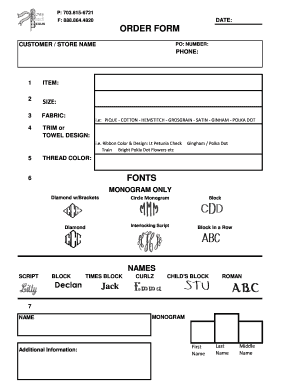
- Businesses: For collecting customer feedback, processing registrations, and conducting surveys.
- Educational Institutions: Used for student admissions, staff applications, and course enrollments.
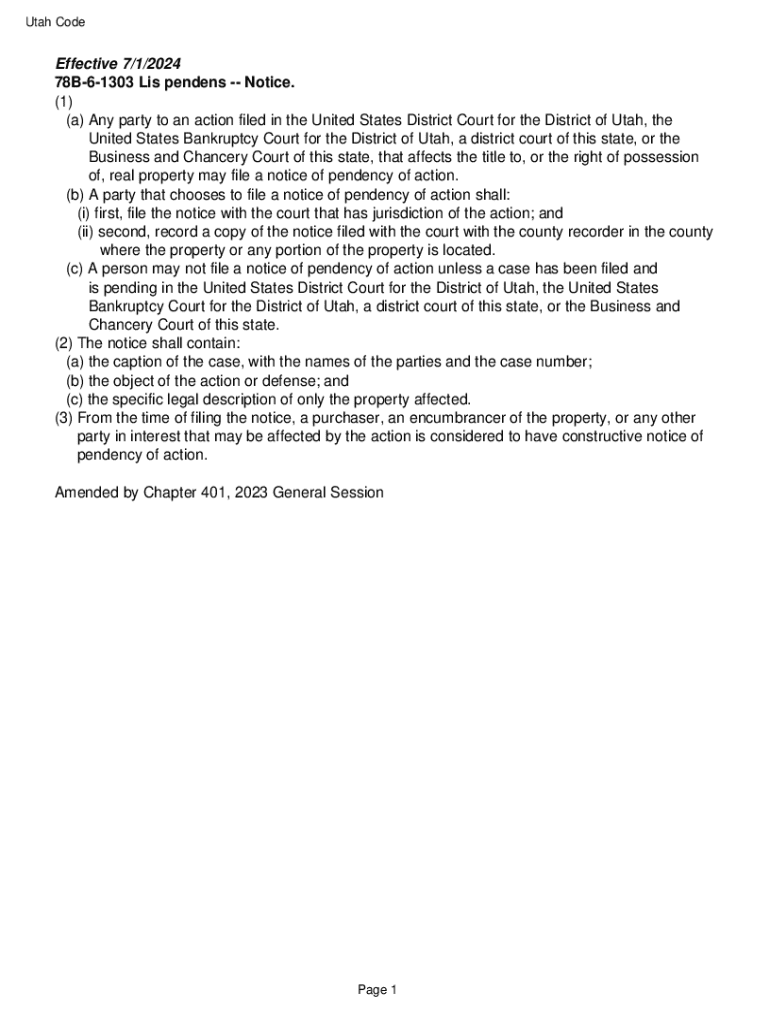
- Government Agencies: For citizen services, tax filings, and census data collection.
- Health Services: To streamline patient information gathering and appointment scheduling.
Important Terms Related to Online Forms
Understanding key terms ensures users effectively complete online forms:
- Field: A single data entry space for gathering specific information.
- Dropdown Menu: A selection list offering multiple choices for user input.
- Mandatory Field: Required information without which form submission is impossible.
- Checkbox: An option allowing users to select one or multiple choices.
- Validation: Automatic checking for errors or omissions in form data before submission.
Key Elements of an Online Form
A well-structured online form typically includes:
- Header Section: Provides title and purpose of the form.
- Instructions/Guidance: Offers users clear completion instructions and any necessary background information.
- Data Fields: Spaces for inputting user information such as name, address, and specific responses.
- Functionality Features: Options for saving, printing, or reviewing the form before submission.
- Confirmation: Message or receipt number upon successful submission of the form.
Examples of Using Online Forms
Online forms are used in many practical situations:
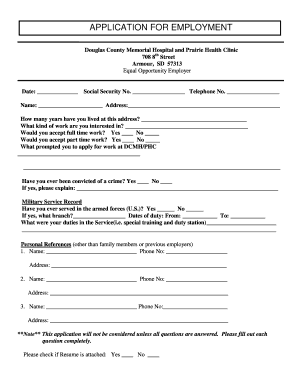
- Job Applications: Candidates provide personal details, resumes, and cover letters via online forms.
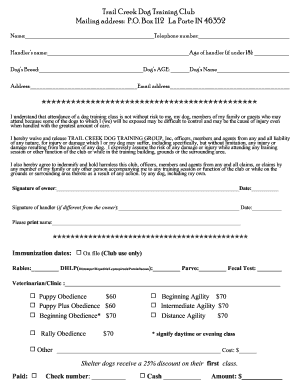
- Event Registrations: Attendees register for events or conferences through web-based forms.
- Customer Feedback Surveys: Businesses collect insights about products or services to enhance customer satisfaction.
In each scenario, online forms significantly streamline the collection and processing of data, contributing to a more efficient operational workflow.