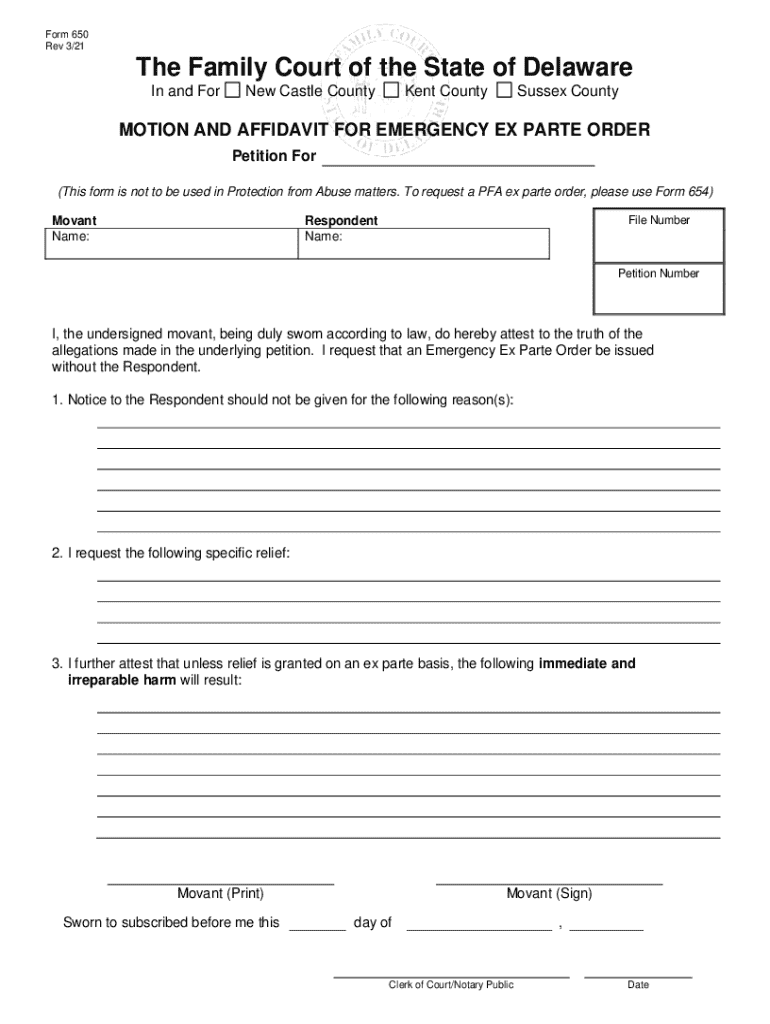







Definition & Meaning
The term "form online" refers to digital versions of documents that users can access, fill out, and submit over the internet. These forms can serve a variety of purposes, such as applications, registrations, or informational submissions. By converting traditional paper forms into digital formats, individuals and organizations can streamline document-related workflows, enabling easier data collection and management. Online forms eliminate the need for physical document handling, making processes faster and more environmentally friendly.
How to Use the Form Online
Using an online form typically involves accessing the form from a web browser, filling out the necessary fields, and submitting it electronically. First, locate the form on the relevant website or platform. Many online forms offer interactive fields that guide users through the completion process. As you fill out the form, ensure that all required fields marked with an asterisk or other indicators are completed. After reviewing the entered information for accuracy, submit the form by clicking the submit or send button, often found at the end of the form.
Steps to Complete the Form Online
- Access the form: Navigate to the website where the form is hosted.
- Fill out personal details: Enter required information such as name, address, and contact details.
- Provide specific information: Depending on the form type, enter additional details relevant to the form's purpose.
- Review the form: Double-check all fields for accuracy and completeness.
- Submit the form: Click the submit button to send your completed form electronically.
- Confirmation: Look for a confirmation message or email verifying the successful submission of your form.
Why Should You Form Online
Filling out forms online offers numerous advantages, such as convenience and efficiency. It allows users to complete forms from any location with internet access, saving time and travel costs associated with submitting forms in person or via mail. Additionally, digital forms often have built-in features to prevent errors, such as drop-down menus, auto-fill functions, and real-time validation of fields, reducing the likelihood of processing delays due to incorrect data.
Who Typically Uses the Form Online
Online forms are widely used by individuals, businesses, educational institutions, and government agencies. These forms cater to various needs, from individuals applying for jobs or services to companies collecting data from clients or employees. Students and educators frequently use online forms for enrollment, feedback, or assessment purposes, while government agencies utilize them for applications, registrations, and compliance submissions.


Important Terms Related to Form Online
- Digital Signature: An encrypted signature used to authenticate an online form, ensuring the signer's identity and data integrity.
- Interactive Fields: Elements within an online form that the user can fill out, such as text boxes and radio buttons.
- Encryption: Security measures applied to online forms to protect users' sensitive information during transmission and storage.
- Responsive Design: A design approach ensuring that online forms are accessible and usable on various devices, including smartphones and tablets.
Legal Use of the Form Online
Online forms must comply with relevant laws and regulations, such as the Electronic Signatures in Global and National Commerce Act (ESIGN Act) in the U.S., which grants electronic signatures the same legal status as handwritten ones. Forms collecting personal data need to adhere to privacy laws such as the GDPR or CCPA to protect user information. Failure to comply with applicable legal frameworks can result in penalties, legal disputes, or invalidation of form submissions.
Key Elements of the Form Online
A successful online form includes several critical components that ensure user-friendly experiences and data integrity:
- Clear Instructions: Provide users with clear guidance on how to complete the form effectively.
- Validation Mechanisms: Use real-time validation to check entries and reduce errors.
- Security Features: Implement encryption and authentication to protect sensitive information.
- User Support: Offer contact options or help sections to assist users who encounter difficulties or have questions during the form completion process.