
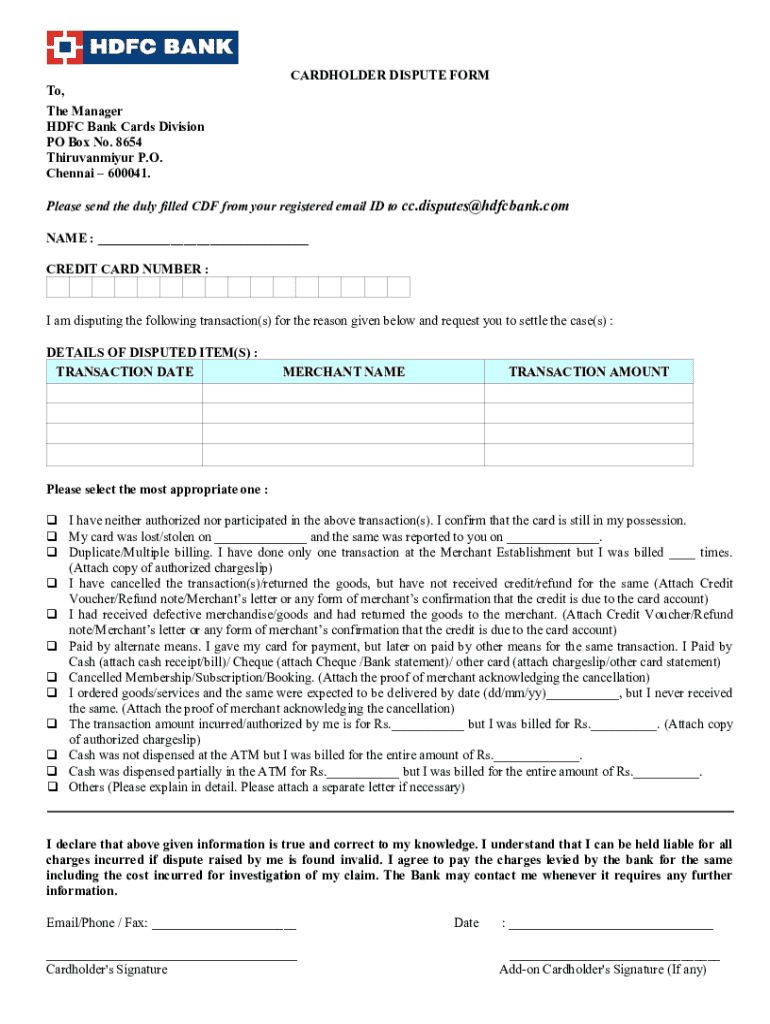







Understanding the Concept of "Form Online"
The term "form online" refers to the digital equivalent of traditional paper forms that users can fill out and submit through a web-based platform. These digital forms have gained popularity due to their efficiency and ease of use. They enable individuals and businesses to complete, submit, and manage necessary documentation over the internet without the need for physical paperwork. This streamlining of the administrative process can significantly reduce the time and resources traditionally required for handling forms.
Steps to Complete Forms Online
Completing forms online typically involves several straightforward steps designed for user convenience and precision. First, a user navigates to the appropriate website or platform where the form is hosted. After accessing the form, users can then fill in required fields, which may include personal information, transaction details, or any specific data pertinent to the form's purpose. Before submission, users should review their entries to ensure accuracy and completeness, as errors could delay processing. Finally, many forms allow users to save a copy for their records or to print a hard copy if necessary.
Advantages of Using Forms Online
There are numerous reasons to prefer filling forms online. Firstly, these forms eliminate the necessity of printing and physically mailing documents, saving both time and postage costs. Additionally, online forms are often designed to be more user-friendly, with built-in error checks and autofill options that help prevent mistakes and omissions. The immediacy of online submissions also allows for faster processing times, which can be crucial for time-sensitive applications or compliance reports.
Who Typically Utilizes Forms Online?
A wide range of users benefits from online forms, including individuals, businesses, and government agencies. For individuals, online forms can streamline processes such as applying for jobs, filing taxes, or registering for services. Businesses might use online forms for customer feedback, employee onboarding, or contract agreements. Government agencies use online forms to facilitate applications for permits, licenses, and benefits, providing citizens with more accessible and efficient services.
Legal Implications of Submitting Forms Online
When using forms online, it is essential to understand the legal implications associated with digital submissions. Many online forms used for official purposes are structured to meet legal standards, ensuring that electronic submissions are as valid as their paper counterparts. For instance, in the United States, electronic signatures provided via a secure platform like DocHub are legally recognized under the ESIGN Act, which grants electronic records and signatures the same legal standing as traditional paper documents.
Key Elements of Online Forms
Successful online forms typically incorporate several vital elements to enhance user experience and data accuracy. These include clear instructions, intuitive layouts, responsive design for compatibility across devices, and robust security features to protect user data during transmission. Additionally, effective online forms often integrate features such as auto-save, progress indicators, and easy navigation between sections to facilitate user convenience.
Required Documents When Using Forms Online
Depending on the form's purpose, users may need to gather specific documents before starting the online submission process. For example, tax-related forms may require W-2s, receipts, or other financial records. Business forms might necessitate registration certificates or proof of identity. It's crucial for users to have these documents readily available to ensure they can provide accurate and comprehensive information on their forms.
Methods of Submitting Forms Online
Online forms offer multiple submission methods to accommodate different user needs and technological preferences. Predominantly, users submit online forms directly through web interfaces. In cases where mail or in-person submission options also exist, online platforms may allow users to download completed forms to send via traditional methods if needed. Providing these diverse options ensures accessibility and accommodates users who may prefer or require alternative submission approaches.




