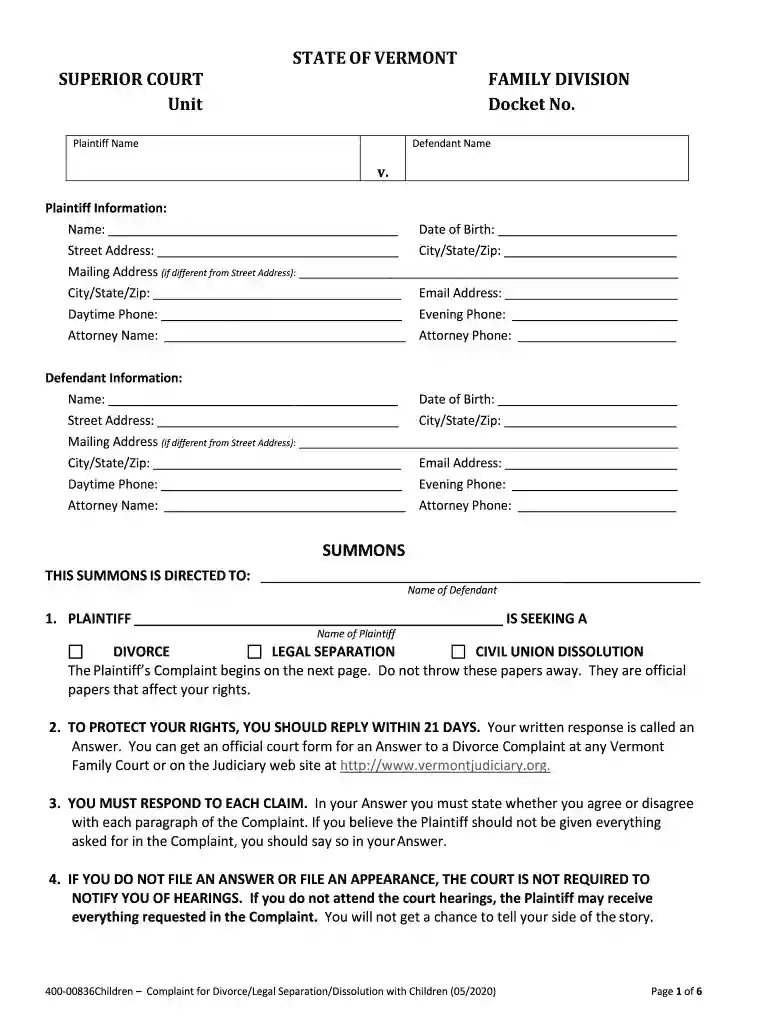
Fillable Online C-53175 PPOCMM Routine Vision Claim Form 2026

Get Form
Fillable Online C-53175 PPOCMM Routine Vision Claim Form Preview on Page 1

Here's how it works

01. Edit your form online
Type text, add images, blackout confidential details, add comments, highlights and more.

02. Sign it in a few clicks
Draw your signature, type it, upload its image, or use your mobile device as a signature pad.

03. Share your form with others
Send it via email, link, or fax. You can also download it, export it or print it out.

Definition & Meaning

The Fillable Online C-53175 PPOCMM Routine Vision Claim Form is a document used by policyholders to request reimbursement or direct payment for routine vision services covered under a health insurance plan. These forms are essential for individuals seeking to document and submit claims to their vision insurance provider after receiving an eye examination or purchasing corrective lenses. The primary function of this form is to provide detailed information about the claimant, the services rendered, and any associated costs, facilitating the insurance provider's review and approval process for reimbursement or coverage.

Key Elements of the Form

  • Personal Information: The form captures the claimant's name, address, and insurance policy details to verify eligibility.
  • Provider Information: Details about the healthcare provider, including name, address, and contact information, are required for validation purposes.
  • Service Description: A clear breakdown of the vision services received, such as eye exams, lenses, or frames, ensures accurate processing.
  • Cost Details: Listing fees for each service or item provides transparency and helps determine coverage extent.

Steps to Complete the Fillable Online C-53175 PPOCMM Routine Vision Claim Form

Completing the C-53175 PPOCMM form properly is crucial for timely and accurate processing. Follow these steps to ensure completeness:

  1. Download the Form: Access the fillable form from your insurer’s website or document management platform like DocHub.
  2. Enter Personal Information: Begin by entering your full name, address, policy number, and contact details in the designated fields.
  3. Provider Details: Fill in the service provider's information, confirming accuracy to mitigate processing delays.
  4. Describe Services: Detail the vision services received, including the date of service, to maintain a comprehensive claim.
  5. Attach Receipts: Submit copies of all receipts and invoices corresponding to the listed services.
  6. Review and Sign: Thoroughly check all details before signing the form. This step confirms your agreement to the claim’s terms and conditions.

Additional Tips

  • Use digital tools to input information accurately.
  • Maintain copies of your submissions for future reference.
  • Confirm all details match the documentation provided by your healthcare provider.

Who Typically Uses the Fillable Online C-53175 PPOCMM Routine Vision Claim Form

The primary users of the C-53175 PPOCMM form include insured individuals or policyholders who have accessed routine vision care services and seek reimbursement from their insurance provider. This form is particularly relevant to:


  • Policyholders: Those under private or employer-sponsored vision insurance plans.
  • Parents: Filing claims on behalf of dependent children to recover vision-related expenses.
  • Healthcare Providers: Assisting patients by filling out the form and certifying provided services.
decoration image ratings of Dochub

Legal Use of the Fillable Online C-53175 PPOCMM Routine Vision Claim Form

Legally, the C-53175 PPOCMM form serves as a binding document under the insurance policy agreement. It ensures that:

  • Accuracy and Truthfulness: All information provided must be accurate and honest.
  • Privacy Compliance: Patients' personal and medical information is protected under HIPAA regulations.
  • Fraud Prevention: Deliberate misinformation or fraudulent behavior can result in denial of claims and potential legal consequences.

Compliance Best Practices

  • Regularly update training for staff involved in form preparation.
  • Implement checks to minimize errors in data entry.

State-Specific Rules for the Fillable Online C-53175 PPOCMM Routine Vision Claim Form

While the form itself may be standardized, state-specific insurance regulations might affect claim processing. Policyholders should be aware of:

  • Variations in Coverage Laws: States may have differing mandates on minimum vision benefits.
  • Submission Protocols: Some states may require additional documentation or compliance with unique protocols for submission.

Practical Scenario

A policyholder in California may have state-specific guidelines dictating eligibility criteria for coverage, influencing how they complete the C-53175 PPOCMM form compared to someone in Texas.

Software Compatibility

The fillable C-53175 PPOCMM form's compatibility with various document platforms enhances its user-friendliness. Platforms supporting this form include:

  • DocHub: Offers a fully customizable document editing experience.
  • PDF Viewers: Adobe Acrobat and other PDF readers provide basic editing capabilities.
  • Cloud Services: Google Docs and Microsoft Word enable file saving and sharing functionalities.

Recommendations

  • Ensure you have the latest PDF software version to avoid compatibility issues.
  • Consider using cloud storage for easy access and backup.

Required Documents

Accurate and complete submission of the C-53175 PPOCMM form requires accompanying documents to substantiate the claim:

  • Original Receipts: From vision services rendered.
  • Provider Verification: Any official documentation from the healthcare provider confirming service.
  • Insurance Card Copy: A copy of your active insurance card for identity verification.

Checklist

  • Ensure all documents are legible and clear.
  • Organize and label each document for better clarity.

Form Submission Methods

Submitting the C-53175 PPOCMM form involves several avenues, ensuring flexibility and convenience for claimants:

Online Submission

  • Utilize insurer websites or platforms like DocHub to digitally submit completed forms.
  • Digital confirmations provide immediate acknowledgment of receipt.

Mail-In Services

  • Traditional postal services remain an option; ensure all documents are secured and copies retained.

In-Person Delivery

  • Direct submission to an insurer’s local office may facilitate quicker resolution and direct communication.

Carefully selecting the optimal submission method can influence processing times and should be aligned with individual preference or proximity to service centers.

be ready to get more

Complete this form in 5 minutes or less

Get form

Security and compliance

At DocHub, your data security is our priority. We follow HIPAA, SOC2, GDPR, and other standards, so you can work on your documents with confidence.

Learn more
ccpa2
pci-dss
gdpr-compliance
hipaa
soc-compliance
be ready to get more

Complete this form in 5 minutes or less

Get form