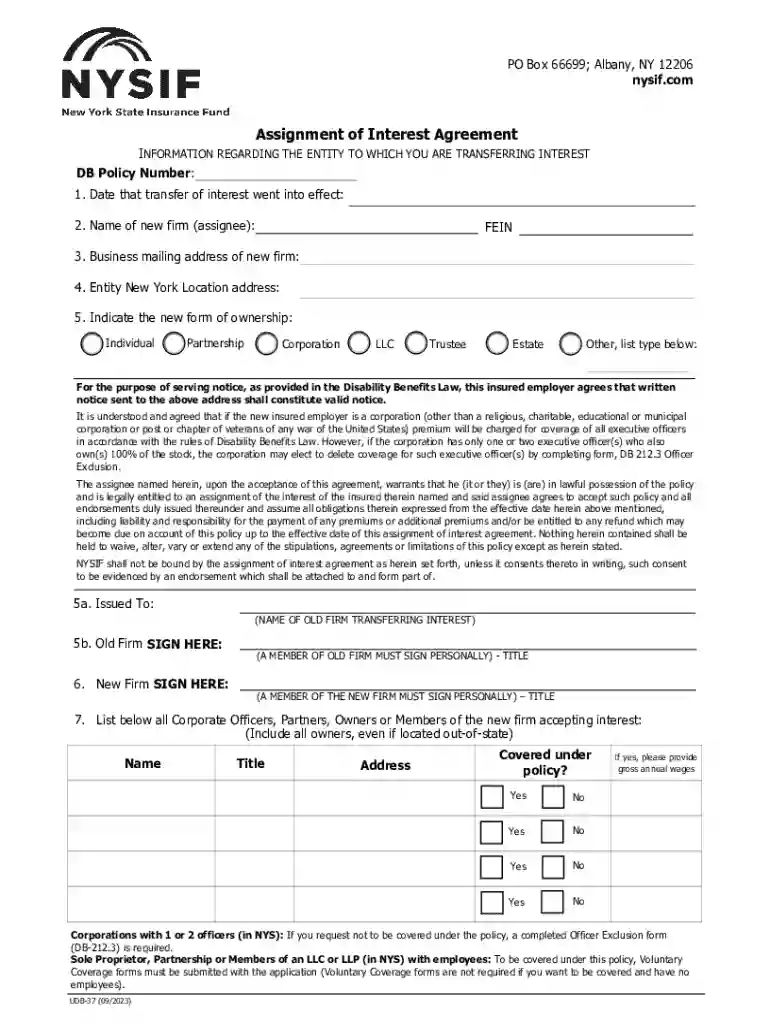
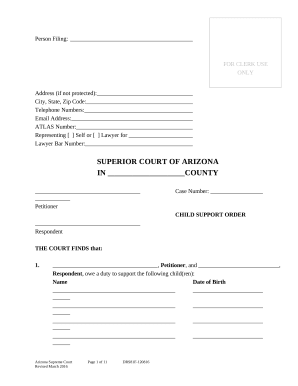
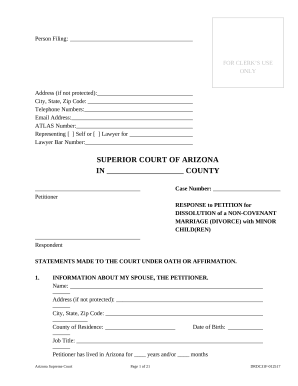
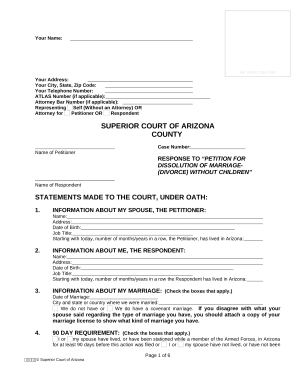
Definition and Meaning of "Form Online"
"Form online" refers to the process of completing and submitting electronic forms through digital platforms. These forms can cover a vast range of purposes, including legal agreements, tax returns, applications, and surveys. By digitizing the form submission process, individuals and businesses can experience streamlined workflows, reduced paperwork, and quicker access to important documentation.
Practical Examples
- Legal Agreements: Individuals can use online forms to complete contracts and agreements without the need for physical signatures.
- Tax Filings: The IRS provides forms online for taxpayers to submit their returns electronically, ensuring faster processing.
- Job Applications: Many companies allow candidates to fill out application forms online, facilitating a smoother hiring process.
- Surveys and Feedback: Organizations collect data using online survey forms that participants can fill out conveniently from any location.
How to Use the Form Online
Utilizing online forms involves several straightforward steps, allowing users to efficiently complete necessary information without traditional paperwork.
- Access: Visit the website or platform hosting the form. This could be government websites for official documents, or services like DocHub for various document types.
- Fill Out: Input the required information into the designated fields, ensuring accuracy and completeness. Fields may include text boxes, checkboxes, and dropdown options.
- Review: Carefully review the information provided to ensure there are no errors, as mistakes can lead to processing delays.
- Submit: Once satisfied with the input, submit the form by clicking the designated submission button. Make sure to save or print a copy for your records if necessary.
Edge Cases
- Technical Issues: Ensure your internet connection is stable to avoid disruptions during the form submission process.
- Data Privacy: Verify that the platform is secure and complies with data protection laws to safeguard your information.
How to Obtain the Form Online
Accessing forms online can be efficiently accomplished through a variety of sources depending on the form type and issuing body.
- Government Portals: Visit official websites like the IRS or state government pages to download tax forms or other legal documents.
- Document Editing Platforms: Services such as DocHub offer access to a wide range of editable forms, including templates for creating custom documents.
- Business Websites: Companies often provide downloadable forms directly from their website for things like customer applications and feedback.
Considerations
- Authentication Requirements: Some platforms may require account creation or verification before downloading certain forms.
- Form Versions: Ensure you are accessing the most recent version of the form to avoid submitting outdated information.
Steps to Complete the Form Online
Completing an online form involves following structured steps that ensure all necessary data is captured accurately.
- Preparation: Gather any required documents and information beforehand, such as identification numbers or past documents.
- Input Information: Fill in all necessary fields, paying particular attention to mandatory fields marked with an asterisk (*).
- Attach Required Documents: Many forms allow for document uploads to support the information provided, such as proof of income or identification.
- Review and Edit: Before final submission, review your entries to correct any errors. Some platforms offer tools to highlight potential mistakes.
- Submit and Confirm: After submission, look for a confirmation message or email indicating successful receipt.
Important Terms Related to Form Online
Understanding key terminology provides clarity and aids in navigating the online form process more effectively.
- Electronic Signature: A digital representation of a signature used to validate the authenticity of an online form.
- Field: The interactive areas of a form where users input data, such as text boxes and check circles.
- Encryption: The process of encoding information to protect it during electronic transmission.
- Template: A pre-designed structure that forms the basis of online forms, providing a consistent format for users to follow.
Legal Use of the Form Online
Using forms online carries specific legal implications, particularly around the validity and enforceability of electronically submitted documents.
Legal Considerations
- Compliance: Ensure that forms comply with relevant laws such as the Electronic Signatures in Global and National Commerce (ESIGN) Act for legal acceptance.
- Validity: Online forms with electronic signatures are generally considered legally binding, provided the signer has clearly consented to the terms.
- Data Protection: Adherence to privacy regulations, such as GDPR for international forms, may be necessary, ensuring personal data is handled lawfully.
Key Elements of the Form Online
Online forms feature several core elements that facilitate their use and effectiveness.
- User Interface: Design elements that make forms easy to navigate, with clear instructions and intuitive layouts.
- Embedded Logic: Features like conditional formatting that dynamically adjust the form based on user responses.
- Form Fields: Various input types like text, numeric fields, and options for file uploads.
- Feedback Options: Mechanisms for users to provide suggestions or reports on their form submission experience.