Definition & Meaning
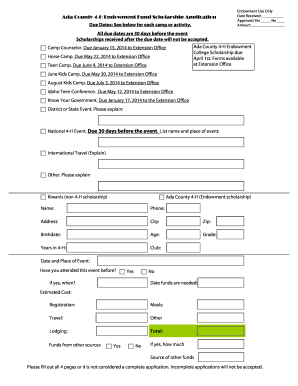
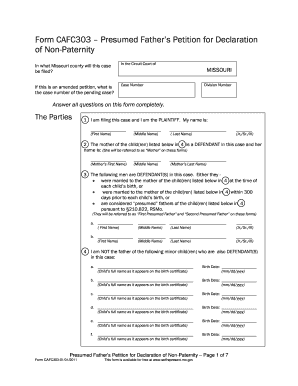
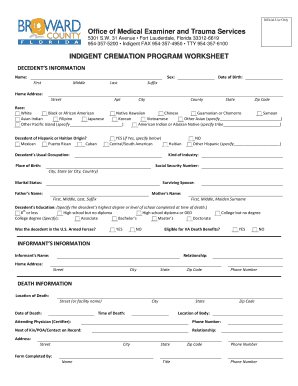
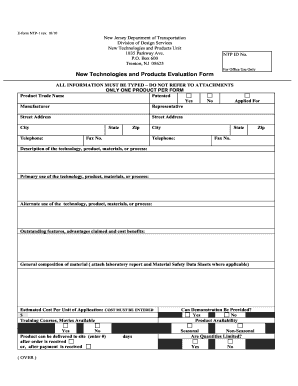
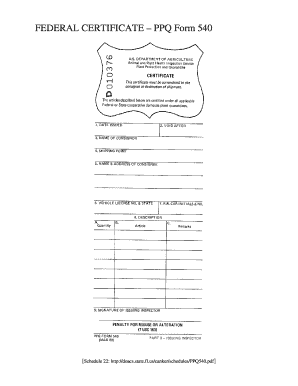
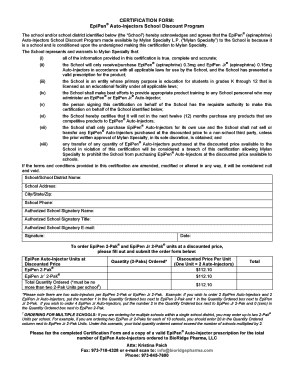
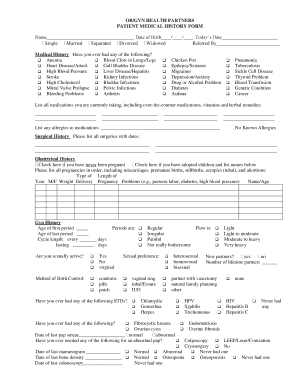
"Form online" refers to the digital versions of various types of forms that users can fill out and submit over the internet. These are accessible through platforms like DocHub, which allows for the editing, signing, and sharing of documents electronically. Online forms are designed to streamline processes that traditionally required paper, offering a more efficient, environmentally friendly, and accessible way to manage data. This has particular relevance for individuals and businesses in sectors like taxation, human resources, legal services, and education, where documentation is frequently exchanged.
How to Use the Form Online
Using an online form typically involves a few straightforward steps:
- Access the Portal: Navigate to the platform hosting the form, such as DocHub, where you can access the needed document.
- Choose a Form: Select the specific form you need to fill out from the available options.
- Fill in the Details: Enter the required information into the form fields. This could include personal identification details, employment data, and contact information.
- Review & Edit: Utilize editing tools to make any necessary changes to the information you have entered.
- Sign the Form: Apply an electronic signature. Platforms like DocHub allow you to either draw your signature using a mouse, upload an image of your signature, or sign using a touch-enabled device.
- Submit the Form: Once you have completed and reviewed the form, submit it through the platform’s submission feature.
Steps to Complete the Form Online
Completing an online form is designed to be intuitive; here are detailed steps:
- Log in or Create an Account: Start by logging into an existing account or registering for a new one on the platform.
- Form Selection: Navigate through the form library or use a search function to locate the needed form.
- Form Completion: Click on the form to open it, and begin filling out the necessary fields. Platform-specific tools can guide you through sections to ensure all mandatory areas are addressed.
- Add Attachments: In some instances, you may need to upload additional documents, such as identification or proof of residence.
- Digital Signature: Apply your electronic signature where required. DocHub ensures the signature process complies with legal standards like those in the ESIGN Act.
- Verification & Submission: Review your entries, use any available tools to check for errors, and then submit the completed form for processing.
Important Terms Related to Form Online
When working with online forms, certain terms are essential for understanding the process:
- E-signature: A digital form of a signature that is legally binding.
- Form Fields: Areas within a form that require input from the user, such as text boxes or checkboxes.
- Dynamic Forms: Interactive forms that may change based on the user's input, enhancing user experience and data collection accuracy.
- Encryption: The method of securing data as it is transmitted and stored to prevent unauthorized access.
Legal Use of the Form Online
Electronic forms hold the same legal weight as their paper counterparts when filled and submitted correctly. The adoption of laws such as the ESIGN Act ensures that documents signed electronically are legally upheld. Key considerations include ensuring that the platform used for form submission complies with these legal standards and that the integrity and authenticity of submitted documents are maintained through secure methods, including encryption and audit trails.
Key Elements of the Form Online
Online forms typically possess several critical components designed to facilitate accurate data capture and secure submissions:
- Form Fields: These are designated spaces for user input.
- Validation Checks: Automated systems to ensure entered data meets required criteria, improving data accuracy.
- Instructional Tooltips: Help text or guides to assist users with filling out the form correctly.
- Submission Confirmation: Alerts or messages confirming the form has been successfully submitted.
Examples of Using the Form Online
Online forms can be utilized in various scenarios, including:
- Tax Filing: Individuals can use IRS-related forms online for timely submissions.
- Job Applications: Candidates complete employment applications through company career portals.
- College Admissions: Students apply to universities using online admission forms.
- Legal Agreements: Parties can finalize contracts or agreements with electronic forms and signatures.
Filing Deadlines / Important Dates
When dealing with online forms, particularly those related to legal or financial purposes, deadlines are crucial. For example, most tax forms have a filing deadline of April 15th in the U.S. It’s essential to be aware of these dates to avoid penalties or interest charges. Many platforms offer reminders or scheduling features to help users track upcoming deadlines, ensuring timely compliance.
Required Documents
Before completing an online form, ensure that you have all necessary supporting documentation at hand. Commonly required documents might include:
- Identification Proofs: Such as driver’s licenses or passports.
- Financial Statements: Recent pay stubs or bank statements.
- Employment Records: Offers of employment or termination letters if applicable.
Being prepared with these documents can significantly streamline the online form submission process.