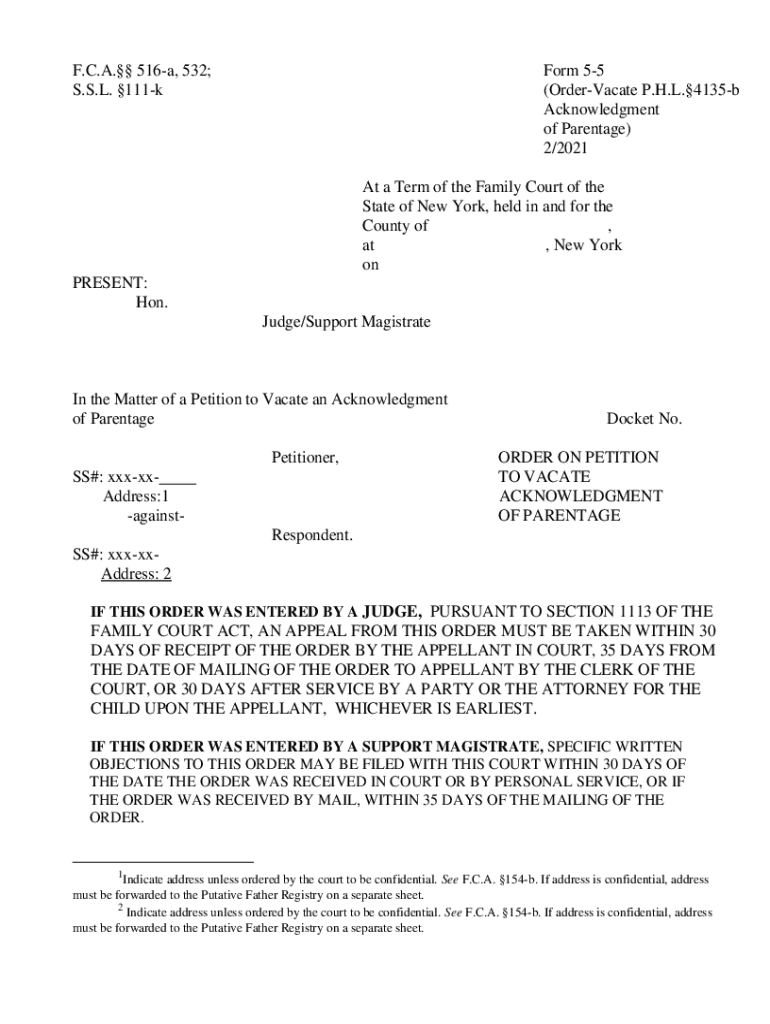







Definition & Meaning of Form Online
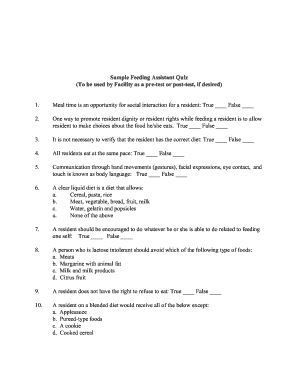
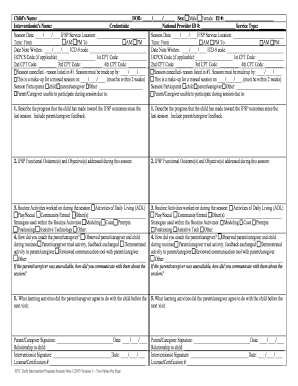
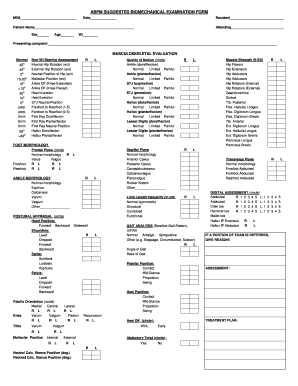
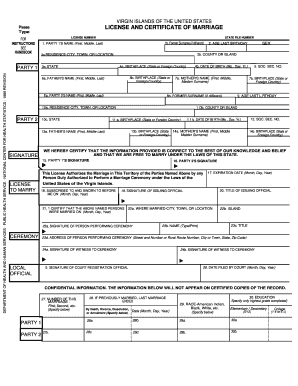
Form online refers to the digital versions of traditional paper forms that can be accessed, completed, and submitted electronically. These forms are hosted on websites or web-based platforms like DocHub, offering a streamlined and efficient way to handle documentation. Forms online are especially useful in contexts such as government applications, business transactions, and personal records. They eliminate the need for physical handling and transportation of documents, ultimately saving time and resources.
Key Features of Online Forms
- Accessibility: Forms can be accessed from anywhere with an internet connection, making them convenient for users on the go.
- Flexibility: Users can fill out forms on various devices, including computers, tablets, and smartphones.
- Security: Online forms often include encryption and authentication protocols to protect personal information.
Practical Examples
- Government Applications: Many state and federal forms, such as tax forms or voter registration, can be completed online.
- Business Transactions: Employment applications, vendor agreements, and other business forms are often available digitally for faster processing.
- Educational Records: Schools may use online forms for registration, permission slips, and event sign-ups.
How to Use the Form Online
Using a form online is generally straightforward and user-friendly. Here are the essential steps to effectively complete an online form using platforms like DocHub.
Step-by-Step Instructions
- Access the Form: Navigate to the website or platform hosting the online form.
- Download or Launch Form: If necessary, download the form or open it directly within the web browser.
- Fill Out Required Fields: Complete the form by entering information into the designated fields. Ensure all mandatory fields are filled.
- Attach Supporting Documents: If required, upload any additional documents through provided options on the platform.
- Review the Form: Double-check all entered information for accuracy and completeness to avoid any processing delays.
- Submit the Form: Use the platform's submission function to send the form to the intended recipient.
Pro Tips
- Save Session Progress: Many platforms allow users to save the progress of a form, so you can return to it later if needed.
- Automatic Saving: Some systems automatically save entries, reducing the risk of data loss due to connection issues or system timeouts.
How to Obtain the Form Online
Obtaining an online form involves locating and accessing the specific document on a digital platform. Users can find these forms on official websites or document management systems like DocHub.
Methods to Access Online Forms
- Direct Download: Visit the official site or platform to directly download the form.
- Email Requests: Some organizations provide forms via email requests, sending them as attachments or download links.
- Platform Navigation: Use search tools within document management platforms to find and access desired forms.
Detailed Process
- Identify the Source: Determine where the form is hosted, such as a governmental website or business portal.
- Navigate to the Form: Use the website's navigation menu or search function to locate the form.
- Verify Requirements: Ensure you understand any prerequisites needed before downloading or starting the form, such as account registration.
Steps to Complete the Form Online
Successfully completing an online form entails careful attention to detail and adherence to specific instructions provided on the platform.
Detailed Breakdown
- Read Instructions Carefully: Each form usually comes with a set of guidelines or instructions available for download or view on the webpage. Review them thoroughly.
- Input Accurate Information: Take care to avoid typos and ensure information is accurate, as errors might require re-submission or delay processing.
- Utilize Form Tools: Use digital tools such as dropdowns, checkboxes, and date pickers for accurate data entry.
- Verification and Correction: Use any provided verification tools to confirm the accuracy of the information before submission.
- Submit and Track Form: Upon completion, submit the form using the platform's submission feature and keep any confirmation numbers or emails received.
Platform-Specific Features
- DocHub: Offers capabilities such as importing documents from cloud services and direct structured filling with field recognition capabilities.
Legal Use of the Form Online
Online forms have various legal implications depending on their purpose and the information they gather. Legally binding obligations and privacy considerations must be adhered to when using online forms.
Legal Considerations
- Compliance: Online forms, especially those related to contracts and agreements, must comply with relevant regulations like the ESIGN Act for electronic signatures.
- Data Protection: Ensure that online forms meet data protection standards such as GDPR (if applicable) or HIPAA for medical forms, to safeguard personal information.
Real-World Scenario
An employment contract signed and submitted through an online form platform like DocHub is legally binding, as long as it adheres to applicable electronic signature laws and data privacy regulations.
Key Elements of the Form Online
Various components make online forms effective, securing necessary information and promoting a seamless user experience.
Essential Components
- Interactive Fields: Text boxes, checkboxes, and dropdown menus collect data in structured formats.
- Signatures: Includes spaces for electronic signatures, which are legally recognized under certain conditions.
- Instructional Guides: Embedded instructions assist users in accurately completing and submitting the form.
Advanced Elements
- Conditional Logic: Some forms include fields that appear based on previous answers, allowing for dynamic data collection.
- Validation Checks: Automated checks alert users to errors or incomplete fields before submission.
Software Compatibility
Ensuring compatibility with software suites like TurboTax or QuickBooks can enhance the functionality and ease of use of online forms.
Compatible Systems
- TurboTax: Online tax forms may offer integration capabilities with TurboTax for seamless filing of tax documents.
- QuickBooks: Financial forms can synchronize data with QuickBooks, ensuring consistent record-keeping and reporting.
Practical Applications
Business owners using QuickBooks can automatically import data from online financial forms, simplifying the process of maintaining accurate financial records.
Digital vs. Paper Version
When dealing with forms, the choice between digital and paper versions can affect several factors such as convenience, accessibility, and environmental impact.
Comparative Analysis
-
Advantages of Digital Forms:
- Instant access and completion.
- Reduced paper waste and environmental footprint.
- Easier to store and organize electronically.
-
Advantages of Paper Forms:
- Familiar to those less comfortable with technology.
- No need for electronic devices or internet access.
Considerations
While digital forms provide obvious advantages in terms of convenience and efficiency, certain situations or audiences may still prefer the traditional feel of paper documents.