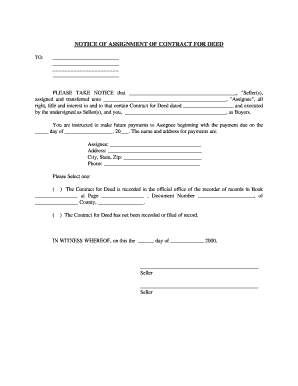
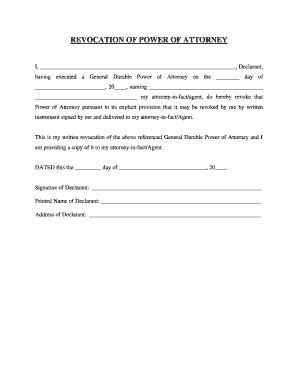
01. Edit your form online
Type text, add images, blackout confidential details, add comments, highlights and more.

Type text, add images, blackout confidential details, add comments, highlights and more.

Draw your signature, type it, upload its image, or use your mobile device as a signature pad.

Send it via email, link, or fax. You can also download it, export it or print it out.
The term "form online" refers to digital versions of traditional paper forms that are accessible and fillable through electronic devices such as computers, tablets, and smartphones. This shift to digital facilitates a more streamlined and efficient process for collecting information, allowing users to submit necessary details electronically without the need for hard copies. This digital transformation leverages web-based technologies to simplify interactions between individuals and organizations, reducing processing times and enhancing accuracy by minimizing manual errors associated with paper-based entries.
Using a form online typically involves accessing the form through a web platform that hosts various document types, such as application forms, surveys, or data collection sheets. Users can navigate through the form by filling in the required fields, which may include text boxes, checkboxes, dropdown menus, and signature fields. Once completed, the form can be submitted electronically, ensuring immediate delivery to the intended recipient. Utilizing an online form often includes features such as auto-saving, user-friendly interfaces, and real-time editing capabilities, enhancing the overall efficiency of the data submission process.
Filling out forms online provides numerous advantages, such as convenience and speed. It allows users to complete necessary documentation from any location, provided there is internet access, thus saving time and resources associated with mailing or delivering paper forms. Online forms also enhance accuracy through built-in validation checks and reduce the potential for lost or misfiled documents. Additionally, environmental benefits arise from the reduction in paper usage, contributing to eco-friendly practices.
Online forms often incorporate legally binding electronic signatures, which streamline approval processes and ensure the authenticity of submitted documents. These signatures comply with regulations, such as the ESIGN Act in the United States, making them valid equivalents to traditional handwritten signatures. By capturing signatures digitally, users can save time and expedite transactions without mundane paperwork. The platforms typically offer multiple ways to create a signature, such as drawing it with a mouse, typing it with font selection, or uploading an image, thereby providing flexibility and enhancing user experience.
The crucial components of an online form include identifiable fields for input, such as personal data, checkboxes for options, dropdown menus for selections, and fields to upload required documents. Additionally, forms may feature logic-dependent sections, where visibility adjusts based on previous responses, thereby guiding users through a precise flow. Robust forms include integrated validation checks to ensure the completion of mandatory fields and to prompt for corrections in cases of invalid entries. Intuitive navigation and clear instructions further facilitate user engagement, ensuring that the form's objectives are met efficiently.
Various demographics utilize online forms, including individuals applying for services or benefits, businesses submitting permits or tax documentation, educational institutions collecting data from students or applicants, and organizations conducting surveys. Each group benefits from the efficiency, speed, and accuracy that online forms offer. For instance, job seekers may fill out online employment applications, while healthcare providers might use them to gather patient information. By catering to diverse uses, online forms simplify processes across multiple sectors and industries.

Online forms are designed to be compatible with various software solutions that facilitate processing and management tasks. For instance, tax-related forms can integrate with applications like TurboTax or QuickBooks, allowing users to import data directly for streamlined tax preparation. These integrations reduce the need for manual data entry, minimizing errors and expediting workflows. Platforms can connect with cloud storage services such as Google Drive or Dropbox to sync files automatically, ensuring that all team members access the most recent versions of documents.
Forms often come with different variants or older versions, particularly when regulations change or when forms are updated to improve their usability. It's crucial to utilize the most current version of a form to ensure compliance with existing guidelines and requirements. Some platforms allow users to access historical versions for reference or comparison, making it easier to track revisions and understand updates. Keeping informed about these variations helps prevent submission errors and ensures that the information submitted aligns with current standards.
Certain forms may be subject to state-specific rules or variations, reflecting regional requirements or legal distinctions. Understanding these differences is essential, as they dictate the information that must be submitted and the way forms should be completed. For example, tax forms or licensing applications often vary based on state laws. Utilizing state-specific guidelines, users can accurately complete forms, ensuring compliance with legal requirements. Online platforms may provide resources or help centers to guide users through state-specific regulations efficiently.
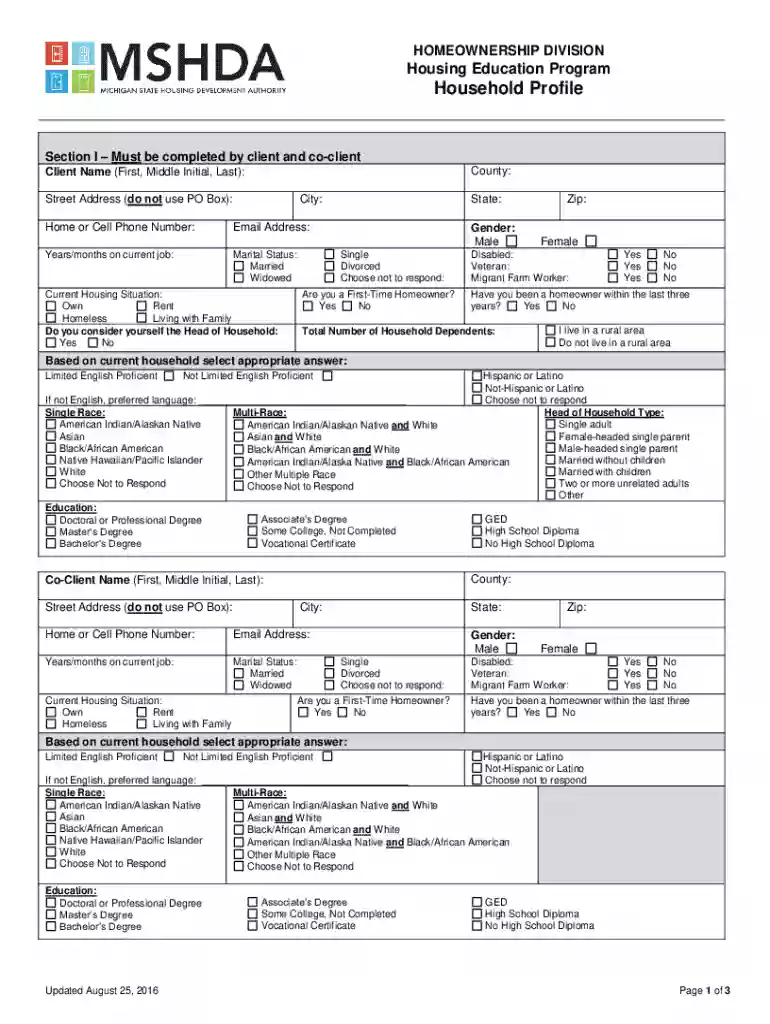
We've got more versions of the MSHDA Housing Education Program Household Profile form. Select the right MSHDA Housing Education Program Household Profile version from the list and start editing it straight away!
At DocHub, your data security is our priority. We follow HIPAA, SOC2, GDPR, and other standards, so you can work on your documents with confidence.