




01. Edit your form online
Type text, add images, blackout confidential details, add comments, highlights and more.

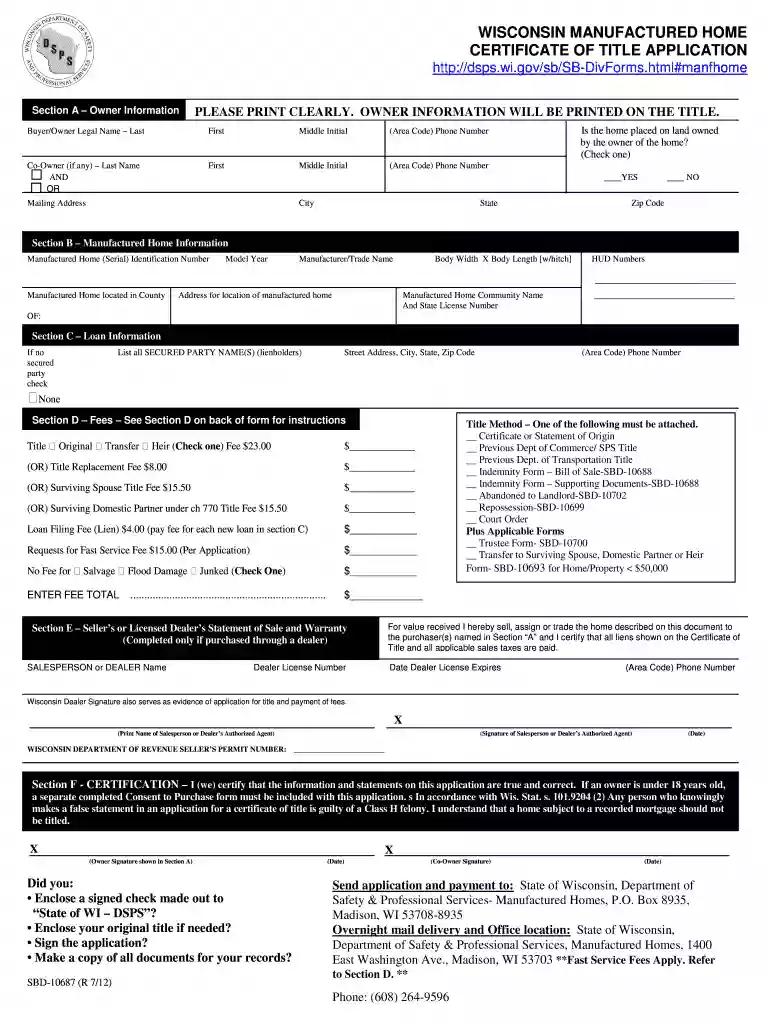
Type text, add images, blackout confidential details, add comments, highlights and more.

Draw your signature, type it, upload its image, or use your mobile device as a signature pad.

Send it via email, link, or fax. You can also download it, export it or print it out.

Start using our platform today for free to streamline your document editing and form completion!
We've got more versions of the sbd 10687 2011 form form. Select the right sbd 10687 2011 form version from the list and start editing it straight away!
Yes, you can utilize DocHub for signing any business and personal documentation, including your sbd 10687 2011 form. All electronic signatures you generate with our tool are legally binding and court-admissible, as DocHub complies with criteria required by ESIGN and UETA. Save your completed paperwork with a detailed Audit Trail if necessary.
If you need to edit your sbd 10687 2011 form online quickly, it does not matter what browser you employ. DocHub’s straightforward editing tools are accessible using any internet browser. Just open the appropriate tab within our editor, add your document, and fill it out without stress.
At DocHub, your data security is our priority. We follow HIPAA, SOC2, GDPR, and other standards, so you can work on your documents with confidence.
The objective of this research was to evaluate the current DOTD coarse aggregate friction rating table and provide recommendations for the frictional mix designRead more
The original or a copy of all manufactured home purchase contracts, purchase orders and invoices. The records shall also include a copy of form SBD-10687 asRead more


