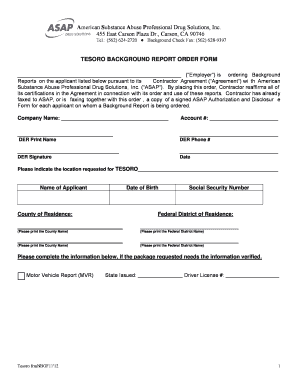
Definition & Overview of Online Forms
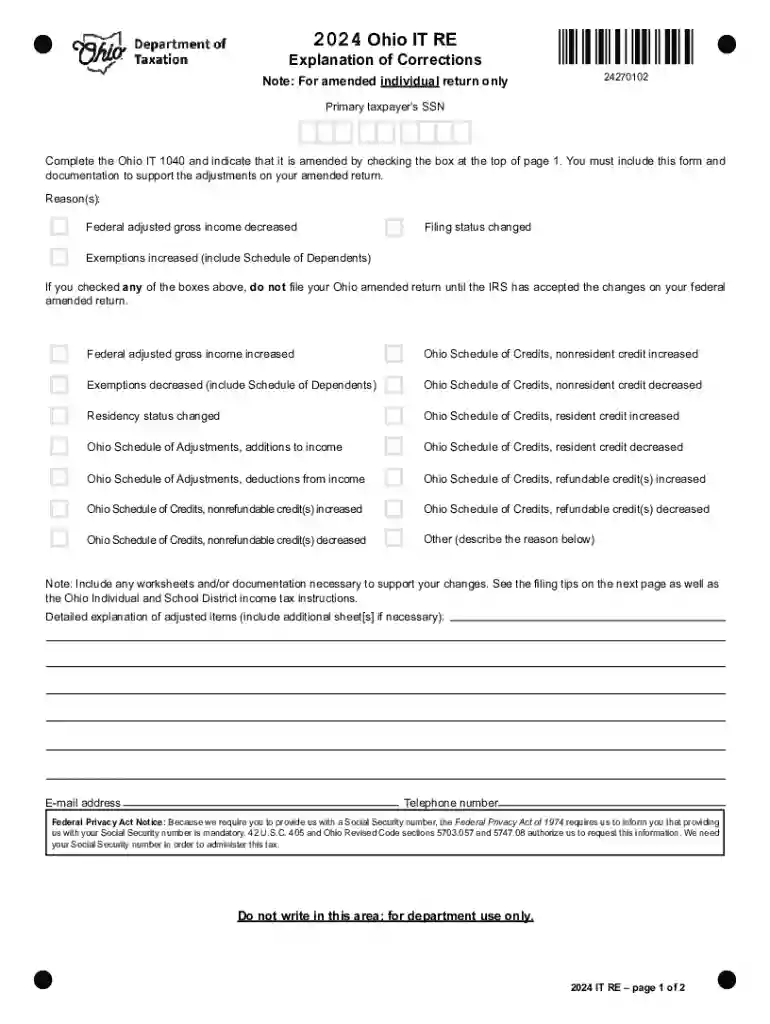
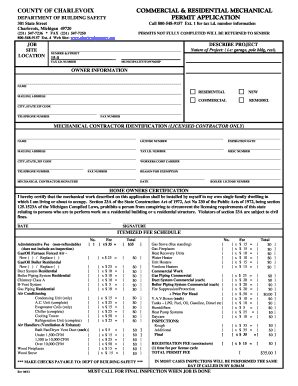
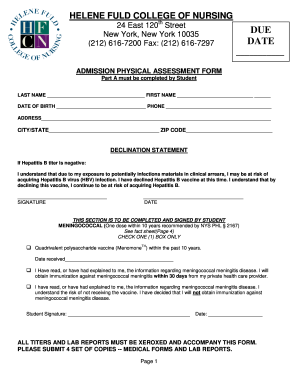
Online forms are digital documents designed for data collection and submission over the internet. They are used for a variety of purposes, from tax filings and applications to surveys and feedback forms. Typically, online forms eliminate the need for paper submissions, making them a convenient and eco-friendly alternative. This digital transformation provides users with an efficient means to input, submit, and process essential information securely and quickly.
Key Characteristics
- Accessibility: Online forms can be accessed from any internet-enabled device, offering flexibility to users.
- Security: Enhanced security features, such as encryption, protect user data during submission.
- Versatility: Supporting various fields (text, dropdown, signature), they cater to diverse data collection needs.
How to Use Forms Online
Utilizing online forms involves a series of straightforward steps to ensure accurate completion and submission. Understanding this process can significantly streamline your experience and minimize the potential for errors.
Step-by-Step Process
- Access the Form: Visit the provider's website to locate the form you need.
- Read Instructions: Carefully review any guidelines or instructions provided for accurate completion.
- Fill Out the Form:
- Enter details in each required field; use dropdowns or checkboxes as necessary.
- Attach any supporting documents if the form allows.
- Review Your Entries: Double-check all information to ensure its accuracy.
- Submit the Form: Follow submission instructions, which may include clicking a submit button or downloading the completed form for email submission.
Practical Tips
- Double-check spelling and numerical accuracy to avoid data mismatches.
- Take note of any confirmation messages or emails post-submission for your records.
Steps to Complete the Form Online
Completing an online form efficiently requires attention to detail and adherence to specific guidelines. This section outlines the process to help you tackle any form-related task seamlessly.
Filling and Editing
- Input Required Data: Ensure all mandatory fields are filled to avoid submission errors.
- Use Auto-Fill Features: If available, auto-fill can save time by populating common fields using stored data.
- Edit as Needed: Review and adjust entries in real-time, utilizing form-specific tools like text boxes and annotation options.
Submission Guidelines
- Check Submission Protocols: Some forms require direct submission, while others may be downloaded and sent via email.
- Confirmation Receipts: Ensure you receive and store confirmation receipts or emails as proof of submission.
Who Typically Uses Forms Online
The accessibility and versatility of online forms make them beneficial for a wide range of users. Understanding who uses these forms can highlight their applicability across various sectors.
Primary User Groups
- Individuals: For personal activities like filing taxes, applying for permits, or submitting personal information for services.
- Businesses: Corporates use online forms for registrations, compliance filings, HR processes, and customer feedback.
- Educational Institutions: For applications, scholarship submissions, and feedback from students and faculty.
- Government Agencies: Use forms for service applications, public feedback, and informational surveys.
Benefits of Digital Use
- Offers resource efficiency by reducing paperwork and physical storage needs.
- Provides real-time analytics and faster response rates from recipients.
Important Terms Related to Forms Online
Understanding the terminology associated with online forms is crucial for effective engagement and navigation. Here are some important terms and their meanings.
Key Terms
- Encryption: The process of encoding information to protect it from unauthorized access during transmission.
- Captcha: A tool used to differentiate between human users and bots, enhancing form security.
- Digital Signature: A secure, electronic signature used to verify the authenticity of digital documents.
Application of Terms
- Encryption ensures that all data submitted through online forms is secure and private.
- Captchas prevent automated form submissions, ensuring data integrity.
Legal Use of Forms Online
Online forms have been adapted to comply with legal standards, ensuring that digital submissions hold the same weight as paper documents.
Compliance and Regulation
- ESIGN Act: The Electronic Signatures in Global and National Commerce Act grants electronic documents and signatures the same legal status as traditional paper documents.
- Data Protection Laws: Regulations like GDPR (General Data Protection Regulation) and CCPA (California Consumer Privacy Act) govern the handling of personal information in online forms.
Importance of Compliance
- Protects user data and builds trust with form providers.
- Ensures the legality and enforceability of submitted digital documents.
Required Documents for Form Online
When completing an online form, knowing the necessary documents to prepare in advance can save time and ensure a smooth submission process.
Commonly Required Documents
- Identity Verification: Scanned copies of ID cards or passports.
- Financial Records: Bank statements or pay stubs for income verification.
- Supporting Documentation: Any additional documents requested, relevant to the form's purpose.
Preparation Tips
- Prior to starting the form, gather all required documents in a digital format.
- Use standard file formats like PDF or JPEG to ensure compatibility during upload.
Form Submission Methods
Online forms offer multiple avenues for submission, providing flexibility depending on the individual's or organization's needs.
Available Methods
- Direct Upload: Submitting the form directly through the website’s portal.
- Email Submission: Downloading the completed form and sending it via email if required.
- Cloud Integration: Utilizing cloud services like Google Drive or Dropbox for submission and storage.
Choosing the Best Method
- Consider the form's security requirements and the urgency of the submission when deciding the submission method.
- Ensure the chosen method provides confirmation of receipt to prevent any miscommunication.