Definition and Meaning of Form Online
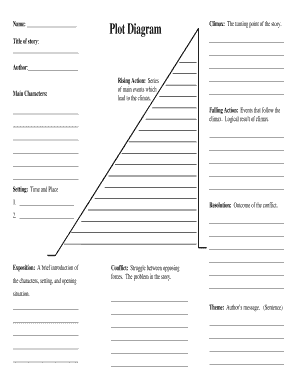
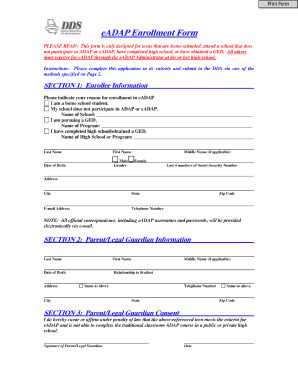
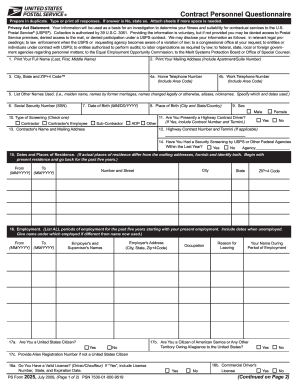
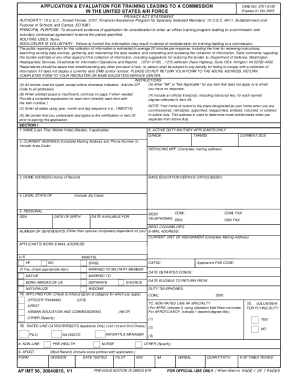
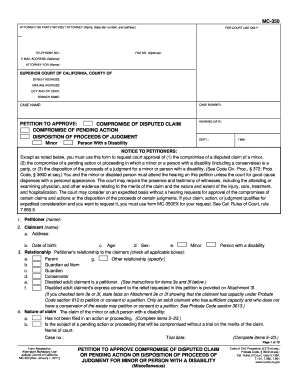
A form online refers to any digital template or document that users can access, fill out, and submit through the internet. This encompasses a wide variety of forms, such as applications, surveys, or tax documents, designed to collect information efficiently. These forms offer flexibility as they can be easily accessed through web browsers on different devices, eliminating the need for physical paperwork. By converting traditional paper forms into online formats, users benefit from faster processing times, easy access to their submitted data, and integration with other software tools for data analysis and management.
How to Use the Form Online
To use a form online, begin by accessing it through a web browser on your computer or smartphone. Typically, these forms are hosted on websites or platforms like DocHub, which allows for seamless online editing and completion. Users must:
- Navigate to the form hosting platform or receive a direct link to the form.
- Open the form in the browser or compatible application.
- Follow the form instructions and fill in the necessary fields, such as text boxes or signature areas.
- Review the completed form to ensure accuracy before submission.
- Submit the form by following the platform's submission procedure, often involving a 'submit' button or an email submission.
The entire process is streamlined, ensuring users can efficiently provide required information without unnecessary delays.
Steps to Complete the Form Online
- Access the Form: Open the link to the online form or navigate to the relevant website hosting it.
- Review Instructions: Before filling out the form, carefully read any instructions or guidelines provided to avoid mistakes.
- Input Personal Information: Enter your details in the specified fields. Online forms often use dropdowns, checkboxes, and text fields for data entry.
- Attach Necessary Documents: If required, upload any supporting documents.
- Sign the Form: For forms needing signatures, use the platform's electronic signature feature, which may involve drawing or typing your signature.
- Final Review: Double-check all entries to ensure accurate information is provided.
- Submit the Form: Finalize and submit the form online by clicking the appropriate button or following submission instructions.
Key Elements of the Form Online
Online forms comprise various elements designed to collect comprehensive data:
- Text Fields: Allow users to enter custom information such as names and addresses.
- Dropdown Menus: Provide pre-defined options to choose from for standardized responses.
- Checkboxes: Enable users to select multiple options from a list.
- Radio Buttons: Restrict selections to one choice within a set.
- File Upload Fields: Facilitate uploading of necessary documents.
- Signature Areas: Capture electronic signatures for validation and approval.
Each element collectively ensures the form collects all essential information while guiding the user through a structured input process.
Legal Use of the Form Online
The digital nature of online forms requires adherence to specific legal protocols, especially when handling sensitive or legally binding data. For instance, electronic signatures recorded on platforms like DocHub comply with the ESIGN Act, ensuring they are legally binding. Forms that capture personal data must also follow privacy laws such as the GDPR or CCPA, safeguarding users' information. It's crucial for users to ensure the platform used provides a secure and compliant environment, thus making the online form legally valid.
Important Terms Related to Form Online
Understanding specific terminology is vital for effectively using online forms:
- Electronic Signature: A legally recognized digital form of a handwritten signature.
- SSL Encryption: A security protocol to protect data transfer between a user and the online form platform.
- Form Fields Manager: A tool for creating interactive fields within online forms.
- OAuth 2.0: A secure authentication framework to protect user accounts.
- Audit Trail: A record-keeping feature that tracks edits and submissions to maintain accountability.
These terms underpin the secure and efficient operation of online forms and are critical to understanding their functionality.
Examples of Using the Form Online
Online forms are versatile tools utilized across various scenarios:
- Tax Filing: Completing and submitting tax-related forms like a W-9 or Form 1040.
- Job Applications: Filling out employment applications and attaching resumes.
- Customer Surveys: Collecting feedback from consumers through structured questionnaires.
- Service Enrollment: Registering for services or subscriptions with necessary user information.
- Event Registration: Gathering participant details for events or conferences.
These examples highlight the utility and broad applicability of online forms in different domains.
Digital vs. Paper Version
Online forms present several advantages over their paper counterparts:
- Efficiency: Online forms reduce processing time by eliminating the need for physical mail.
- Accuracy: Fields can include validation checks that prevent incorrect entries.
- Accessibility: Users can fill out digital forms from anywhere at any time, providing convenience.
- Environmentally Friendly: The reduction in paper usage promotes sustainability.
- Data Integration: Digital forms allow seamless integration with data analysis tools and databases.
These benefits make online forms a preferred choice for many organizations seeking efficient data collection mechanisms.