




01. Edit your form online
Type text, add images, blackout confidential details, add comments, highlights and more.

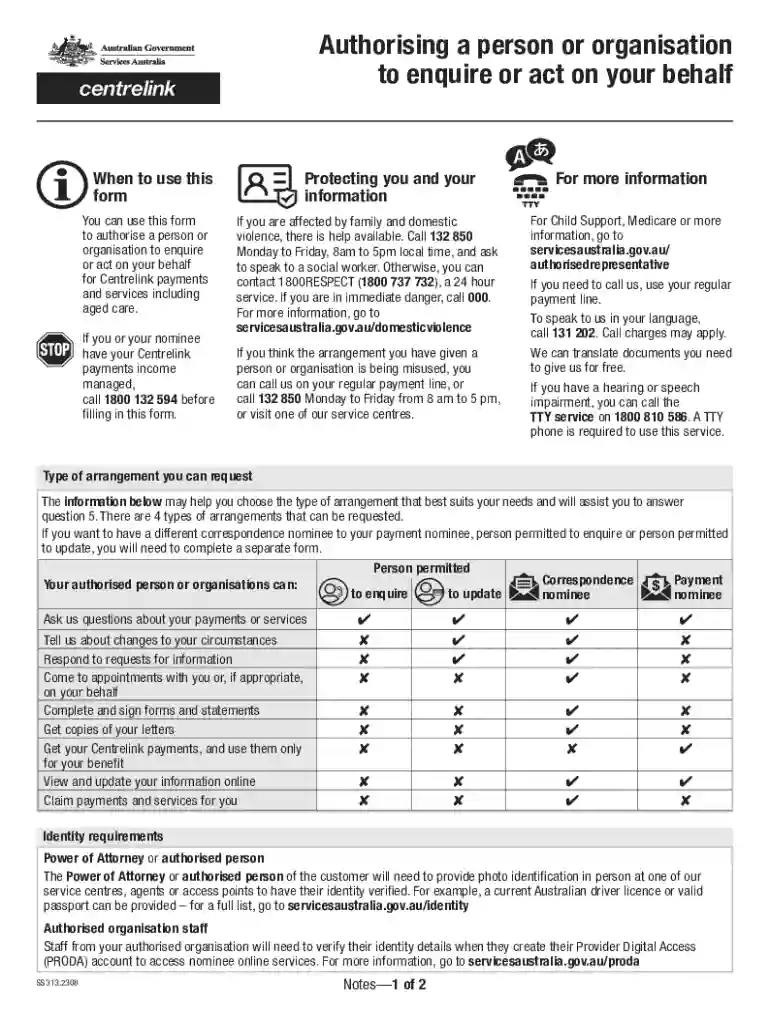
Type text, add images, blackout confidential details, add comments, highlights and more.

Draw your signature, type it, upload its image, or use your mobile device as a signature pad.

Send it via email, link, or fax. You can also download it, export it or print it out.
The term "form online" refers to the digital version of forms that can be accessed, completed, and submitted over the internet. This modern approach to form management has revolutionized the way individuals and organizations handle documentation, offering a more efficient and accessible method compared to traditional paper forms. The advent of online forms has facilitated processes across various sectors, including business, legal, education, and government services, by enabling convenient data collection and streamlined communication. Their usage is adaptable to different contexts, ranging from simple feedback forms to complex tax filings.
Utilizing forms online requires familiarity with digital interfaces and the specific requirements of the form in question. Start by accessing the form through a designated platform or website, often available via a direct link or a section on the organization's homepage. Ensuring you have a stable internet connection is crucial for uninterrupted access. When filling out the form, follow all guidelines and instructions meticulously to avoid errors. Many online forms include built-in validations that prompt users to correct mistakes, making the process relatively foolproof. After completion, review all entries carefully before submission, as errors could lead to processing delays or rejections.
Accessing forms online is typically straightforward, with most organizations providing downloadable or web-based forms on their official websites. These can often be found under sections like "Forms," "Resources," or "Documents." Some forms may require user authentication or specific permissions for access, especially if they contain sensitive or proprietary information. In such cases, creating an account or logging into an existing account might be necessary. Certain platforms like DocHub extend these functionalities by offering tools for not just downloading but also editing, signing, and managing forms directly within the platform, enhancing efficiency for users.
Opting for online forms offers several advantages. They provide a scalable solution for collecting data, as they can accommodate a large number of submissions with ease. Additionally, online forms are accessible from anywhere, anytime, which is particularly beneficial for users in different geographical locations or those needing to complete forms outside business hours. The digital format also reduces the need for physical storage space and resources involved in printing and distributing paper forms. Furthermore, real-time data validation in online forms reduces errors, leading to more accurate and reliable data collection.
A wide array of individuals and organizations employ online forms in their daily operations. Businesses use them for client feedback, order processing, and employee onboarding, among other administrative tasks. Educational institutions require students and staff to complete enrollment or evaluation forms online. Legal and governmental bodies might use them for permit applications, licensing, and tax submissions. Non-profit organizations also utilize online forms for donation registrations and volunteer sign-ups. Essentially, any entity looking to streamline data collection and management processes can benefit from online forms.
Successful online forms are characterized by clear, user-friendly interfaces and precise instructions. Essential components typically include:
Online forms are legally recognized across various industries in the United States, particularly when compliance with privacy and security standards like the ESIGN Act is ensured. This act grants electronic signatures the same legal standing as traditional signatures, thereby validating forms completed and signed online. Businesses, legal professionals, and governmental agencies can leverage online forms to legally bind agreements, fill out compliance reports, and manage contractual relationships. Users must ensure that any online form they employ complies with relevant federal and state regulations to maintain its legal integrity.
Online forms often need to integrate seamlessly with various software applications to maximize their utility. Tools like DocHub enhance the experience by supporting document formats such as PDF, DOC, and XLS, and work compatibly with office applications like Microsoft Office and Google Workspace. This compatibility ensures that users can easily move between form management, data analysis, and document editing without facing software barriers. By utilizing compatible systems, organizations can smoothly incorporate online forms into their existing workflows, enhancing productivity and operational efficiency.
We've got more versions of the Authorised Representative Form form. Select the right Authorised Representative Form version from the list and start editing it straight away!
At DocHub, your data security is our priority. We follow HIPAA, SOC2, GDPR, and other standards, so you can work on your documents with confidence.
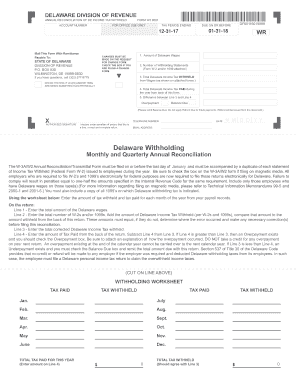


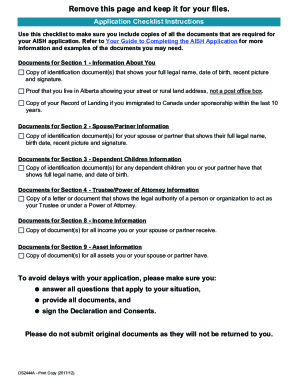
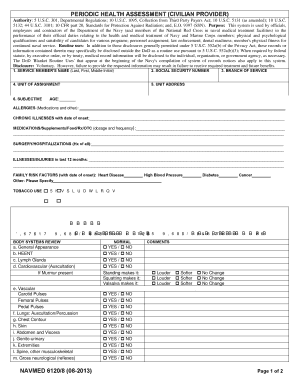

Oct 7, 2025 A QVI Authorized Representative (QAR) is a designated representative of a Qualified vLEI Issuer (QVI) who is specifically authorized to conductRead more
You can submit this form if you would like to designate an authorized representative to act on your behalf. If an authorized representative signed yourRead more


