Definition and Meaning of Form Online
"Form online" refers to the ability to complete, submit, and manage forms digitally using the internet. This process eliminates the need for physical paperwork, providing a more efficient and accessible way for users to interact with various document types. In the context of platforms like DocHub, using forms online allows for seamless integration with existing digital workflows and enhances document management through advanced features like real-time collaboration and electronic signatures. This digital transformation of forms is particularly beneficial for individuals and businesses seeking flexibility and convenience.
How to Use the Form Online
To effectively use forms online, especially through a service like DocHub, follow these steps:
- Choose the Form Type: Identify and select the specific form you need to work on from your repository or import it from cloud storage services.
- Customize the Form: Using DocHub’s editing tools, add necessary fields such as text boxes, checkboxes, and signature fields to tailor the form to your needs.
- Input Information: Fill out the required fields with the necessary information. This can often be done collaboratively if multiple users need to contribute data.
- Review and Amend: Examine the entire form for accuracy. You can make as many changes as needed before finalizing.
- Save and Export: Once satisfied, save your changes and export the form to your preferred destination, including your computer or a cloud storage service like Google Drive.
How to Obtain the Form Online
Obtaining a form online is streamlined with platforms like DocHub offering direct access through:
- Online Portals: Visit the website where the form is hosted and download it directly.
- Cloud Integration: Import documents from linked cloud services like Google Drive, Dropbox, or OneDrive.
- Email Attachments: Open forms sent via email directly in DocHub for immediate editing or filling.
- Create from Scratch: If the exact form is unavailable, leverage DocHub’s tools to create a new form using a blank template and adding necessary elements.
Steps to Complete the Form Online
Completing a form online involves:
- Open the Form: Access the form in a supported format such as PDF, DOC, or XLS.
- Fill in Details: Use digital fields to enter text, numbers, or any required selections.
- Add Signatures: Apply electronic signatures using tools that comply with legal standards.
- Attach Additional Documents: Include any necessary supporting documents by uploading them into the main form.
- Submit the Form: Once finalized, submit the form online through the hosting portal or email to relevant parties.
Benefits of Using Form Online
Using forms online provides numerous advantages:
- Efficiency: Saves time by reducing the need for manual paperwork and allowing rapid information input and retrieval.
- Access Anywhere: Enables users to access and complete forms from any location, provided they have internet connectivity.
- Enhanced Collaboration: Facilitates teamwork by allowing multiple contributors to work on a form simultaneously.
- Cost Reduction: Decreases the expenses associated with printing, storing, and mailing physical documents.
- Environmentally Friendly: Lowers paper usage and waste, contributing to sustainability efforts.
Important Terms Related to Form Online
Understanding key terms aids in navigating online forms:
- Electronic Signature: A form of digital mark used to signify agreement; legally recognized equivalent to a handwritten signature.
- Fillable Field: An interactive element within a form where users input data.
- Cloud Storage: Online service that provides storage of documents, ensuring accessibility and backup.
- Authentication: A security process to verify the identity of users accessing the form.
- Real-Time Collaboration: A feature allowing multiple users to edit a form simultaneously, with changes visible instantly to all participants.
Legal Use of Form Online
Forms completed online can be legally binding, provided they meet certain criteria:
- Compliance: Forms must adhere to relevant laws such as the ESIGN Act which governs the use of electronic signatures in the U.S.
- Security: Proper encryption methods like SSL are necessary to protect data integrity.
- Verification: Authentication processes must confirm user identities to prevent unauthorized access.
- Audit Trails: Maintaining a record of who accessed or modified the form enhances transparency and accountability.
Examples of Using Form Online
Various scenarios demonstrate the utility of online forms:
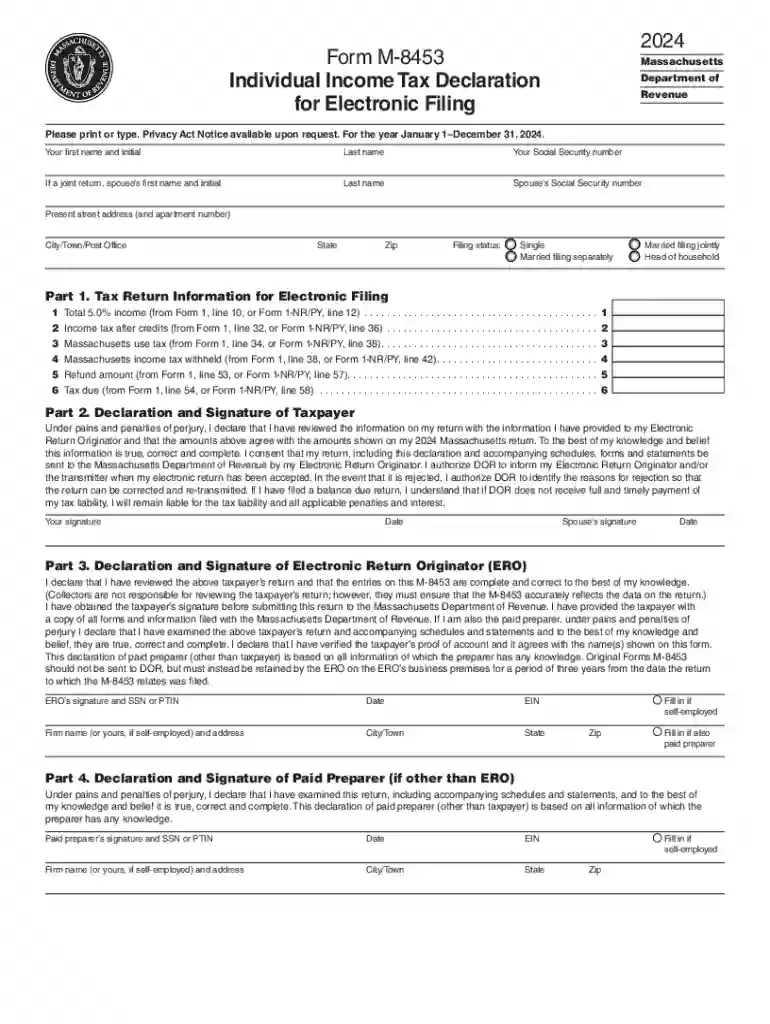
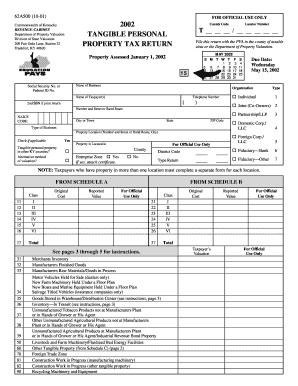
- Tax Returns: Individuals file tax documents like the M-8453 digitally, enabling quicker processing and submission.
- Business Contracts: Companies execute agreements with partners electronically, allowing for efficient negotiation and validation.
- Educational Registrations: Institutions utilize online forms for student enrollments, simplifying the admission process.
- Healthcare Data: Medical forms can be submitted online, ensuring patient information is accurately captured and securely stored.
- Job Applications: Employers streamline recruitment by receiving applications and resumes digitally through online platforms.