




01. Edit your form online
Type text, add images, blackout confidential details, add comments, highlights and more.

Type text, add images, blackout confidential details, add comments, highlights and more.

Draw your signature, type it, upload its image, or use your mobile device as a signature pad.

Send it via email, link, or fax. You can also download it, export it or print it out.
The term "form online" refers to digital versions of official documents and applications that can be completed, submitted, and managed through the internet. These forms are integral to countless business processes, legal transactions, and personal applications, allowing users to interact with government agencies, companies, and organizations in a streamlined manner. Online forms encompass anything from tax documents to job applications and require users to input essential information in a structured format. This digital approach reduces the need for paper, speeds up processing, and ensures ease of access.
Using an online form involves several straightforward steps, enhancing accessibility and accuracy. First, users must ensure that their internet connection is stable, as interruptions can lead to incomplete submissions. Start by accessing the platform or website hosting the form. This could be a government portal, company website, or a dedicated document management service like DocHub. Once opened, review the instructions carefully. These instructions typically detail how to complete each section. Users input information into designated fields, similar to filling out a paper document. Some platforms might allow users to save their progress, making it easier to return to and complete the form later. It’s essential to review the entered data for accuracy before submitting. Finally, keep a record of the submitted form, either by saving a digital copy or printing it out, which can be valuable for future reference.
Completing a form online involves a series of deliberate actions to ensure the submission’s accuracy and completeness. First, gather all required documents and information before starting. This might include identification, financial records, or previous correspondence, depending on the form's nature. Open the form and navigate through it by filling out the requested fields like name, address, contact information, and specific details relevant to the form's purpose. Use dropdown menus, checkboxes, and date selections as instructed. If additional documents need attaching, utilize the dedicated upload feature to add them securely. Before hitting the submit button, preview the completed form to catch any mistakes or omissions. This step is crucial because errors can delay processing or necessitate resubmission. Once satisfied with the content, finalize the submission by following the platform’s protocol, which typically involves clicking a submit button and sometimes confirming via email.
Opting for online forms offers myriad advantages, notably in convenience and efficiency. When a process is conducted online, it transcends geographical boundaries, enabling users to complete and submit important forms from any location with internet access. This flexibility is invaluable for individuals with mobility issues or those residing in remote areas. Moreover, online forms often come with built-in validation features that guide users in providing correct information, reducing chances for submission errors. They also support a faster turnaround time compared to paper forms, as digital submissions are processed more swiftly, frequently directly integrated into the recipient’s database system without requiring manual entry. Additionally, electronic submission aligns with environmental sustainability goals by minimizing reliance on paper and reducing waste.
The demographic for online form use is vast, encompassing a wide array of individuals and entities. Professionals and businesses frequently use online forms for applications, payroll submissions, and accounting processes. Individuals rely on them for a plethora of personal tasks, such as applying for loans, signing up for services, or submitting tax declarations. Educational institutions use these forms for admissions, student evaluations, and accessing academic services. Government agencies provide online forms for public services, ranging from voter registrations to permit applications. Across the board, users appreciate the convenience and enhanced agency that online forms afford, facilitating interactions that once required time-consuming, in-person visits or postal mailings.


Online forms are built upon several fundamental elements designed to collect and manage data effectively. These include input fields, where users enter text or select options from predefined lists. Dropdown menus offer controlled choices, reducing user error by preventing entry variations. Checkboxes and radio buttons allow for selection of single or multiple options, guiding users to provide specific information as required. Upload features enable users to attach additional documents, images, or supporting data. Many platforms incorporate instruction guides, which offer clarifications on complex sections, and form validations, which ensure required fields are filled out properly before submission. The presence of a clear submit button marks the final step, signaling the completion and readiness of the form data for processing.
The legal use of forms online is governed by regulatory standards that ensure data integrity and user privacy. Organizations offering online forms must comply with data protection laws like the Children’s Online Privacy Protection Act (COPPA) and, in some cases, the Health Insurance Portability and Accountability Act (HIPAA), depending on the type of data collected. These regulations mandate practices like encryption, data encryption, and clear privacy policies. Legally binding agreements, such as contracts or waivers, often require electronic signatures, which are recognized under the ESIGN Act, confirming that digital signatures carry the same legal weight as handwritten ones. Such compliance guarantees the legal validity of transactions and submissions conducted via online forms.
The method of submitting forms can vary based on preference, convenience, and requirements. Online submissions are the fastest, allowing immediate processing and confirmation, often with an acknowledgment email or reference number for tracking purposes. However, some forms or agencies still offer mail submission for individuals who prefer or require a paper trail. This method involves printing the completed form and mailing it to the specified address, typically requiring additional time for delivery and processing. In some cases, especially with government-related transactions, in-person submissions might still be necessary. This method involves visiting an office, providing an opportunity for direct assistance and inquiry resolution. Each method has distinct advantages, and the choice depends on the individual's specific circumstances and preferences.
Certain online forms are designed to integrate seamlessly with software applications like TurboTax or QuickBooks, facilitating smoother transitions for data handling and accounting processes. Such compatibility ensures that financial data entered into the forms can directly feed into taxpayers' software, reducing manual entry errors and expediting tax preparation or financial planning. These integrations are particularly beneficial for businesses and self-employed individuals who use accounting software extensively, enabling them to keep accurate records with minimal effort. Additionally, compatible platforms might offer plugins or tools that allow users to customize their experience, adapting the form's interface to better align with their software preferences.
Real-world examples illustrate how online forms are transforming various processes. For instance, during job applications, candidates use online forms to apply to multiple positions concurrently, attaching resumes and cover letters with a few clicks. In educational settings, students use online forms to register for courses, apply for scholarships, and submit assignments. In healthcare, patients may fill out medical history forms prior to appointments via practice websites. Companies use online forms for internal processes such as performance reviews, equipment requests, and employee feedback. These examples underscore the versatility and efficiency improvements enabled by transitioning to digital forms, enhancing both user experience and operational effectiveness for institutions leveraging this technology.
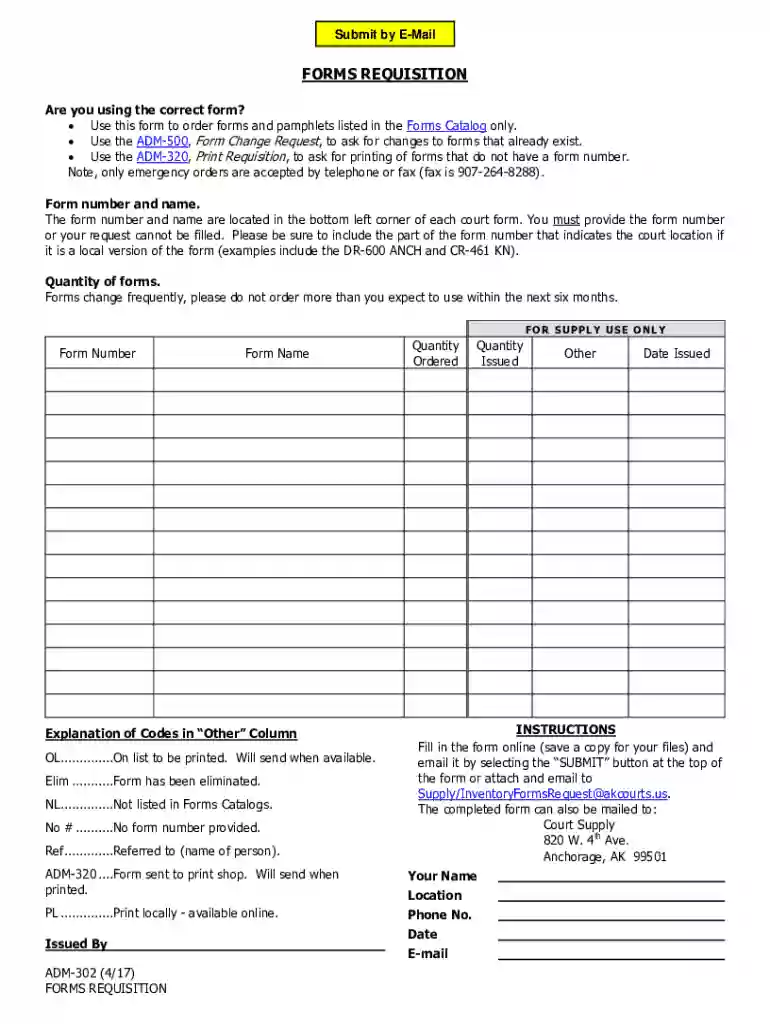
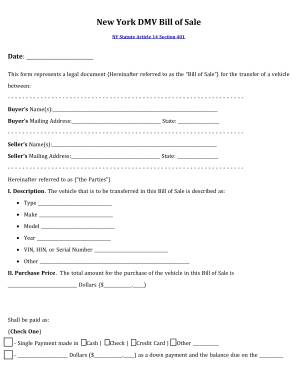
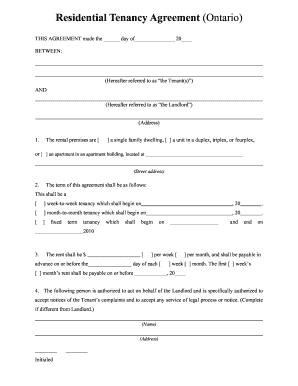
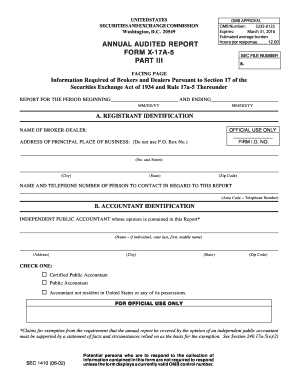
We've got more versions of the Forms Requisition form. Select the right Forms Requisition version from the list and start editing it straight away!
At DocHub, your data security is our priority. We follow HIPAA, SOC2, GDPR, and other standards, so you can work on your documents with confidence.

Purchase Requisition Forms |. Charles Avenue New Orleans, LA 70118 504-865-5000
Enclosed is the revised forms requisition (PR-ENF-197) and a listing of all revised and discontinued forms.


