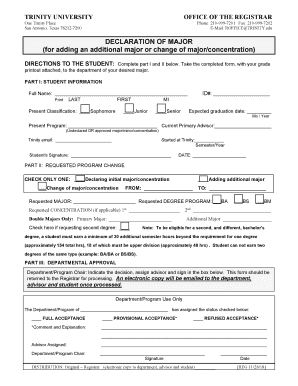
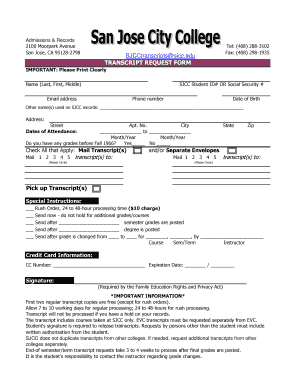
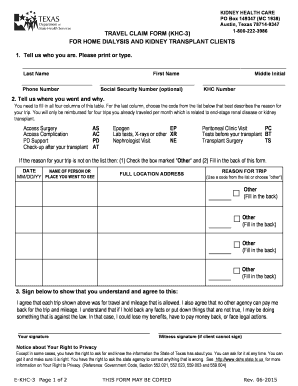
Type text, add images, blackout confidential details, add comments, highlights and more.
02. Sign it in a few clicks
Draw your signature, type it, upload its image, or use your mobile device as a signature pad.
03. Share your form with others
Send id dl via email, link, or fax. You can also download it, export it or print it out.
How to use or fill out dmv inf with our platform
Ease of Setup
DocHub User Ratings on G2
Ease of Use
DocHub User Ratings on G2
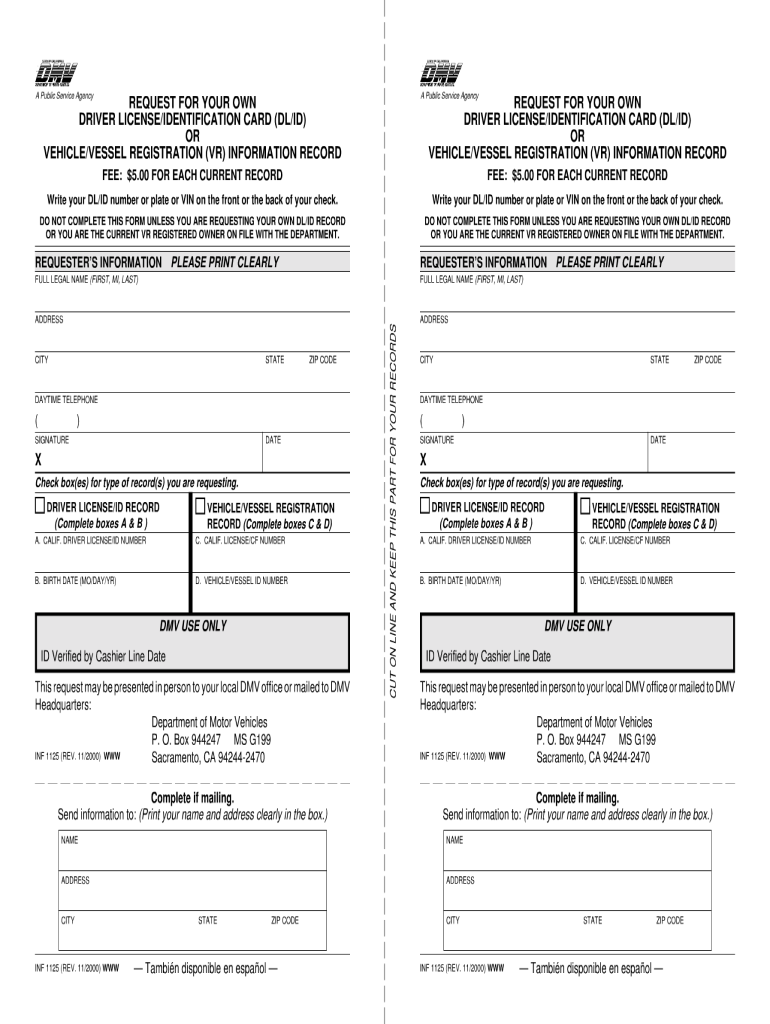
Click ‘Get Form’ to open the dmv inf in the editor.
Begin by entering your full legal name in the 'Requester’s Information' section. Ensure you print clearly for accurate processing.
Fill in your address, including city, state, and zip code. This information is crucial for the DMV to send your records.
Provide your daytime telephone number in the designated field. This allows the DMV to contact you if necessary.
Select the type of record you are requesting by checking the appropriate box: either 'Driver License/ID Record' or 'Vehicle/Vessel Registration Record'.
Complete the relevant boxes based on your selection. For a Driver License/ID Record, fill out boxes A and B; for Vehicle/Vessel Registration, complete boxes C and D.
Sign and date the form at the bottom to validate your request before submitting it either in person or via mail.
Start using our platform today to easily fill out your dmv inf form online for free!
Military Veterans Information - Florida Department of
Motor Vehicle Information Check Anyone who has a Florida driver license or ID card can register their emergency contact information into the system.Read more
INF 1101, Authorization for Release of Driver Record
You may obtain forms at our website at dmv.ca.gov/otherservices, or by calling 916-657-6346. PLEASE RETAIN AT THE EMPLOYERS PRINCIPAL PLACE OF BUSINESS AND.Read more
Cookie consent notice
This site uses cookies to enhance site navigation and personalize your experience.
By using this site you agree to our use of cookies as described in our Privacy Notice.
You can modify your selections by visiting our Cookie and Advertising Notice.